How to Collect Wedding Photos from Guests
Choose a guest photo collection method, test your upload link, plan QR signs and privacy, and download your wedding memories after the celebration.
By Guest Clicks Team · · Updated · 5 min read
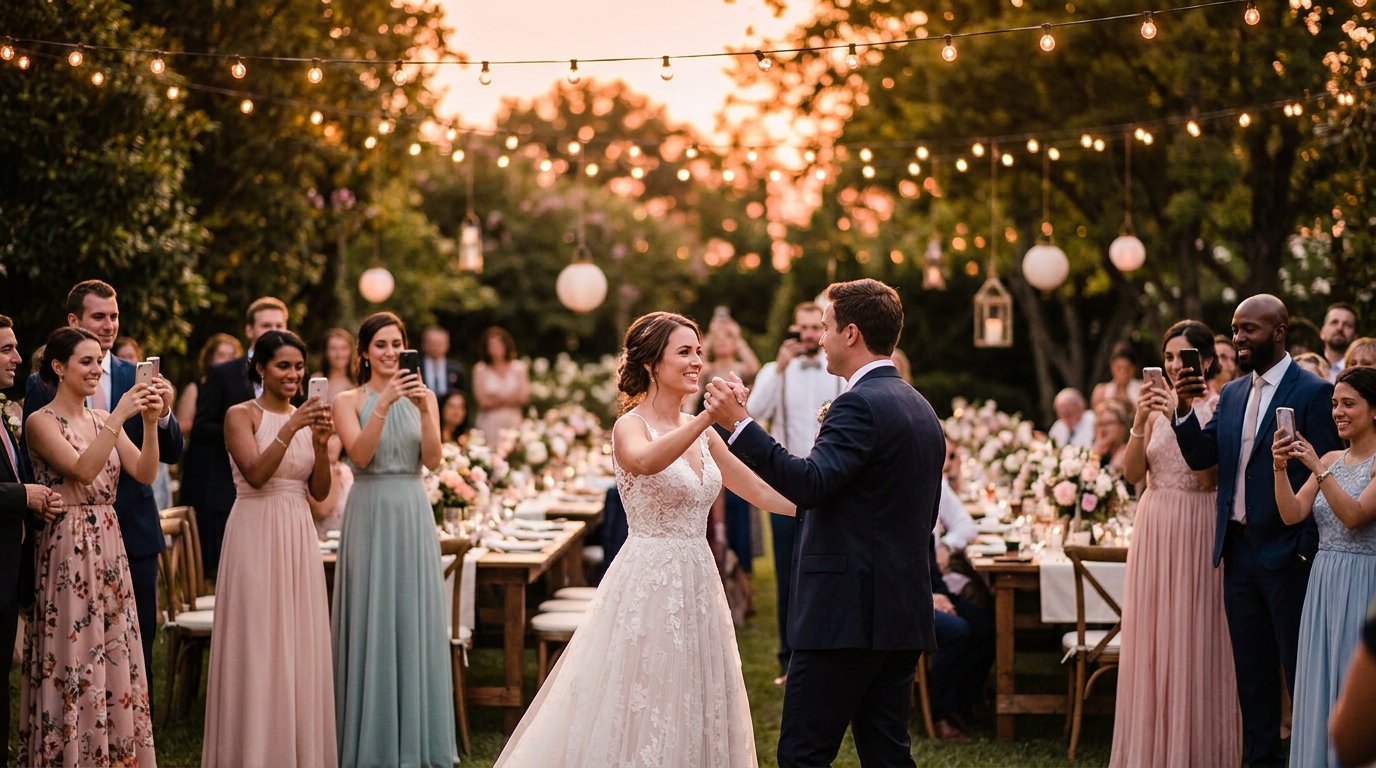
Choose one place for wedding guests to upload photos, share its link before and during the celebration, and send a reminder afterward. A QR code makes the link easy to open at the venue. The important part is that guests understand where their photos will go and can finish an upload without help.
Guest photos complement your photographer's work. They can capture a conversation at a table, the view from the dance floor, or a quiet moment while the couple is elsewhere. They do not replace a photographer's coverage, editing, or delivery agreement.
Choose a collection method your guests can use
| Method | Useful when | Check before choosing |
|---|---|---|
| Browser upload link or QR code | You want guests to contribute from their phones without installing an app. | Guest sign-in requirements, storage limits, moderation, and downloads. |
| Shared cloud album or folder | Your group already uses the same service. | Whether every guest can contribute and whether uploads affect their own storage. |
| A dedicated event app | Guests already use it for the wedding. | The installation and account steps on a new phone. |
| Messages or email | You need a fallback for a few guests. | File compression, attachment limits, and who will save the files. |
| Disposable or instant cameras | You want a physical keepsake or a separate activity. | Film, processing, scans, lighting, and who will collect the cameras or prints. |
A public hashtag can help guests find social posts, but it is a poor choice for the only collection method. Private accounts, missed tags, and platform access can leave gaps. A photo booth is another useful addition; ask the operator how you will receive its files.
Set up and test the complete guest journey
- Create the event and choose the gallery's visibility and approval settings.
- Open its upload link on a phone that is not signed into your organizer account.
- Upload a test photo, then confirm it appears where you expect. If moderation is enabled, approve it first.
- Download that photo and open the saved file. This checks the whole journey, not just the upload button.
- Print one QR sign at the intended size and scan the physical copy. Check it in lighting similar to the venue.
Repeat the guest test on an iPhone and an Android phone if you can. Ask the venue about Wi-Fi and mobile reception. Guests need a connection to upload; if service is weak, ask them to keep their originals and use the same link after they get home.
Make the invitation specific
Place a sign where guests can pause comfortably, such as near the guest book or on reception tables. Include a short written address as well as the QR code. Avoid cluttering the code with decorations or printing it where glare makes it difficult to scan.
We'd love to see the day through your eyes. Scan this code to share the photos you'd like us to keep. Please check with anyone pictured before sharing a sensitive or private moment.
This is suggested wording you can adapt, not a customer quotation. You can make a printable sign with the wedding QR sign generator.
Ask your MC to mention the link briefly, and choose someone who can help guests with questions. Keep participation optional. Some guests will prefer to enjoy the celebration without taking or sharing photos.
Plan for privacy and moderation
Decide who can view the gallery before you invite uploads. If you want to review photos before they appear, turn on the relevant approval setting and assign someone to monitor it. Explain any restrictions on pictures of children or moments the couple would rather keep private.
Do not assume that possession of an event link gives permission to reuse every photo publicly. Ask the contributor and the people pictured before using a photograph in promotion or publishing something sensitive. Check your photographer's agreement before uploading their delivered images.
Finish the collection after the wedding
Send one friendly follow-up with the same link. Guests may have better photos to share after they have time to browse their camera rolls. Review pending uploads, download your collection, and check that the files open. Keep a second copy somewhere separate from the event service.
Record the gallery's end date and any storage limit. In Guest Clicks, the free plan includes up to 100 photos and 200MB of storage. Premium provides 10GB of storage and one year of event access for a one-time $49 payment. Check the pricing page for current plan details; downloadable files and hosted gallery access are different things.
Common questions
Do guests need an app?
Guest Clicks uses a browser upload page. Other services have different requirements, so test the specific link you intend to share.
How many photos should we expect?
There is no dependable number to promise. Guest interest, reception, clear instructions, and the moments people choose to photograph all matter.
What if someone cannot scan the code?
Give them the written link, offer help, or let them send a few files to your designated organizer afterward.
For a practical checklist, see the wedding photo collection checklist. You can also compare Guest Clicks and Google Photos before choosing your collection method.