Wedding QR Code Photo Sharing: Complete Guide for 2026
Discover how wedding QR code photo sharing lets guests instantly upload photos without apps. Get every candid moment from your big day with our complete 2026 guide.
By Guest Clicks Team · · 14 min read
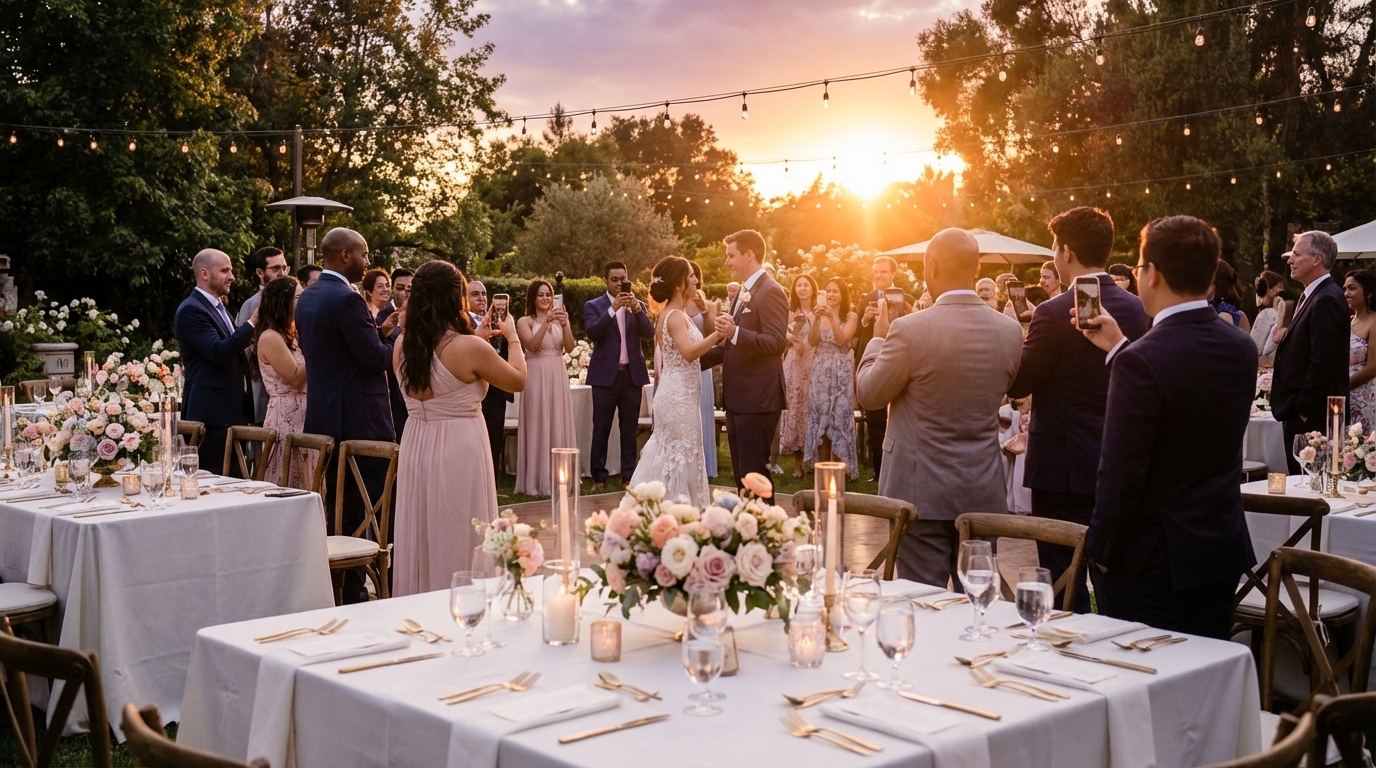
The morning after your wedding, you'll wake up with a mix of emotions—joy, exhaustion, and that lingering question: Did we get photos of everything? While your professional photographer captured the formal moments, there's an entire universe of candid laughter, spontaneous dance moves, and emotional reactions happening simultaneously across your venue. For years, couples have relied on the honor system, hoping guests would eventually text or email those precious smartphone shots. But by the time the honeymoon ends and thank-you cards are written, most of those photos remain trapped on guests' phones, forgotten in the rush of daily life.
This is where QR code wedding photos are revolutionizing how couples preserve their memories in 2026. Instead of chasing down guests for weeks or navigating complicated app downloads, modern QR code technology creates an instant bridge between your guests' cameras and your permanent collection. The result? Hundreds of authentic moments that tell the complete story of your celebration.
Why Traditional Wedding Photo Sharing Methods Fall Short
Let's be honest about the current state of wedding photo sharing. You've likely experienced the post-wedding photo drought yourself as a guest. You take dozens of beautiful shots throughout the evening—the couple's first dance from your table's perspective, your grandmother laughing at a joke during dinner, the flower girl twirling in her dress. You fully intend to send them to the bride and groom. But life gets busy, the photos get buried in your camera roll, and three months later, you still haven't sent that text.
Now multiply that by 150 guests. When couples rely on traditional methods—text threads, email chains, or social media hashtags—they typically receive photos from only 20-30% of their attendees. One couple recently shared their frustration with me: after hosting 150 guests at their outdoor wedding, they received exactly 47 photos via the wedding app they'd carefully selected and paid for. The app required downloads, account creation, and multi-step uploads. Most guests simply gave up before sharing a single image.
The scattered photo problem creates another headache. Your college roommate posted three ceremony shots on Instagram. Your cousin sent two photos via text. Your coworker uploaded an album to Facebook that you can't download in full resolution. These images exist in digital silos, disconnected from the cohesive narrative of your day. Meanwhile, your professional photographer captured the staged moments beautifully, but missed the groom's tearful reaction during his father's toast because they were positioned at the front of the room, not the back where you were sitting.
Studies show that couples using QR code photo sharing receive 8-10 times more guest photos than those relying on traditional sharing methods, with an average of 300-500 images from a 100-person wedding.
The technology gap also creates exclusion. Asking elderly relatives to download apps, create passwords, and navigate unfamiliar interfaces often means their perspective—frequently the most emotionally resonant—never makes it into your collection. One bride told me she discovered incredible candid shots of her grandparents dancing on her aunt's social media six months after the wedding. Photos she never knew existed, lost to the friction of complicated sharing systems.
What Is Wedding QR Code Photo Sharing and How Does It Work?
At its core, QR code photo sharing removes every barrier between your guests and your photo collection. Instead of asking people to learn new software or remember complex instructions, you're simply offering them a direct portal from their camera roll to your gallery using technology they already use daily.
Here's exactly what happens when a guest wants to share a photo: They open their phone's camera (or QR scanner), point it at the code displayed at your wedding, and tap the notification that appears. This opens their web browser—Safari, Chrome, whatever they normally use—to a mobile-optimized upload page. They tap "Select Photos," choose images from their camera roll, and tap upload. That's it. No downloads, no accounts, no passwords to forget. The entire process takes under 30 seconds, even for guests who describe themselves as "technologically challenged."
The magic happens on the back end. As soon as a guest hits upload, their photos appear in your real-time gallery. If you've chosen to display the gallery on screens around your venue during the reception, guests can actually watch their contributions appear moments after taking them. This creates an interactive experience that becomes part of the entertainment—guests gather around TVs or projection screens, laughing at candid shots they didn't know were being taken, pointing out moments they missed while they were across the room.
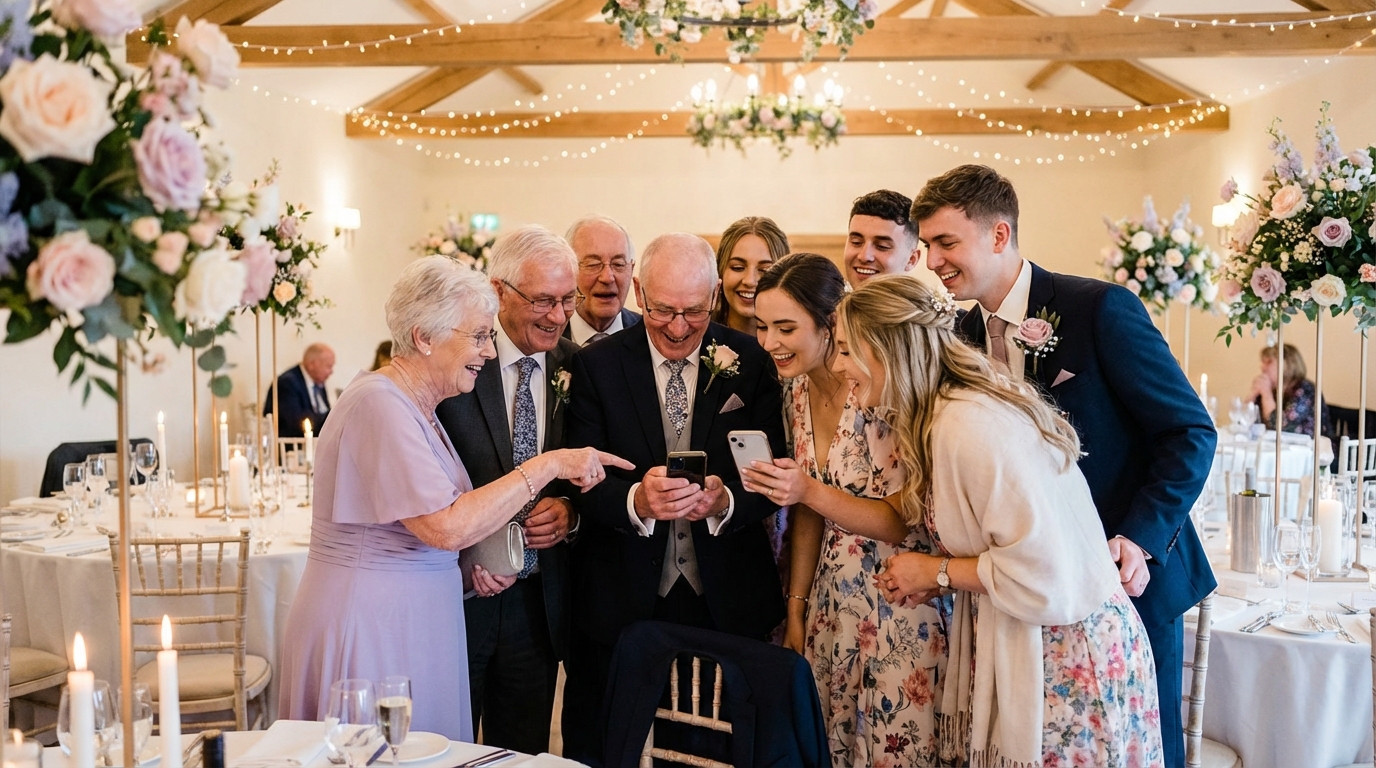
Cross-device compatibility means everyone can participate equally. Whether your guests carry the latest iPhone, an Android device, or even older smartphones, the browser-based system works universally. I recently watched a 78-year-old grandmother at a wedding scan the QR code, upload photos from the ceremony, and show her husband the live gallery within two minutes. She didn't need to download anything or ask for help navigating an unfamiliar interface.
📸 Collect Every Guest Photo at Your Next Event
Stop chasing guests for photos. With Guest Clicks, you create a QR code, guests scan and upload — it's that simple. No app downloads, no hassle.
Setting Up QR Code Photo Sharing for Your Wedding
Setting up your wedding photo sharing takes less time than choosing your table linens. With platforms like Guest Clicks, you'll create your event in under five minutes, customize your gallery settings, and generate a unique QR code that becomes your guests' gateway to sharing.
Start by naming your event and selecting your privacy preferences. Do you want photos to appear immediately in the gallery, or would you prefer to moderate them first? Most couples opt for moderation during the reception to prevent any accidental uploads of blurry photos or shots taken before the event officially started. You can also password-protect your gallery, ensuring only your wedding guests—not random internet users—can view your personal moments.
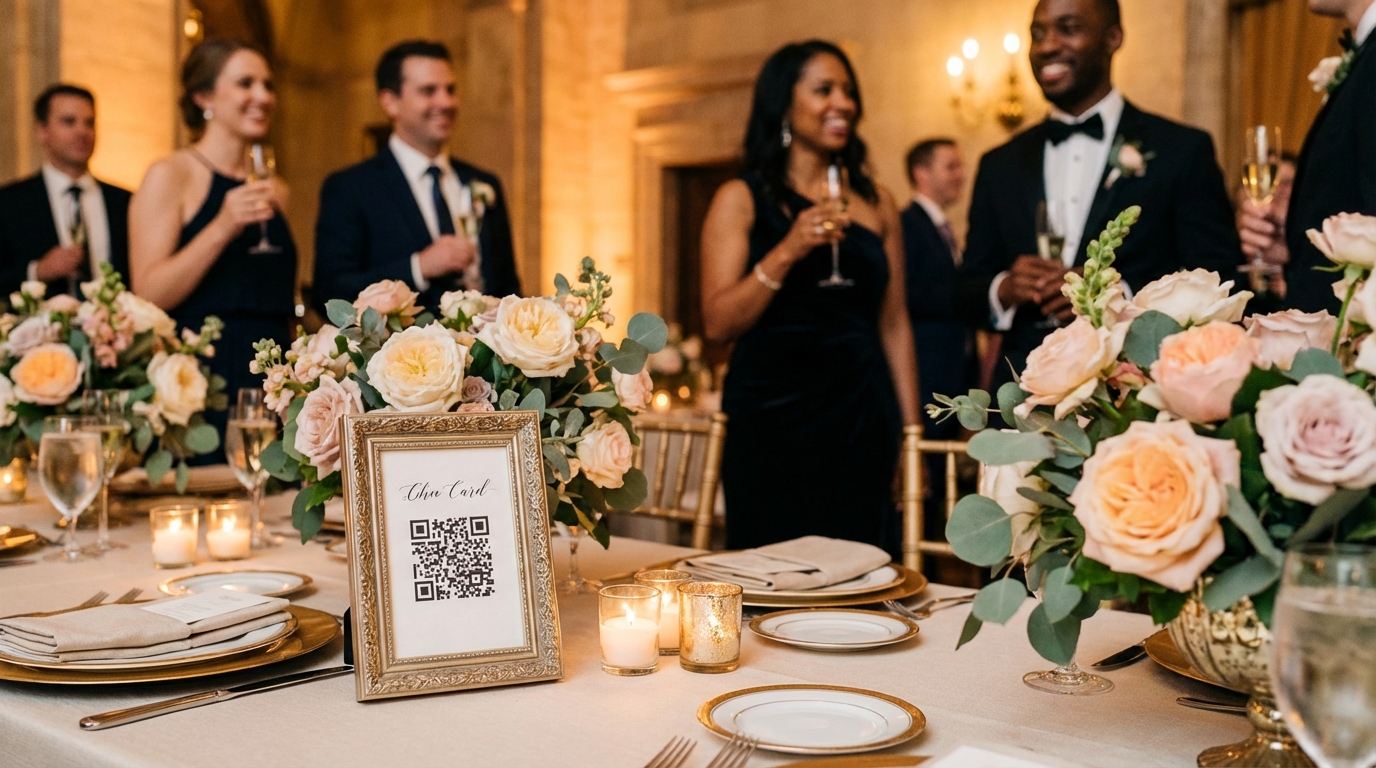
Strategic QR code placement determines your success rate. The most effective weddings use a three-tier approach: one prominent welcome sign at the entrance (often combined with your seating chart or guest book table), individual table cards at each reception table, and digital displays during key moments. Consider the guest journey: they arrive and see the welcome sign, sit down and notice the table card during dinner, then see the code projected during dancing when they're most likely to have fun photos to share.
Design integration matters too. Your QR codes don't need to look like sterile tech stickers. Many couples incorporate them into elegant signage that matches their wedding aesthetic—watercolor backgrounds, gold foil accents, or minimalist designs that complement rather than disrupt your décor. One bride I worked with had her calligrapher create a beautiful welcome sign with the QR code integrated into the design so seamlessly that guests commented on the artistry before realizing it was functional.
Always test your setup before the big day. Scan your code with different phone types, walk through the upload process yourself, and confirm that photos appear in your gallery as expected. Send the link to your bridal party so they can help troubleshoot if any guests have questions during the event.
Maximizing Guest Participation: Getting Everyone to Share Photos
Technology only works if people use it. The difference between collecting 50 photos and 500 photos often comes down to how you communicate the opportunity to your guests. Start early by mentioning your QR code photo sharing on your wedding website and in your wedding planning timeline communications. This primes guests to expect the experience and ensures they know to keep their phones handy during the celebration.
The day-of announcement is crucial. While signage helps, a verbal reminder from your DJ, MC, or coordinator creates a moment of collective action. The best announcements happen during dinner when guests are seated and attentive, or right before the dancing begins when energy is high. Frame it as a favor to you: "The couple would love to see your perspective of tonight! Scan the code on your table to share your photos instantly."
The most successful wedding photo sharing setups combine three placement strategies: one prominent welcome sign, QR codes on every table, and a verbal announcement by the DJ or MC during the reception.
Creating visible momentum drives participation. When guests see photos appearing in real-time on screens around the venue, they understand the value immediately. One couple displayed their live gallery on TVs positioned near the bar and dessert table—high-traffic areas where guests naturally gathered. As photos appeared, crowds formed to look, which prompted those guests to pull out their own phones and contribute. By 9 PM, they had over 300 uploads from 120 guests.
Address privacy concerns proactively. Some guests hesitate to upload photos because they worry about unflattering angles or private moments being shared publicly. Assure them through your signage that you have moderation enabled, or mention that the gallery is private and password-protected. When guests feel safe sharing, they share more freely.
For creative wedding guest photo ideas, consider providing gentle prompts. A small sign suggesting "Capture the first dance from your table" or "We want to see your best dance floor moves" gives guests permission to be active photographers rather than passive attendees.
What You'll Capture: The Magic of Guest Perspectives
Professional wedding photographers are artists, but they're also limited by physics. They can only be in one place at a time, and they're often focused on the couple during key moments. Meanwhile, your 150 guests are scattered throughout your venue, each experiencing unique micro-moments that collectively tell the complete story of your celebration.
Guest perspectives capture the emotional texture of your wedding in ways formal photography cannot. While your photographer captures your first kiss at the altar, your aunt in the third row captures your mother's tearful reaction. While the pro shoots your first dance from the front, your college roommate captures your grandmother watching from her table with a smile that encompasses decades of love. These are the moments that make your wedding uniquely yours.
Guest-captured photos provide unique value: while professional photographers focus on the couple, 73% of candid guest interactions, emotional reactions, and spontaneous moments are only captured by attendees with smartphones.
The candid shots often become the most treasured. One couple discovered through their QR code gallery a series of photos showing their flower girl having an adorable tantrum during the ceremony—something completely blocked from their view by the altar. Another groom saw his bride's emotional reaction during his vows from three different guest angles, each showing a slightly different expression of love and joy that he wouldn't have otherwise witnessed.
Behind-the-scenes content adds depth to your memory collection. Guests often arrive early and stay late, capturing vendor setups, the venue before guests arrive, and the exhausted but happy cleanup. Kids at weddings produce particularly magical content—unfiltered dancing, fascinated interactions with flowers, and genuine joy that adults often self-consciously suppress.
When you combine these hundreds of guest perspectives with your professional photos, you create a multidimensional archive. Your photographer provides the polished, frame-worthy shots for your album. Your guests provide the laughter, the chaos, the unexpected beauty, and the authentic energy that made your wedding feel like your wedding.
Managing and Organizing Your Wedding Photos After the Event
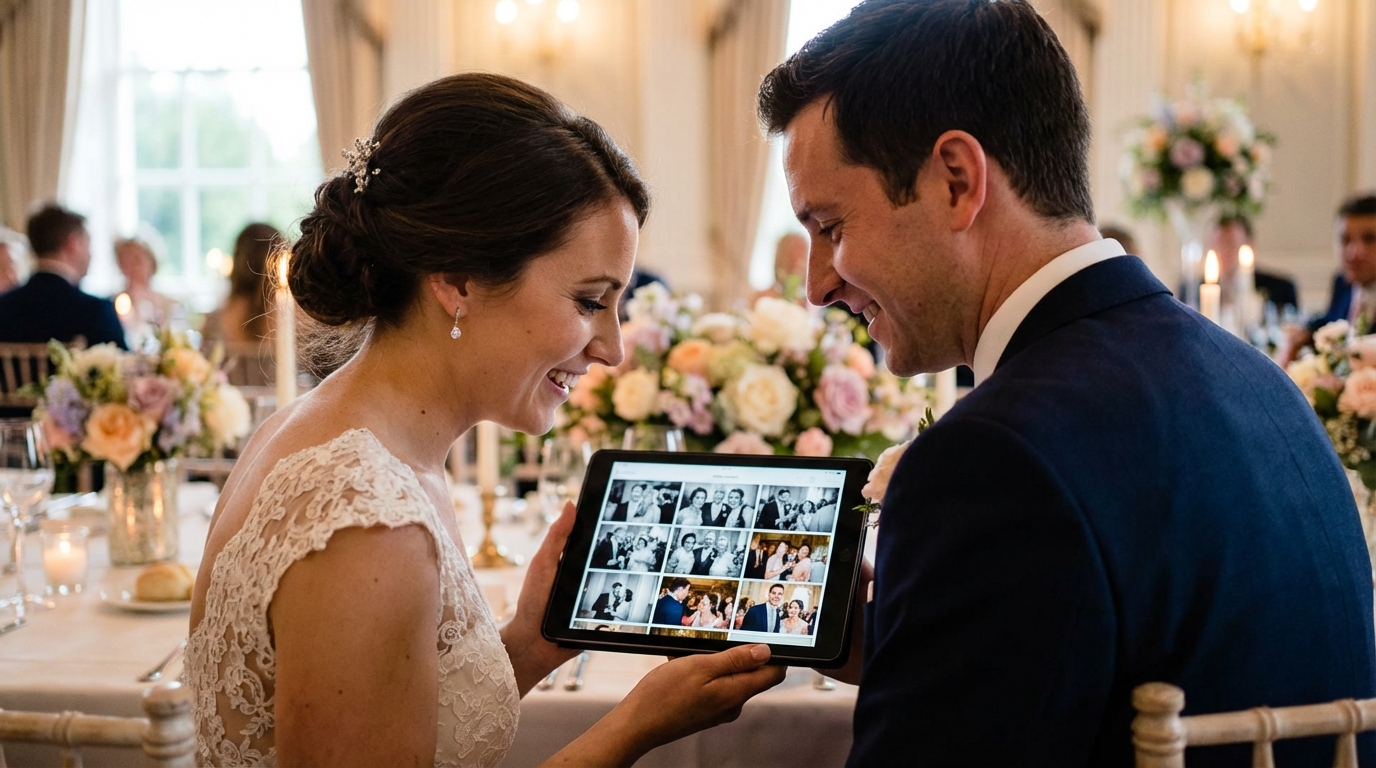
The day after your wedding, while you're still floating on cloud nine, your QR code gallery will be filling with photos from guests uploading their favorites over morning coffee. Accessing this treasure trove should be as simple as the setup process. Most platforms, including Guest Clicks, allow you to download photos individually or as bulk ZIP files containing your entire collection.
Moderation tools help you curate your final gallery. During the reception, you might have approved photos in real-time for display. Afterward, you can review everything, removing duplicates, blurry shots, or photos that don't fit your vision while keeping the gems. This curation process is actually quite joyful—you'll see your wedding through dozens of loving eyes, discovering moments you missed and reactions you didn't know happened.
Integration with your professional photos creates your comprehensive wedding story. Many couples create hybrid albums, combining their photographer's artistic shots with the best guest captures. Some use guest photos for specific purposes—their thank-you cards, social media sharing, or a "candid moments" album separate from the formal wedding book. Wedding photo ideas from professional sources often suggest mixing formal and candid shots for the most authentic representation.
Long-term storage considerations matter. With Guest Clicks Premium, your gallery remains active for one year, giving you ample time to download, organize, and back up your photos. This extended access also benefits guests who want to revisit the gallery months later or family members who couldn't attend but want to see the celebration unfold through multiple perspectives.
Consider sharing your curated guest gallery with key family members who couldn't attend. For destination weddings or celebrations during times when travel was difficult, these photos become a vital connection to the event. One bride shared her QR code gallery link with her grandmother in a nursing home, who spent hours clicking through the hundreds of photos feeling present at the celebration despite her physical absence.
Frequently Asked Questions
Do guests need to download an app to share wedding photos via QR code?
No, guests don't need to download any app. QR code photo sharing works directly through their phone's camera and web browser. Guests simply scan the code, select photos from their camera roll, and upload—the entire process takes less than 30 seconds.
How do I display QR codes at my wedding reception?
The most effective approach is multi-point placement: create elegant table cards with the QR code for each reception table, place a larger sign at the entrance or near the guest book, and consider adding the code to your wedding program. You can also have your DJ or coordinator make an announcement with the code displayed on a screen.
Can I control which photos appear in my wedding gallery?
Yes, most QR code photo sharing platforms include moderation features that let you review uploads before they appear publicly. You can also enable password protection for your gallery and choose whether to make it viewable by everyone or only invited guests.
How many photos can guests upload at a wedding?
This depends on your chosen platform. With Guest Clicks' free plan, you can collect up to 100 photos total, while the Premium plan offers unlimited photo and video uploads with 10GB of storage—more than enough for even the largest weddings with highly engaged guests.
What happens to the photos after the wedding?
Your wedding photo gallery remains accessible online, and you can download all photos individually or as a bulk ZIP file. With Guest Clicks Premium, your gallery stays active for one year, giving you plenty of time to download, organize, and share photos with family and friends.