No-App Photo Sharing Benefits for Events
Discover the game-changing benefits of no-app photo sharing for events. Higher guest participation, instant access, and zero friction—learn why it works.
By Guest Clicks Team · · 12 min read

You've spent months planning the perfect event. The venue is stunning, the catering is exceptional, and the playlist is on point. But when you wake up the next morning eager to see all the candid moments your guests captured, your phone is eerily quiet. A handful of texted photos trickle in, but where are the rest? The truth is, most of your guests took dozens of photos throughout the night—they just never shared them because the barrier was too high.
In 2026, the landscape of event photography has shifted dramatically. The old model of asking guests to download dedicated photo-sharing apps is collapsing under the weight of app fatigue and privacy concerns. Smart event organizers are pivoting to browser-based solutions that require zero downloads, zero accounts, and zero friction. This isn't just a minor convenience—it's a complete transformation in how we capture collective memories.
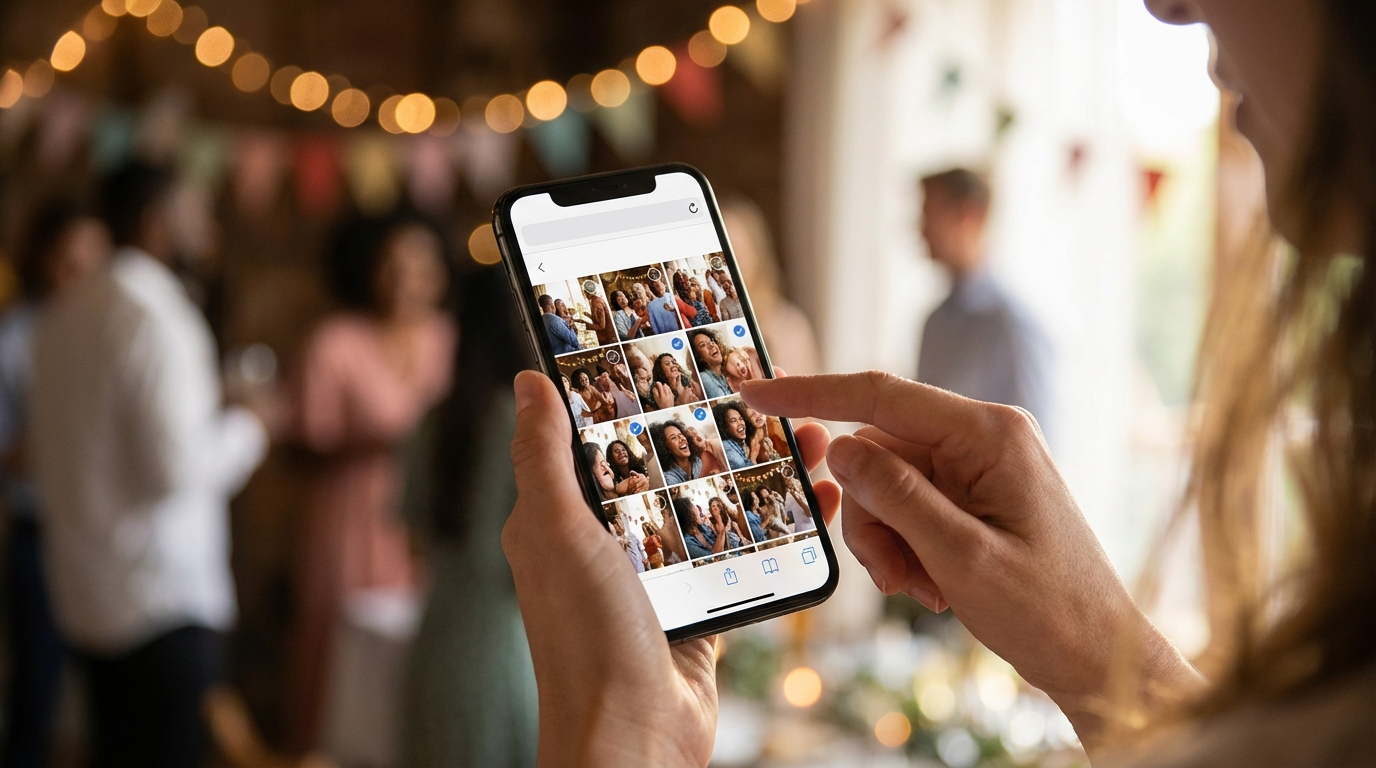
The Hidden Cost of Asking Guests to Download Apps
Let's be honest about what happens when you ask 150 wedding guests to download a photo-sharing app. You might get enthusiastic buy-in from your bridal party and tech-savvy friends, but the reality is stark: the average smartphone user in 2026 already juggles over 40 apps and guards their storage space like precious real estate. Each additional download request triggers a mental calculation—is this worth the storage, the permissions, and the learning curve?
Research shows that each additional step in a mobile workflow reduces completion rates by 20-30%. Eliminating app downloads removes the single biggest drop-off point in event photo collection.
The friction points multiply quickly. First, guests must locate the correct app in crowded app stores. Then they wait for the download, burn through mobile data, create yet another account they'll never use again, grant camera and storage permissions, and finally decipher an unfamiliar interface. By the time they're ready to upload, the candid moment has passed—or worse, they've given up entirely.
Consider the typical wedding scenario: you invite 150 guests and enthusiastically announce your chosen photo-sharing app during the reception. Despite your best efforts, only 45 guests actually complete the download process. You've just lost access to 70% of potential photos, including those precious moments captured by your grandmother, your college roommate who lives abroad, and that coworker who keeps their phone on a strict "work apps only" policy. The missed opportunities aren't just digital—they're emotional.
Corporate events face similar challenges, often compounded by privacy concerns. Employees increasingly hesitate to install work-related applications on personal devices, worried about remote wipe capabilities, location tracking, or blurred boundaries between professional and private data. When HR managers insist on app-based photo collection for team-building events, participation rates plummet, leaving companies with sanitized, corporate-approved images instead of authentic cultural moments.
How Browser-Based Photo Sharing Eliminates Barriers
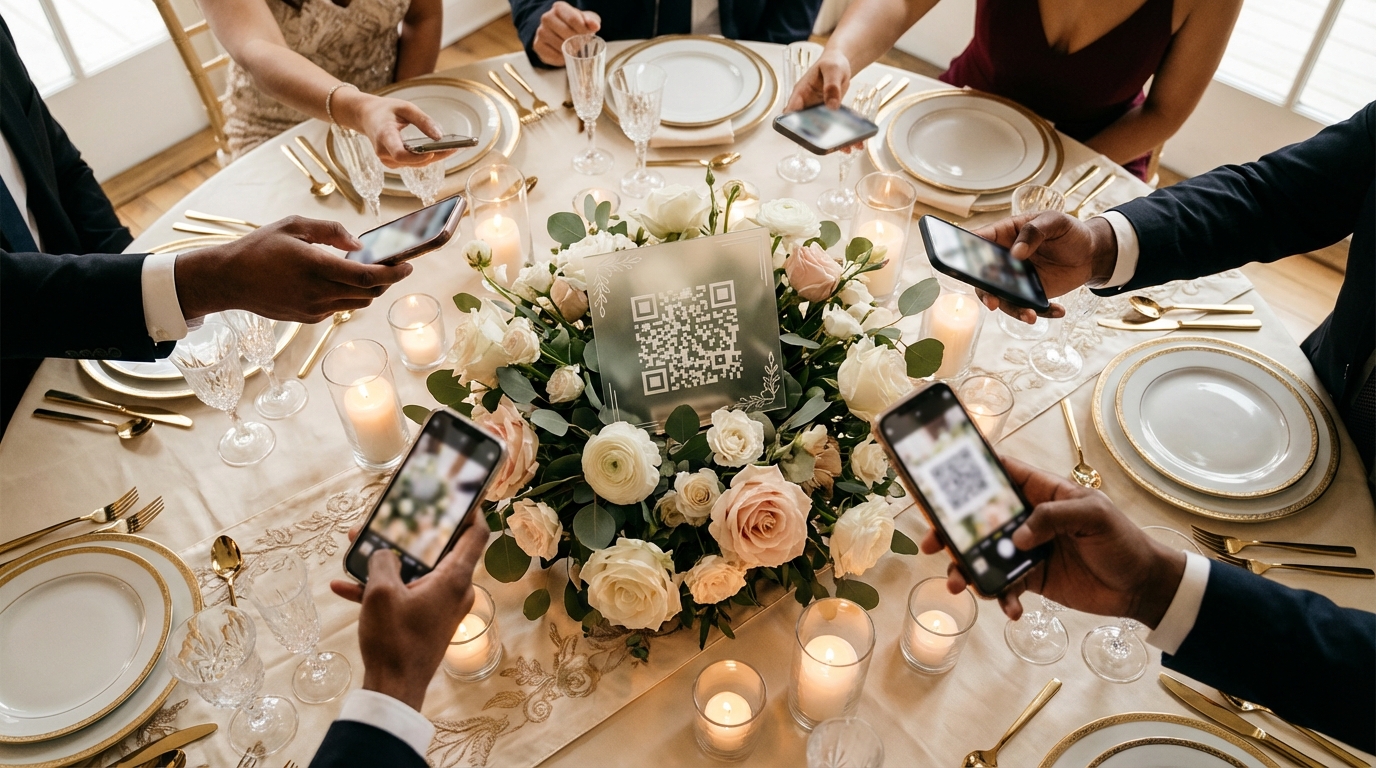
Now imagine a different scenario. Your guests arrive at the venue and spot an elegant QR code displayed on the welcome table. They pull out their phones—already in their hands to capture the décor—and simply scan. Within three seconds, they're looking at a live photo gallery and uploading their first candid shot. No app store visits, no storage warnings, no account creation screens. Just instant, seamless sharing.
Browser-based photo sharing leverages the technology already embedded in every smartphone. Whether your guests use Safari, Chrome, Firefox, or Samsung Internet, the experience remains identical. The web interface loads instantly, presenting a clean, intuitive upload button that requires zero explanation. Grandparents who still struggle with texting can participate as easily as Gen Z influencers because the workflow mimics actions they perform daily—taking photos and visiting websites.
This universality extends beyond age groups. International wedding guests don't face the frustration of regional app store restrictions or foreign language interfaces. Event photo sharing for non tech savvy guests becomes genuinely inclusive when you remove the technical prerequisites that typically exclude the less digitally fluent.
The psychological barrier dissolves, too. Guests maintain complete control over their participation. They access the gallery only when they choose, upload only what they want to share, and close the browser tab when finished. There's no persistent icon cluttering their home screen, no ongoing notifications, and no sense that they've surrendered privacy for the sake of your event.
📸 Collect Every Guest Photo at Your Next Event
Stop chasing guests for photos. With Guest Clicks, you create a QR code, guests scan and upload — it's that simple. No app downloads, no hassle.

The Participation Rate Advantage: Real Numbers
The difference between app-based and browser-based participation isn't incremental—it's transformational. While traditional photo-sharing apps typically capture 15-30% of your guest list, browser-based solutions routinely achieve 65-80% participation rates. This isn't marketing hype; it's the mathematical result of removing friction from the user journey.
The average wedding guest takes 25-30 photos during a reception, but with traditional methods, only 12-15% of those photos ever reach the couple. Browser-based sharing can capture 60-75% of those moments.
Real-world examples bear this out consistently. At a recent 40th birthday celebration in Austin, the host switched from an app-based platform (used the previous year) to a QR code photo sharing system. With 40 guests in attendance, the previous year's app method yielded 65 photos total. Using the browser-based approach, the same size group uploaded 280 photos throughout the evening—capturing everything from the cake cutting to impromptu dance floor moments that would have otherwise disappeared into individual camera rolls.
The quality of collection improves alongside quantity. When barriers are low, you capture diverse perspectives beyond just the designated "photographers" in your group. The shy cousin who notices subtle interactions, the colleague who spots the CEO laughing genuinely, the child who captures the party from three feet high—all these viewpoints enrich your memory archive. Corporate retreat photo management particularly benefits from this democratization, as authentic culture emerges from candid moments rather than staged group shots.
Timing matters, too. Browser-based uploads happen in real-time, during the emotional peak of the event. Guests share photos while still feeling the joy of the moment, rather than uploading days later when the enthusiasm has faded and the task feels like homework. This immediacy creates a virtuous cycle: as guests see the gallery populate with shared moments, they feel inspired to contribute their own perspectives, creating a collaborative documentation of the experience as it unfolds.
Privacy and Security Without the App Store Gatekeepers
Privacy concerns in 2026 have reached a fever pitch. Guests are increasingly wary of granting broad permissions to unknown applications, particularly when those apps request access to contacts, location data, or ongoing camera access. Browser-based photo sharing elegantly sidesteps these concerns by operating within the sandboxed environment of the mobile browser.
Without an installed app, there's no background data collection, no persistent tracking, and no mysterious update notifications six months later. Guests participate on their terms, accessing the gallery only when they actively choose to scan the QR code or visit the link. For password-protected events, the security remains robust—guests enter the password within their browser just as they would for online banking or email, without installing specialized software.
This approach particularly resonates at multi-generational family events where privacy expectations vary widely. Older relatives who avoid social media and refuse to install "unnecessary" apps can still participate fully, while privacy-conscious millennials appreciate the ephemeral nature of browser sessions. When the event concludes, there's no digital footprint left on their devices unless they proactively choose to bookmark the gallery link.
Corporate environments benefit significantly from this privacy model. Employees can contribute photos to company celebrations without fear that the app will mine their contact lists or track their location after hours. The IT department appreciates that browser-based solutions don't require device management enrollment or create security vulnerabilities through installed software. Everyone wins when the technology respects boundaries while still fostering connection.
Cross-Platform Compatibility: The Universal Solution
The fragmentation of mobile ecosystems once created headaches for event organizers. iOS users couldn't share easily with Android users. Older phones couldn't run newer apps. International guests faced compatibility issues with regional app stores. Browser-based photo sharing renders all these concerns obsolete.
Because the solution relies on universal web standards—HTML, JavaScript, and secure HTTPS connections—it works identically whether your guest carries the latest iPhone 17 Pro or a budget Android device from 2022. There are no version fragmentation issues, no "this app requires iOS 19 or later" warnings, and no exclusion of guests who haven't upgraded their hardware recently.
In 2026, the expectation isn't just digital—it's frictionless. Guests who wouldn't download an app will happily scan a QR code because it respects their time and device storage.
This inclusivity extends to device diversity beyond smartphones. Guests can upload from tablets, iPads, or even desktop computers if they've transferred photos from dedicated cameras. The interface adapts responsively to any screen size, ensuring the upload button remains accessible whether viewed on a compact phone or a large tablet.
For international conferences or destination weddings, this universality proves invaluable. Attendees arriving from different markets don't need to navigate foreign app stores or deal with regional restrictions. The web is the web, regardless of whether you're connecting from Tokyo, Toronto, or Texas. This global accessibility ensures your photo collection reflects the full diversity of your guest list, not just those with compatible devices and app store accounts.
Implementing No-App Photo Sharing at Your Next Event
Transitioning to browser-based photo sharing requires surprisingly little technical expertise. Platforms like Guest Clicks allow you to create an event, generate a unique QR code, and launch your gallery in under five minutes. The real work lies not in the setup, but in the strategic placement of your QR codes to maximize visibility and participation.
Effective placement means multiple touchpoints throughout your venue. Display codes on welcome signage, table tents, cocktail napkins, or even projected on screens during transitions. The key is catching guests during natural phone-checking moments—when they're waiting for drinks, between courses, or during cocktail hour mingling.
Verbal announcements dramatically boost participation, but keep them brief and specific. A simple: "If you'd like to share photos, scan the codes on your tables—no app needed, just point your camera and upload" takes ten seconds but increases engagement significantly. Consider having the emcee or a member of the wedding party demonstrate the process by uploading the first photo, showing guests how effortless the process truly is.
For multi-day events or conferences, update the gallery link daily or create separate events for each session. This keeps the content organized and prevents guests from scrolling through hundreds of unrelated photos to find their moments. With modern photo sharing strategies, the goal is lowering friction at every possible turn.
After the event, browser-based galleries remain accessible without requiring guests to maintain an installed app. They can return weeks or months later to download their favorite shots, create prints, or simply reminisce. This longevity adds value to your event long after the last guest departs, creating a lasting digital artifact of shared experience.
Frequently Asked Questions
Do guests need to download anything to share photos?
No. Browser-based photo sharing works entirely through the web browser already on every smartphone. Guests simply scan a QR code and can immediately upload photos without downloading any app or creating an account.
Will no-app photo sharing work on older phones?
Yes. As long as the device has a camera and a web browser (which virtually all smartphones from the past decade have), it will work. There are no operating system version requirements or compatibility issues to worry about.
How do I get guests to actually participate in photo sharing?
Make QR codes visible in multiple locations, mention it briefly during announcements, and ensure the first few photos are already in the gallery. The simplicity of scanning without downloading makes participation rates 3-5x higher than app-based methods.
Is browser-based photo sharing secure for private events?
Yes. Quality platforms offer password protection, moderation tools, and private galleries. The lack of an installed app actually enhances privacy since there's no persistent software on guest devices collecting data or requiring ongoing permissions.
Can guests access the photo gallery after the event without an app?
Absolutely. Guests can bookmark the gallery link or access it anytime through their browser. They can view, download, and share photos without needing any app installed, making long-term access even easier.
As you plan your next celebration in 2026, consider the experience you're creating for your guests. Every barrier you remove—every download you eliminate, every account creation you skip—brings you closer to capturing the complete story of your event. The best photos aren't taken by professionals; they're taken by the people who love you, in moments of genuine joy, when the barrier between experience and memory disappears.
For more insights on preserving your event memories, explore expert recommendations on photo sharing platforms and discover how modern solutions are reshaping event photography.