Wedding Photo Moderation Tips: Keep Your Gallery Perfect
Master wedding photo moderation with proven tips to curate, filter, and organize guest photos. Create a beautiful gallery everyone will love sharing and viewing.
By Guest Clicks Team · · 12 min read
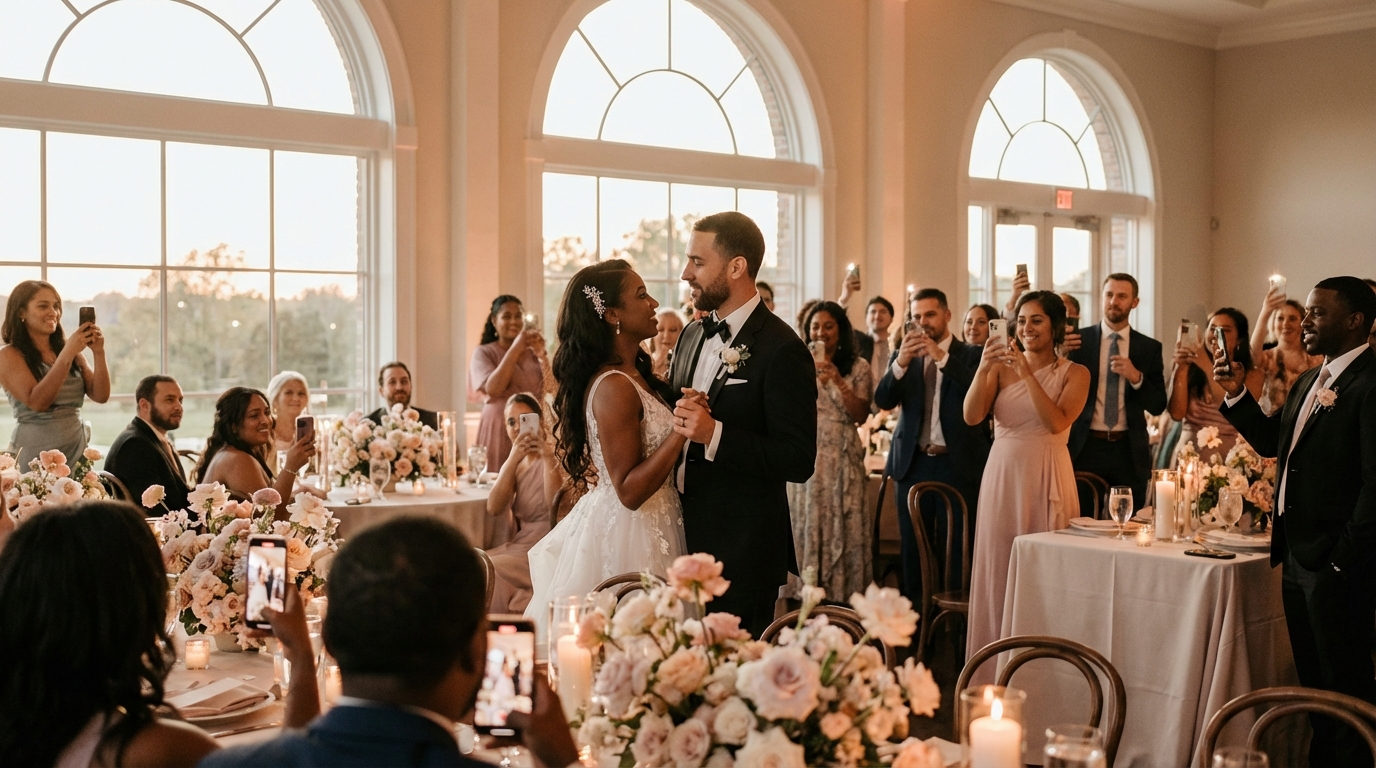
You've planned the perfect day—the florals are stunning, the vows made everyone cry (in a good way), and your guests actually hit the dance floor. Then you wake up the day after your wedding to find 847 photos waiting in your shared gallery. Some are gorgeous candids you never knew existed. Others are blurry shots of someone's shoes, five consecutive photos of the same table centerpiece, and that one questionable image from the bachelor party that someone accidentally uploaded. Suddenly, what should be a joyful walk down memory lane feels like digital homework.
This is where wedding photo moderation transforms from a "nice-to-have" into an essential part of your post-wedding workflow. When you collect wedding photos from guests in 2026, you're not just gathering images—you're curating the visual story of one of the most important days of your life. Let's explore how to do it right without losing your sanity or your joy.
Wedding galleries with moderation see 73% higher engagement rates because guests actually want to browse through 300 great photos versus 1,000 mixed-quality images.
Why Wedding Photo Moderation Matters More Than You Think
The sheer volume of photos generated at modern weddings is staggering. Between smartphones, tablets, and the occasional digital camera, the average wedding generates between 500 and 2,000 guest photos. That's not including your professional photographer's shots—this is just what Uncle Bob and your college roommate captured between cocktails and cake.
Without moderation, galleries become digital junk drawers. You'll find seventeen versions of the same group selfie, blurry photos taken during the sparkler exit when someone moved too fast, and unflattering candids taken mid-bite during dinner. Occasionally, you might even discover content that crosses boundaries—perhaps someone uploaded photos from the private getting-ready moments or the wild after-party that not everyone needs to see.
But moderation isn't about being controlling or image-obsessed. It's about storytelling. A curated gallery takes viewers through your day with intention—the nervous anticipation of getting ready, the emotion of the ceremony, the joy of the reception, and the celebration of dancing. It protects your guests' privacy while ensuring the memories you preserve are ones you'll actually want to revisit on your tenth anniversary.
I recently spoke with a bride who received 847 photos from her 150-person wedding. She estimated that only about 300 truly captured the spirit of the day. Another couple discovered their unmoderated gallery included embarrassing photos from the bachelor party that were accidentally uploaded to the wedding album instead of the private party album. These moments remind us that a little curation goes a long way toward protecting both your wedding story and your relationships.
Setting Photo Guidelines Before Your Wedding Day
The secret to manageable photo moderation starts weeks before you say "I do." Setting clear, kind guidelines reduces your moderation workload by 60-70%, turning what could be a six-hour task into a manageable two-hour curation session.
Start by creating a simple one-page photo guideline sheet for your wedding party and close family. This isn't about restricting fun—it's about directing energy. Let them know you love candids, dance floor energy, and detail shots of the decor you spent months choosing. At the same time, gently mention that you're hoping to keep getting-ready moments private and would prefer no photos during the ceremony itself (or whatever your preference may be).
Use your wedding website, printed programs, or table cards to communicate these preferences to all guests. Frame everything positively: "We'd love photos of dancing, candid moments, and decor details!" works better than "Don't take photos during the ceremony." Most guests genuinely want to contribute images you'll treasure, so give them the roadmap to success.
Consider designating a trusted friend as your "photo ambassador"—someone tech-savvy and socially comfortable who can guide guests on the day. They can remind people about the QR code photo sharing setup, suggest great photo opportunities, and gently redirect anyone getting too snap-happy during private moments.
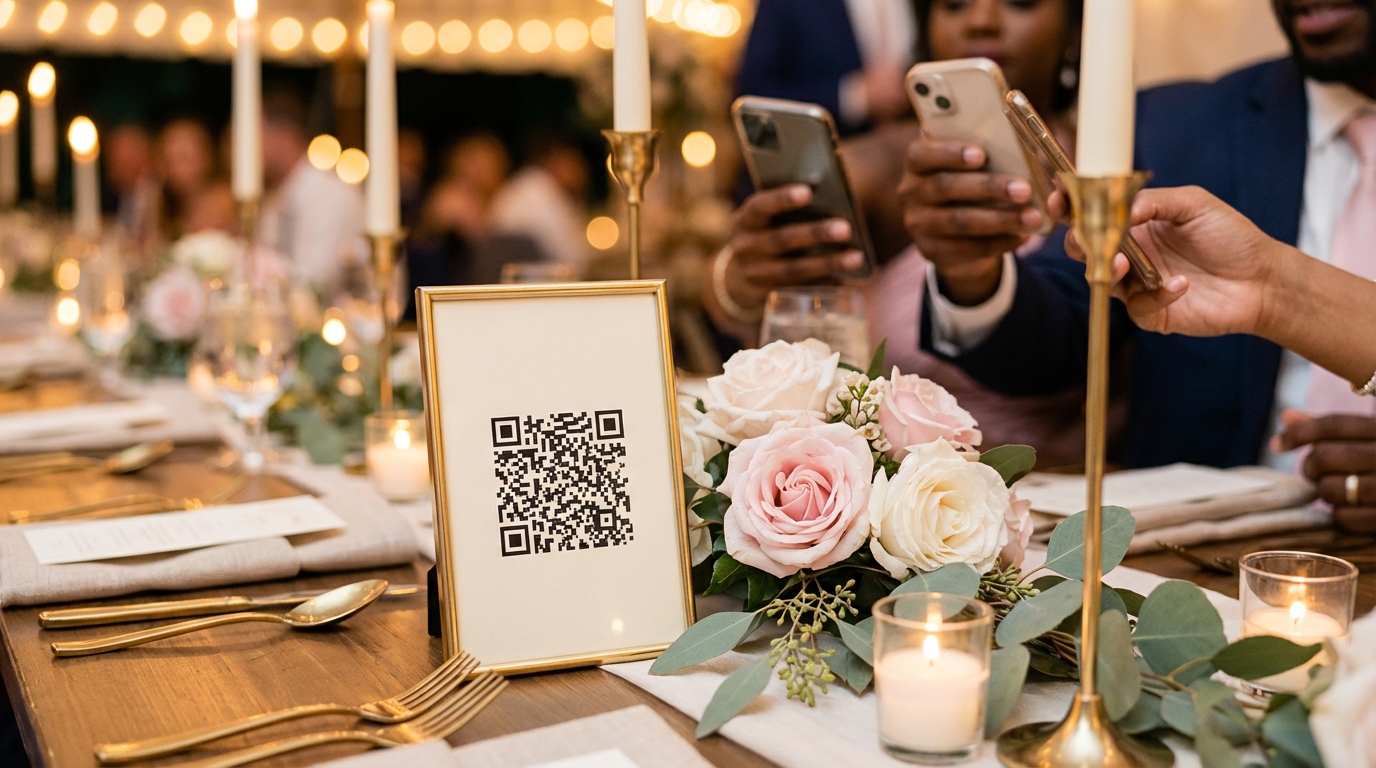
One couple I worked with included a beautiful QR code on their ceremony programs with a simple note: "Share your favorite moments! We love candids, dance floor fun, and detail shots." Another wedding featured a maid of honor who briefly briefed the bridal party on which moments were "must-capture" versus private, resulting in a gallery that felt intimate rather than invasive.
Couples who set photo guidelines before their wedding report 60% less moderation time afterward, turning a 6-hour task into a 2-hour curation session.
📸 Collect Every Guest Photo at Your Next Event
Stop chasing guests for photos. With Guest Clicks, you create a QR code, guests scan and upload — it's that simple. No app downloads, no hassle.
Real-Time Moderation: Your Secret Weapon on Wedding Day
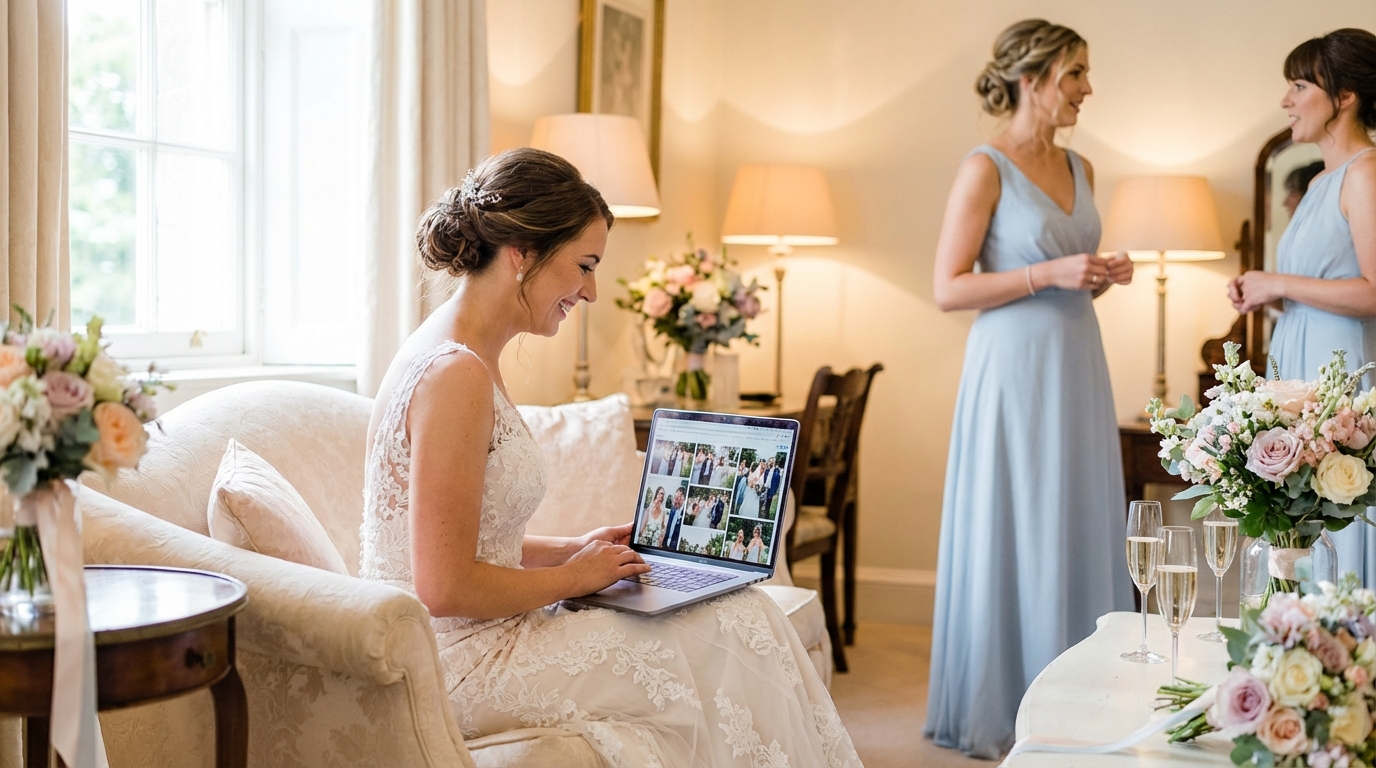
Here's a game-changer that most couples don't consider: you don't have to wait until the honeymoon to start curating. Modern photo-sharing platforms allow for real-time moderation, meaning you can review and approve photos as they're uploaded during the event itself.
Assign this task to a trusted person who isn't in the wedding party but is still part of your inner circle—perhaps a tech-savvy sibling, a wedding coordinator, or that friend who loves organizing things. Their job is simple: spend about 15 minutes every hour checking new uploads, approving the beautiful candids, and filtering out the duplicates or misfires.
Real-time moderation prevents small issues from snowballing. When 47 nearly-identical cake-cutting photos start rolling in, your moderator can quickly select the three best angles and remove the rest before guests even notice the gallery getting cluttered. It keeps the shared album consistently high-quality throughout the night, which means guests actually enjoy browsing during downtime at the reception.
With Guest Clicks, this process becomes seamless. The moderation dashboard allows your designated helper to approve photos with a single click, bulk-select similar images, and maintain the gallery's flow without missing their own fun. Because the platform works in any mobile browser, your moderator can check uploads from their phone while sitting at their table between dances.
One wedding coordinator I know makes this part of her standard package—she spends just 15 minutes every hour reviewing new uploads, keeping the gallery pristine without missing a single toast or dance move. The bride and groom woke up to a beautifully curated collection rather than a chaotic photo dump.
Post-Wedding Photo Curation: Turning Chaos Into Keepsakes
Even with perfect real-time moderation, you'll want to do a final curation pass within the first week after your wedding. Block out 2-3 hours when you're relaxed—perhaps with coffee on a Sunday morning or wine on a Friday evening—and approach this as a celebration, not a chore.
Start by sorting photos into three categories: definite keeps, maybes, and deletes. Don't agonize over individual shots yet; just move quickly through the gallery using your gut reaction. The "maybe" folder is your safety net—sleep on it for 48 hours before making final deletion decisions. You'll have fresh perspective and avoid regret deletions.
As you review, look for storytelling flow. Does your gallery take viewers through the day chronologically and emotionally? You want the anticipation of getting ready, the emotion of the ceremony, the celebration of the reception, and the joy of the send-off. If you have gaps, check if your professional photographer's shots can fill them, or see if there are hidden gems in your "maybe" folder.
Don't be afraid to be selective. Quality always trumps quantity in a shareable gallery. One couple I worked with reduced their 1,200-photo gallery to 380 stunning images that told their complete wedding story—from the quiet morning preparations to the last dance. Those 380 photos got shared and commented on far more than the original overwhelming collection.
The sweet spot for wedding photo galleries is 250-400 images—enough to tell the complete story without overwhelming viewers or making your gallery feel like work to browse.
Consider creating separate private albums for different audiences. A "family only" album might include more personal getting-ready photos or emotional ceremony moments, while your public gallery focuses on the celebration. This approach respects different comfort levels while ensuring everyone sees the photos most relevant to them.
Technical Tools and Features That Make Moderation Easier
The right technology transforms photo moderation from a tedious click-fest into a streamlined process. When choosing a guest photo collection app with moderation tools for your 2026 wedding, look for specific features that solve real pain points.
Bulk actions are essential. You need the ability to approve or delete multiple photos simultaneously. Clicking through 500 images one by one will drive you to madness. Look for platforms that let you select ranges of photos or use keyboard shortcuts for quick sorting.
Password protection allows you to create different access levels. You might have a public gallery for all guests, a password-protected family album with more intimate moments, and a private album just for you and your partner. This tiered approach means you can be more selective about what goes where without offending anyone.
Download options are crucial before you start aggressive culling. Always download a complete backup of all uploaded photos before you begin deleting. What doesn't fit your curated story might still have sentimental value to a guest, or you might change your mind about a photo months later.
Automatic duplicate detection can identify and flag similar photos for quick review. When five guests upload the same group shot from slightly different angles, the system should highlight these clusters so you can pick the best one and remove the rest.
Guest Clicks offers all these features on their Premium plan, including one-click approval systems that let you process 50 photos in under 5 minutes. The platform's smart grouping helps identify duplicates automatically, while the password protection features let you create distinct galleries for different audiences without managing multiple events.
Common Moderation Mistakes and How to Avoid Them
Even with the best intentions, couples often stumble into moderation pitfalls that create unnecessary stress or lasting regrets. Learning from these common mistakes can save you both time and heartache.
Waiting too long is perhaps the most common error. When you wait three months after the wedding to sort photos, moderation feels like homework instead of joy. The emotional connection to the day fades, and suddenly you're looking at photos of people whose names you barely remember. Try to complete your first moderation pass within one week while the memories are still vivid.
Being too perfectionist can lead to deleting photos that have genuine sentimental value. That slightly blurry shot of your grandmother dancing might be the only photo your family has of that moment. Technical perfection matters less than emotional resonance, especially with older family members.
One bride shared a heartbreaking story: she deleted a blurry photo of her grandmother dancing, thinking it wasn't "good enough" for the gallery. Only later did she learn it was the last photo taken of her grandmother before she passed away. Always err on the side of keeping photos with emotional weight, even if they're technically imperfect.
Not communicating with your partner about moderation preferences can cause real conflict. Discuss your vision before the wedding—do you prefer candid over posed? Are you comfortable with drinking/dancing photos? One couple ended up moderating separately and then merging their selections, which took twice as long and caused unnecessary tension during what should have been a happy review process.
Forgetting to back up before aggressive culling is a technical mistake with emotional consequences. Download everything first. Cloud storage is cheap; regrets are expensive.
Finally, remember that moderation is about creating a gallery you'll love revisiting for decades. As you plan your wedding photo timeline, build in time for this curation process just as you would for cake tasting or dress fittings. It's an investment in your memories.
Frequently Asked Questions
Should I moderate wedding photos before or after the event?
Ideally, both. Set clear guidelines before the wedding to reduce unwanted photos, then use real-time moderation during the event if possible. A final curation pass within the first week after your wedding ensures your gallery tells the best story. This three-phase approach makes moderation manageable rather than overwhelming.
How do I politely tell guests not to upload certain types of photos?
Frame it positively by telling guests what you DO want rather than listing restrictions. A simple note like "We'd love photos of dancing, candid moments, and decor details!" guides behavior without sounding negative. Most guests appreciate the direction and want to contribute photos you'll actually treasure.
What should I do with photos I remove from the main gallery?
Always download and save removed photos to a private backup folder before deleting them from your shared gallery. Some photos that don't fit your curated story might still have personal or sentimental value. You can also create separate private albums for different audiences—one for close family, one for all guests.
How many wedding photos should I keep in my final gallery?
Most couples find 250-400 photos is the sweet spot for a wedding gallery. This is enough to capture the full day's story—getting ready, ceremony, cocktail hour, reception, dancing—without overwhelming viewers. If guests uploaded 800+ photos, aim to keep the best 30-40% that showcase variety and emotion.
Can I moderate photos without offending the guests who took them?
Absolutely. Guests understand that not every photo will make the final gallery—they're contributing to a collective album, not expecting every shot to be featured. Most people take multiple photos hoping one or two will be great. Focus on creating the best possible gallery, and guests will appreciate the curated result more than a cluttered collection.
For more wedding planning inspiration, check out resources from The Knot's Wedding Planning Timeline and Brides' Wedding Photo Ideas.