Guest Photo Collection Apps with Moderation Tools (2026)
Discover the best guest photo collection apps with moderation tools for 2026. Compare features, pricing, and find the perfect solution for your event.
By Guest Clicks Team · · 11 min read
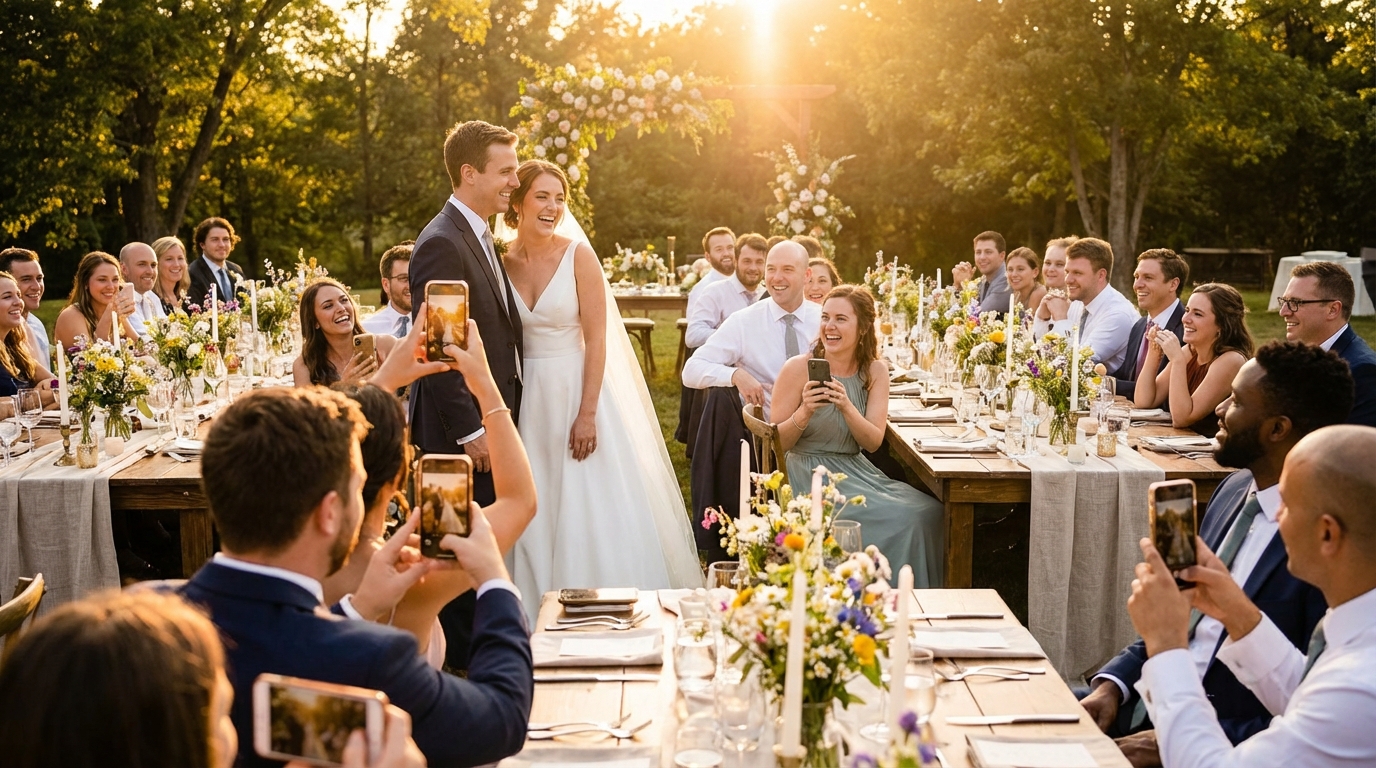
You've planned every detail of your event—the perfect venue, the curated playlist, the Instagram-worthy décor. But there's one element that can quickly turn your carefully orchestrated celebration into a digital nightmare: unmoderated guest photos. Whether it's a wedding guest accidentally uploading screenshots from their camera roll or a corporate attendee sharing blurry, unflattering candids, the lack of oversight can derail your event's photo collection. In 2026, smart hosts are turning to guest photo collection apps with moderation tools to maintain control without sacrificing the spontaneous joy of crowd-sourced photography.
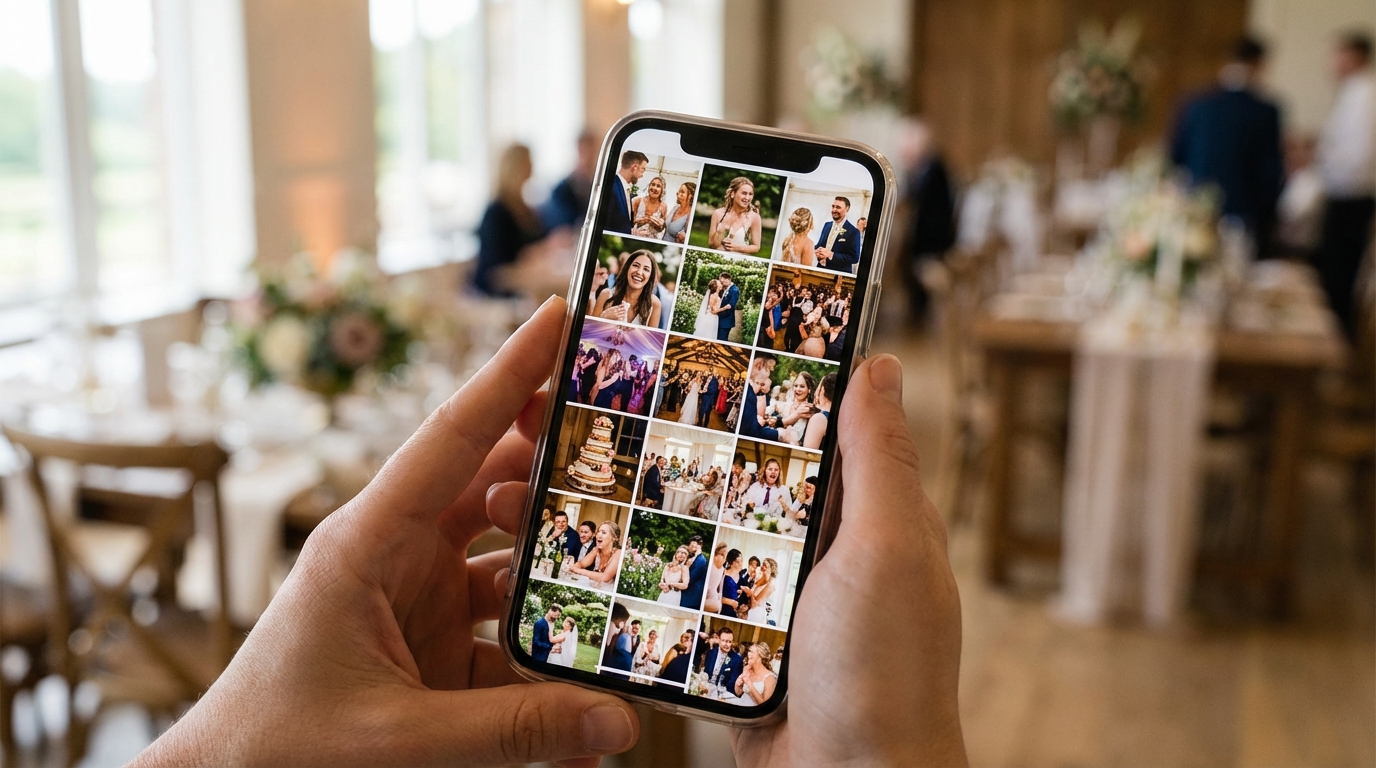
Why Moderation Tools Matter for Event Photo Collection
Let's be honest—giving everyone with a smartphone unrestricted access to upload photos to your event gallery is like opening a microphone at a wedding reception without knowing who's had how many glasses of champagne. The risks are real, and they range from mildly embarrassing to potentially damaging.
Inappropriate content isn't always malicious. I've seen wedding guests accidentally upload personal photos meant for a different album entirely—think bathroom mirror selfies mixed in with ceremony shots. At corporate events, team-building activities can generate photos that, while funny in the moment, don't exactly align with your company's professional brand image when shared publicly.
The distinction between pre-moderation and post-moderation is crucial here. Pre-moderation means photos sit in a pending queue until you approve them, giving you complete control over what goes live. Post-moderation allows everything to appear immediately but lets you remove items after the fact. For most events, pre-moderation is the safer bet—it prevents that split-second panic when you realize something inappropriate is visible to your grandmother or your CEO.
Events with moderation enabled see 40% fewer duplicate or accidental uploads, creating cleaner galleries that guests actually want to revisit.
Beyond content control, moderation tools protect guest privacy. Not everyone at your event wants their photo shared with the entire attendee list, and giving hosts the ability to screen uploads respects those boundaries. When guests know someone is curating the gallery, they tend to be more thoughtful about what they share—and more confident that their own images won't be misused.
Essential Moderation Features to Look For
Not all moderation tools are created equal. When evaluating guest photo collection apps, you need features that match your event's scale and your personal comfort level with digital oversight.
Real-Time Approval Workflows
The gold standard is real-time moderation that lets you review photos as they come in, approving or rejecting them with a single tap from your phone. This is especially valuable during the event itself—you can curate the gallery as it grows, ensuring that the slideshow running on screens around the venue only shows appropriate, high-quality content.
Bulk Moderation Capabilities
For larger events like festivals or corporate conferences with hundreds of attendees, you'll want bulk moderation tools. These let you approve multiple photos at once or set automatic rules (like auto-approving uploads from designated VIPs while holding others for review). Without bulk tools, you could spend your entire cocktail hour staring at a moderation dashboard instead of mingling with guests.
Auto-Flagging and Quality Control
Sophisticated platforms now offer auto-flagging for duplicates, screenshots, or low-resolution images. This AI-assisted filtering saves you from manually sorting through five versions of the same group selfie or blurry shots of the dance floor.
Privacy and Access Controls
Password-protected galleries and download permissions work hand-in-hand with moderation. Even after approving a photo, you should control who can see it and whether guests can save copies. This layered approach to content management is essential for team building events and corporate gatherings where intellectual property or personal privacy concerns exist.
📱 Share Your Event Photos Instantly
Attending an event using Guest Clicks? Just scan the QR code with your phone camera and upload your best moments. No app needed — it works right in your browser!

Top Guest Photo Collection Apps with Moderation (2026 Comparison)
The landscape of photo sharing apps has evolved significantly, with a clear divide emerging between traditional app-based solutions and modern browser-based platforms. Understanding these differences is key to choosing the right moderation framework for your event.
The App-Free Revolution
Traditional platforms require guests to download software, create accounts, and navigate complex permissions before uploading a single photo. This friction doesn't just reduce participation—it complicates moderation because frustrated guests may skip the official channel entirely and text photos to the host instead, bypassing your carefully planned oversight.
Browser-based solutions like Guest Clicks eliminate this barrier. Guests scan a QR code and upload instantly through their mobile browser—no downloads, no accounts, no version conflicts. From a moderation perspective, this simplicity means higher compliance; when it's easy to upload through the proper channels, guests actually use them.
Pricing and Feature Breakdown
For a typical wedding with 150 guests, costs vary dramatically. Social media alternatives might seem free, but they offer zero moderation control and public sharing by default. Dedicated apps range from free tiers (usually limited to 100 photos) to premium plans around $49/year for unlimited uploads and advanced moderation tools.
Guest Clicks offers a compelling middle ground: a free plan that includes basic moderation for up to 100 photos, and a Premium tier at $49/year featuring unlimited photos and videos, 10GB storage, and advanced bulk moderation tools. This pricing structure makes professional-grade content control accessible whether you're hosting an intimate birthday dinner or a massive corporate gala.
Moderation Sophistication
When comparing platforms, look beyond the "moderation available" checkbox. Some apps only allow post-moderation (deleting after the fact), while others offer granular pre-approval workflows. The best platforms, including Guest Clicks, provide both options—letting you switch from strict pre-approval during the ceremony to more relaxed post-moderation during the reception dance party.
The best photo collection apps in 2026 eliminate the number one barrier to guest participation: the need to download yet another app.
How QR Code Photo Sharing Simplifies Moderation
There's a technical elegance to QR code-based photo sharing that directly impacts your ability to moderate effectively. When you remove the friction of app stores and account creation, you gain something valuable: compliance and participation.
Here's how the workflow typically unfolds with a platform like Guest Clicks: You create your event, generate a unique QR code, and display it on table tents or screens. Guests scan with their camera app, which instantly opens their browser to your upload page. They select photos, add optional captions, and submit. You receive a notification, review the submission in your admin dashboard, and tap approve or decline—all within seconds.
This immediacy matters because it allows you to moderate in rhythm with your event. During a wedding dinner, you might approve photos between courses. At a corporate mixer, you can curate the gallery during natural breaks in programming. The browser-based approach means you're not troubleshooting app crashes or helping guests reset forgotten passwords while trying to monitor uploads.
From a technical standpoint, QR-based systems avoid the version fragmentation that plagues app-based solutions. Everyone uses the same up-to-date web interface, ensuring consistent upload quality and reliable moderation tools across all devices. Whether your guest has the latest iPhone or a three-year-old Android, their path to your moderated gallery is identical.

Best Practices for Moderating Event Photos
Having the right tools is only half the battle—knowing how to use them effectively ensures your moderation enhances rather than hinders the guest experience.
Set Clear Photo Guidelines
Before your event even begins, communicate your expectations. A simple sign near the QR code display or a brief announcement during welcome remarks can work wonders: "Share your favorite moments! Photos will appear in our gallery after a quick review to keep everything organized." This framing positions moderation as curation rather than censorship.
Designate a Moderation Team
For events over 100 guests, don't try to handle moderation alone. Ask a trusted friend, wedding coordinator, or colleague to share moderation duties. Many platforms allow multiple admin accounts, so your maid of honor can approve fun reception photos while you focus on greeting guests. For class reunions or large family gatherings, consider rotating moderation duties among organizers.
Test Your Workflow
Run a dress rehearsal 48 hours before your event. Have three to five friends upload various photo types—landscapes, portraits, group shots, even a blurry one—to ensure your approval process feels intuitive under pressure. Check how notifications appear on your phone and practice the approval gesture until it's muscle memory.
Post-Event Cleanup
Even with real-time moderation, plan for a 24-hour post-event review period. Remove duplicates that slipped through, organize photos into albums by event phase (ceremony, dinner, dancing), and download your favorites. This final curation transforms your raw gallery into a polished keepsake.
Real-time moderation isn't about control—it's about creating a gallery everyone feels proud to share with family and friends.
Choosing the Right Platform for Your Event Type
Different events demand different moderation strategies. The platform that works for a casual backyard barbecue might be insufficient for a high-stakes corporate product launch.
Weddings: High Touch, Long Term
Weddings require the most sophisticated moderation approach. You're dealing with multi-generational attendees, professional vendors contributing photos, and content that needs to remain accessible (and appropriate) for years. Look for platforms offering password protection, video support for speeches and dances, and long-term gallery hosting. Wedding-specific QR solutions often include features like favoriting and bulk downloading for creating thank-you cards or anniversary albums later.
Corporate Events: Brand Safety First
For corporate gatherings, moderation is about protecting brand reputation and ensuring compliance with privacy regulations. You need granular control over who can view and download content, audit trails of who uploaded what, and the ability to remove photos immediately if they contain sensitive information. The moderation queue becomes your quality control checkpoint for professional imagery.
Birthdays and Casual Gatherings: Quick and Simple
For smaller, informal events, you want moderation that doesn't feel bureaucratic. Simple one-tap approvals, automatic duplicate detection, and easy sharing to social media (with your approval) keep the energy high. The goal is preventing chaos, not creating a curated museum exhibit.
Guest Clicks adapts to all these scenarios through flexible settings—you can enable strict pre-moderation for your company's annual meeting, then use the same account with relaxed settings for your daughter's sweet sixteen. This versatility makes it a practical choice for professional event planners who handle diverse client needs.
For additional guidance on gathering photos at specific event types, explore resources on gathering wedding photos easily or family event photography tips that account for guests of all ages and tech comfort levels.
Frequently Asked Questions
Do guests know when their photos are being moderated?
Most platforms, including Guest Clicks, show guests a friendly message like 'Photo submitted for review' after upload. This transparency prevents confusion while maintaining your control over the gallery content. Guests generally appreciate knowing there's a brief delay—it suggests the gallery is being curated with care rather than collecting digital clutter.
Can I turn off moderation after the event starts?
Yes, most modern photo collection apps let you toggle moderation on or off at any time. You might start with strict moderation during the event, then relax it during the reception when you trust the flow of uploads. This flexibility is particularly useful for weddings, where you may want tight control during the ceremony but freer sharing during the dance party.
What happens to rejected photos?
Rejected photos are typically stored in a separate archive visible only to the event host. This lets you review your decisions later or reconsider photos you initially declined without losing them permanently. Think of it as a "maybe" folder rather than a trash bin—useful if you realize later that a blurry candid actually captured a precious moment you missed in the moment.
Is moderation available on free plans?
Many platforms, including Guest Clicks, offer moderation tools even on free plans. Premium plans often add bulk moderation features and longer gallery retention, but basic approval workflows are usually included at no cost. This means even budget-conscious hosts can maintain quality control over their event galleries.
How quickly can I approve photos during an event?
With mobile-optimized platforms like Guest Clicks, you can approve photos in seconds from your phone. Most hosts spend just 5-10 minutes per hour on moderation, even at large events with active photo sharing. The key is checking your moderation queue during natural breaks—between courses at dinner, during speaker transitions, or while guests are moving between venues.
Looking for more photo sharing insights? Check out expert photo sharing tips from Social Media Examiner or PCMag's comprehensive guide to photo sharing platforms.