Best Disposable Camera App Alternatives for Events 2026
Discover the best disposable camera app alternatives for weddings, parties, and corporate events. Compare features, ease of use, and find the perfect solution.
By Guest Clicks Team · · 12 min read
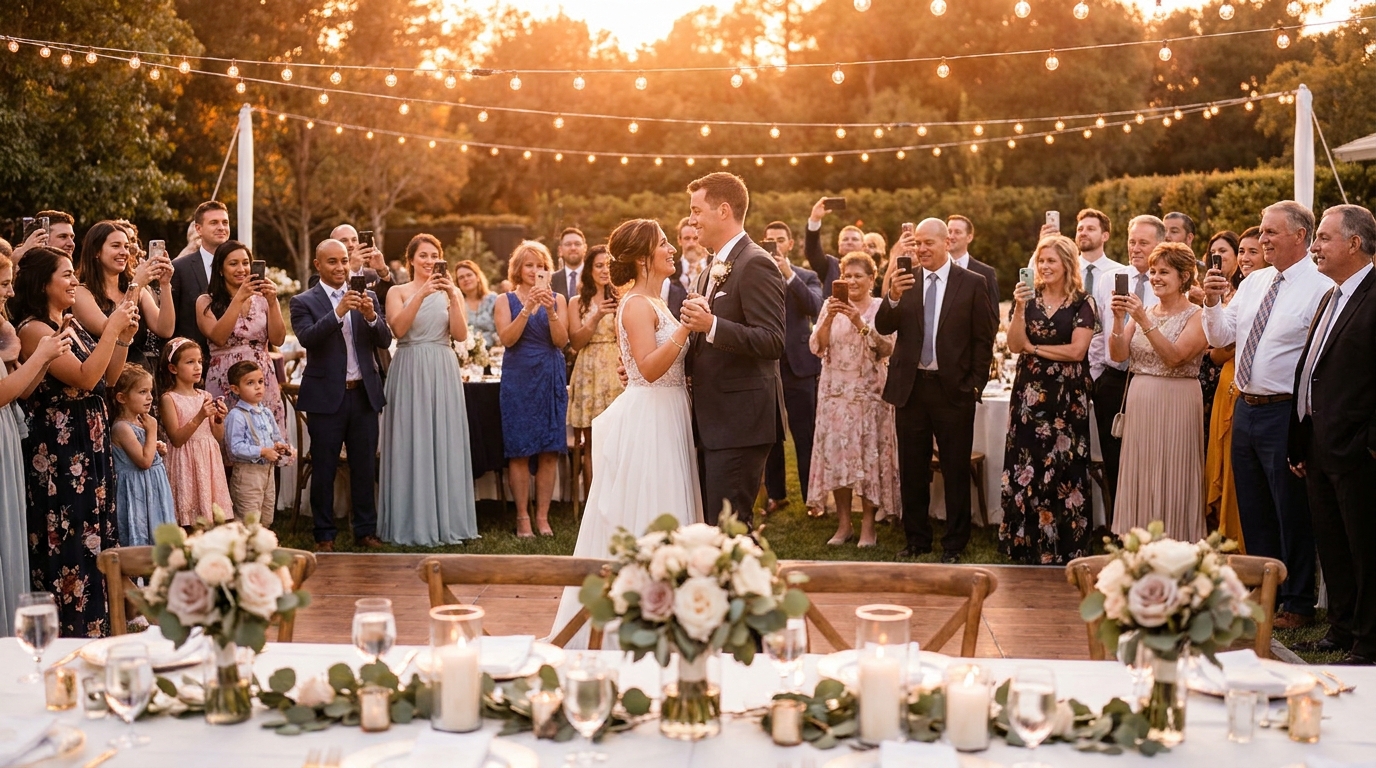
There's something magical about the candid, unfiltered moments captured at events—the genuine laughter during speeches, the impromptu dance moves, and the quiet conversations between old friends catching up. For decades, disposable cameras sat on wedding tables and party centerpieces, promising to collect these memories from every angle. But as we move through 2026, the reality of disposable camera apps has left many event organizers frustrated. Guests arrive ready to celebrate, only to face app store downloads, account creation, and permission requests that kill the spontaneous spirit of the moment. The good news? Technology has finally caught up with our need for simplicity, offering modern alternatives that capture that same candid magic without the technical headaches.
The most successful event photo collections come from solutions that meet guests where they already are—on their phones, without requiring them to change their behavior or download new software.
Why Event Planners Are Moving Beyond Disposable Camera Apps
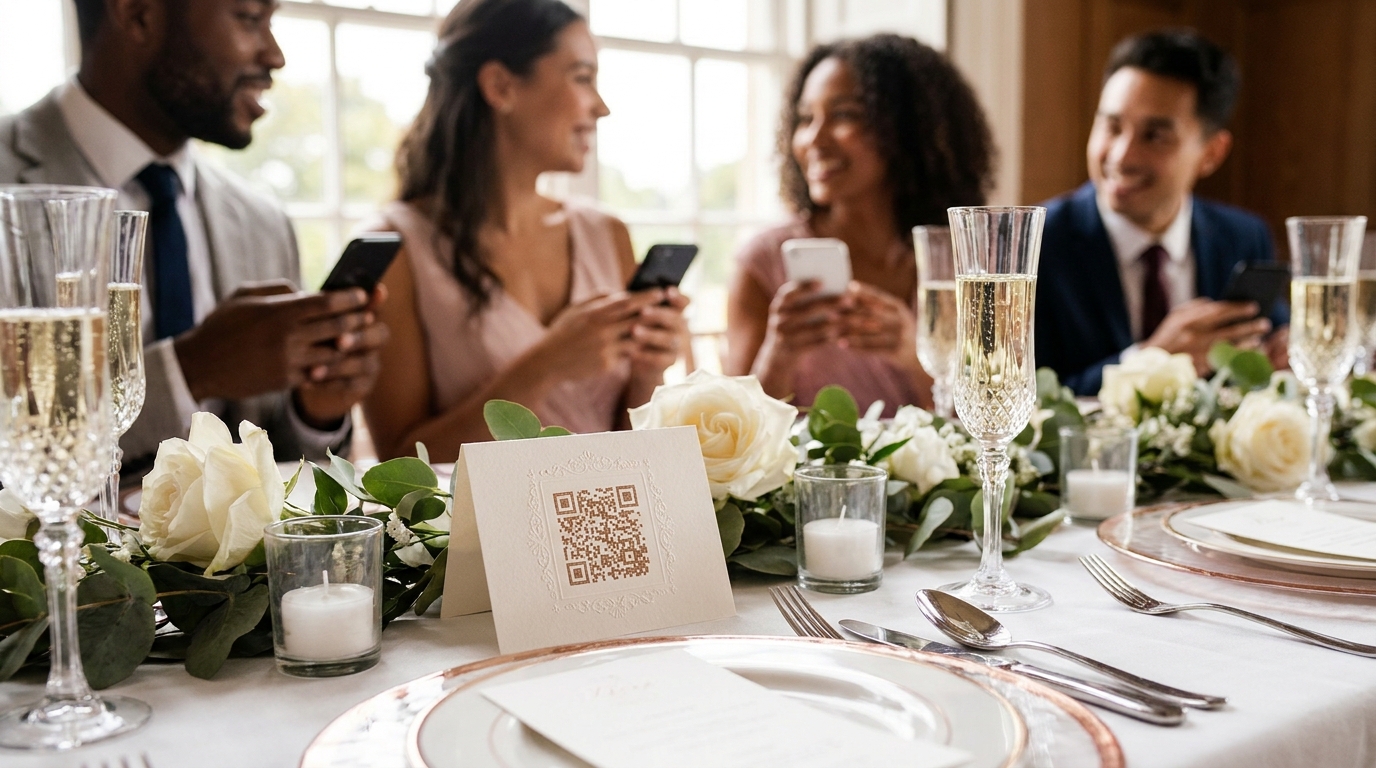
If you've planned an event recently, you've likely experienced the disappointment of low photo participation. You carefully researched disposable camera apps, sent links to guests beforehand, and placed cute instructions on every table—only to find that most of your attendees never uploaded a single photo. You're not alone in this frustration.
The app download barrier remains the single biggest obstacle to guest participation. When guests must download unfamiliar software, create accounts, and navigate unfamiliar interfaces before they can share a single photo, the majority simply give up. Studies suggest that 60-70% of guests never participate in photo sharing when apps are required, leaving you with fragments of your event instead of the comprehensive memory collection you envisioned.
Consider the experience from your guests' perspective. They're dressed up, ready to celebrate, and they spot a perfect candid moment. But instead of quickly capturing it, they must pause the celebration to search app stores, wait for downloads, and troubleshoot permission settings. By the time they're ready, the moment has passed. This friction is particularly challenging for events with diverse age groups—older attendees often struggle with app permissions and account creation, while younger guests may resist adding yet another app to their already crowded phones.
Modern event planning requires solutions that preserve the spontaneous, candid spirit of disposable cameras without creating technical hurdles. When half your wedding guests never download the recommended app, or when corporate event attendees spend more time troubleshooting than networking, it's clear that the traditional disposable camera app model is failing the very people it was designed to serve.
What Makes a Great Disposable Camera Alternative
When evaluating modern photo-sharing solutions, certain criteria separate the truly useful from the merely trendy. As someone who has coordinated events ranging from intimate anniversary dinners to corporate conferences with hundreds of attendees, I've learned that the best tools share common characteristics that prioritize guest experience above all else.
Zero friction for guests should be your non-negotiable starting point. The ideal solution requires no downloads, no accounts, and no complicated setup processes. Guests should be able to contribute photos within seconds of deciding to participate, not minutes.
Universal compatibility matters more than fancy features. Your solution must work on any smartphone, regardless of whether it's the latest iPhone or a five-year-old Android device. It needs to function across different operating systems, screen sizes, and browser versions without requiring updates or specific technical knowledge.
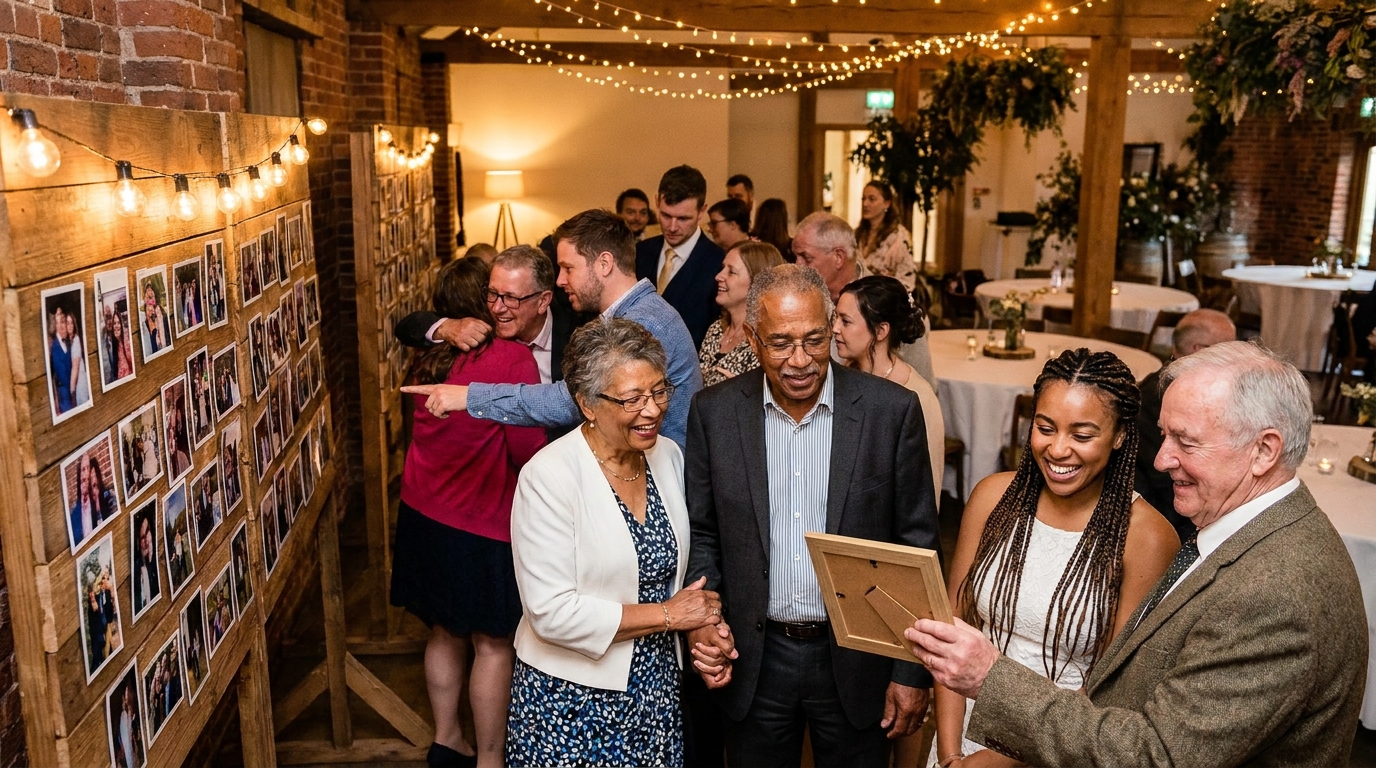
Instant access creates momentum. When guests can upload a photo immediately after scanning or clicking, they're more likely to become repeat contributors throughout your event. The ideal scenario looks like this: a guest scans a QR code at their table and uploads a photo in under 30 seconds, then repeats the process three more times during the evening because it was effortless.
Finally, organizer control ensures your event's privacy and quality. You need moderation tools to review uploads before they appear publicly, privacy settings to protect sensitive moments, and straightforward methods to download and organize photos after the celebration ends. Without these administrative features, you'll spend hours curating instead of celebrating.
📸 Collect Every Guest Photo at Your Next Event
Stop chasing guests for photos. With Guest Clicks, you create a QR code, guests scan and upload — it's that simple. No app downloads, no hassle.
QR Code Photo Sharing: The Modern Disposable Camera
QR codes have quietly become the perfect bridge between nostalgic photo-sharing traditions and modern convenience. Unlike the disposable camera apps that dominated the early 2020s, QR code-based platforms eliminate every major barrier to guest participation while preserving the candid, spontaneous aesthetic that makes event photography special.
The technology works beautifully because it leverages tools guests already use daily. Every smartphone camera app now recognizes QR codes automatically—no additional software required. When guests scan your event's code, their browser opens immediately to your photo upload page. They select their images, hit upload, and return to celebrating within moments.
This browser-based approach offers distinct advantages over traditional app-based systems. Guests don't need to remember login credentials or worry about forgetting passwords six months later. They don't sacrifice storage space on their devices or deal with update notifications. Most importantly, they can participate immediately upon arrival without any pre-event preparation.
The real magic happens in the real-time gallery. Unlike physical disposable cameras where you must wait weeks for development, QR code platforms display photos moments after upload. This creates social momentum—guests see contributions from others and feel inspired to share their own perspectives. A wedding reception might see table tent QR codes result in hundreds of photos from the majority of guests, creating a living, growing collection that becomes part of the event's entertainment. Similarly, a corporate retreat can use banner QR codes to collect team-building photos throughout the day, with employees checking the gallery during breaks to see their colleagues' perspectives.
For event organizers exploring disposable camera alternatives for weddings or corporate gatherings, QR code solutions offer the perfect balance of nostalgia and practicality.
Comparing Popular Event Photo-Sharing Approaches
Understanding your options helps you make informed decisions that match your specific event needs. Each photo-sharing method carries distinct advantages and trade-offs worth considering before you commit.
Dedicated disposable camera apps often promise high-quality filters and vintage aesthetics that mimic film photography. However, they consistently suffer from low participation rates due to download requirements. While the photos might look beautiful, you'll likely receive contributions from only your most tech-savvy and committed guests.
Social media hashtags offer undeniable accessibility—most guests already have Instagram or Facebook installed. However, they create significant challenges for organizers. Collecting scattered posts across platforms requires manual searching and screenshot saving. You lose control over privacy, can't moderate content before it goes public, and often miss photos from guests with private accounts. As noted by Social Media Examiner, hashtag campaigns often result in fragmented collections that are difficult to preserve long-term.
Text and SMS-based services provide universal accessibility since every phone handles text messages. However, these systems often compress image quality heavily and lack organizational features. You might receive hundreds of photos as individual messages with no easy way to sort, download, or display them cohesively.
QR code platforms currently offer the best balance of accessibility, control, and modern features. They combine the universal compatibility of SMS with the organizational benefits of dedicated apps, while eliminating the download barrier entirely. Solutions like Guest Clicks provide real-time galleries, moderation tools, and bulk download options that simplify post-event organization. For those comparing specific platforms, resources like comparisons of QR code photo collection tools can help identify the right fit.
When evaluating these approaches, consider not just the upload method, but the entire lifecycle of your event photos—from capture through collection to long-term preservation.

How to Choose the Right Solution for Your Event Type
Different events demand different photo-sharing strategies. What works beautifully for a casual backyard birthday might prove insufficient for a multi-day corporate conference. Matching your solution to your specific event type ensures both high participation and useful results.
Weddings require particular attention to privacy and longevity. Your solution needs password protection or restricted access to keep personal moments away from public view. Look for platforms that offer extended storage—ideally a year or more—since couples often return to these galleries throughout their first year of marriage. The ability to collect photos from multiple venues (ceremony, reception, after-party) in one unified gallery simplifies your post-wedding organization. For detailed guidance, explore this complete guide to QR photo sharing for weddings.
Corporate events demand professional presentation and straightforward administrative access. You'll likely need separate galleries for different departments or sessions while maintaining unified branding. Moderation tools become essential here, as you must ensure all uploaded content aligns with company standards before appearing in shared galleries.
Birthday parties and casual gatherings benefit most from simplicity and quick setup. You likely don't need advanced features—just reliable uploading and easy downloading. For milestone celebrations, consider photo booth alternatives that encourage guest participation throughout the party.
Multi-day events present unique challenges for maintaining engagement. Whether it's a destination wedding spanning three days or a conference with multiple sessions, you need solutions that keep guests contributing throughout the extended timeline. Look for platforms that allow you to organize photos by day or event segment while maintaining an overall collection.
Privacy and control matter more than ever. Choose solutions that let you moderate uploads, set passwords, and determine who can access photos after the event ends.
Setting Up Your Event Photo Collection for Maximum Participation
Even the perfect platform requires strategic implementation to achieve high participation rates. How you introduce and position your photo-sharing solution often matters as much as which solution you choose.
Strategic QR code placement dramatically impacts participation. Position codes at natural gathering points where guests already take out their phones: near the bar, at dining tables, by the photo booth, and at entrance or exit points. Contextual placement means guests encounter your codes when they're already in a photo-taking mindset.
Consider creating multiple touchpoints throughout your venue. Table tents work beautifully for seated dinners, while larger signs suit standing receptions. For weddings, include QR codes in your ceremony programs or on place cards. Corporate events might feature codes on lanyards, presentation slides, or room signage.
Clear instructions increase participation significantly. While QR codes are familiar technology, brief visual guides near your codes help hesitant guests feel confident. A simple "Scan → Upload → Share" instruction with icons removes any uncertainty about the process.
Encourage participation through event flow integration rather than isolated announcements. Have your DJ or emcee mention the photo gallery during natural transition moments. Consider displaying the real-time gallery on screens during the event—when guests see their photos appearing alongside others', they feel motivated to contribute their own perspectives.
After your event concludes, take time to properly archive your collection. Download high-resolution versions of all photos, organize them into meaningful folders (by time, location, or contributor), and share the complete gallery with attendees within a week while memories remain fresh. Platforms that offer gallery moderation best practices can help you curate the best collection for sharing.
Real-time photo galleries create unexpected social value at events, encouraging guests to interact with each other's perspectives and creating spontaneous moments of connection around shared memories.
When comparing costs and benefits, consider how QR code solutions compare to traditional disposable cameras in terms of both financial investment and memory yield. Modern approaches typically provide substantially more photos at a fraction of the cost, with the added benefit of immediate access and digital preservation.
Frequently Asked Questions
Do guests need to download an app to share photos at my event?
Not with modern QR code-based solutions. Guests simply scan a QR code with their phone's camera and upload photos through their web browser—no app download required. This eliminates the biggest barrier to participation.
What's the easiest way for guests to share event photos?
QR code scanning is currently the easiest method. Guests use their phone's built-in camera to scan a code, which opens a browser page where they can upload photos immediately. This works on all smartphones without any setup.
How do I collect all the photos from my event in one place?
Use a dedicated event photo-sharing platform that provides a single gallery for all uploads. These platforms typically offer bulk download options, so you can get all photos in a single ZIP file after the event. As PCMag notes, centralized collection tools significantly simplify post-event organization compared to social media scraping.
Are disposable camera apps worth using for weddings?
Traditional disposable camera apps create friction because guests must download software. Modern alternatives using QR codes and browser-based uploading achieve higher participation rates while maintaining the candid, spontaneous feel that makes disposable cameras appealing.
Can older guests use QR code photo sharing?
Yes, QR codes work on any smartphone with a camera, regardless of age or operating system. The simplicity of scanning with the built-in camera app makes it accessible to guests of all ages and tech comfort levels.