Event Gallery Moderation Best Practices for 2026
Learn proven event gallery moderation best practices to keep your photo collection professional and guest-friendly. Expert tips for weddings, corporate events, and more.
By Guest Clicks Team · · 11 min read
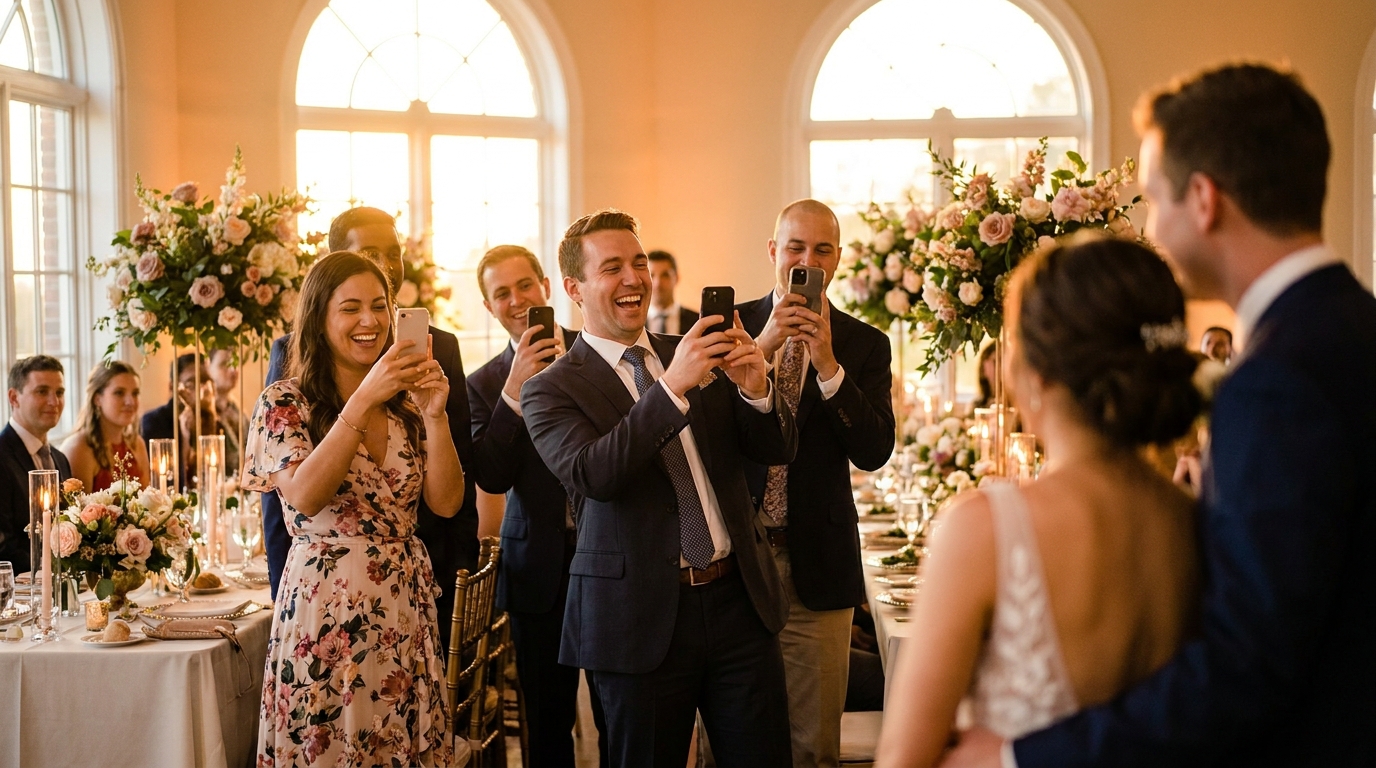
You've planned every detail perfectly—the venue, the catering, the playlist that'll get everyone dancing. But there's one element of modern events that can make or break how you remember the day: the photo gallery. When guests start uploading moments from their phones, what started as a beautiful collection of memories can quickly devolve into a chaotic digital dump of blurry screenshots, duplicate selfies, and the occasional meme that has nothing to do with your celebration.
The good news? You don't have to choose between a free-for-all and a heavily restricted experience. With the right moderation approach, you can maintain the energy and authenticity of guest-contributed photos while ensuring your final gallery tells the story you want to remember. Let's walk through how to master this balance in 2026.

Why Event Gallery Moderation Matters More Than You Think
Here's the uncomfortable truth: unmoderated event galleries rarely end well. I recently spoke with a couple who received 847 photos from their wedding guests through a basic sharing app. Sounds amazing, right? Except only about 200 were actually from their wedding day. The rest were random internet downloads, photos from completely different events, and dozens of accidental pocket shots of the floor.
On the corporate side, the risks get even more serious. At a major product launch last year, an unmoderated public gallery included competitor branding in the background of shots, confidential documents visible on whiteboards, and one particularly embarrassing inappropriate upload that stayed live for six hours before anyone noticed. The legal and reputational fallout took weeks to manage.
Poor moderation doesn't just create quality issues—it actively discourages participation. When guests visit your gallery and see a mess of unrelated content, they assume nobody's watching and stop contributing their own meaningful photos. The gallery dies before the event even ends.
But there's a delicate balance here. Heavy-handed moderation can feel clinical and soulless, stripping away the candid, spontaneous moments that make guest photography so special. The goal isn't to curate a perfectly polished marketing brochure; it's to create a living, breathing collection that captures the authentic energy of your gathering while filtering out the noise.
Setting Up Your Moderation Framework Before the Event
The secret to stress-free moderation happens long before your first guest arrives. Start by choosing your moderation timing strategy. Pre-moderation (approving photos before they appear publicly) offers maximum control but can slow down the energy of live events. Post-moderation keeps things flowing in real-time but requires vigilant monitoring. For most events in 2026, a hybrid approach works best—automatic approval for trusted guests or during low-risk moments, with manual review for new uploaders or sensitive portions of the event.
Events with clear photo guidelines see 67% fewer inappropriate uploads and 3x more guest participation compared to unmoderated galleries.
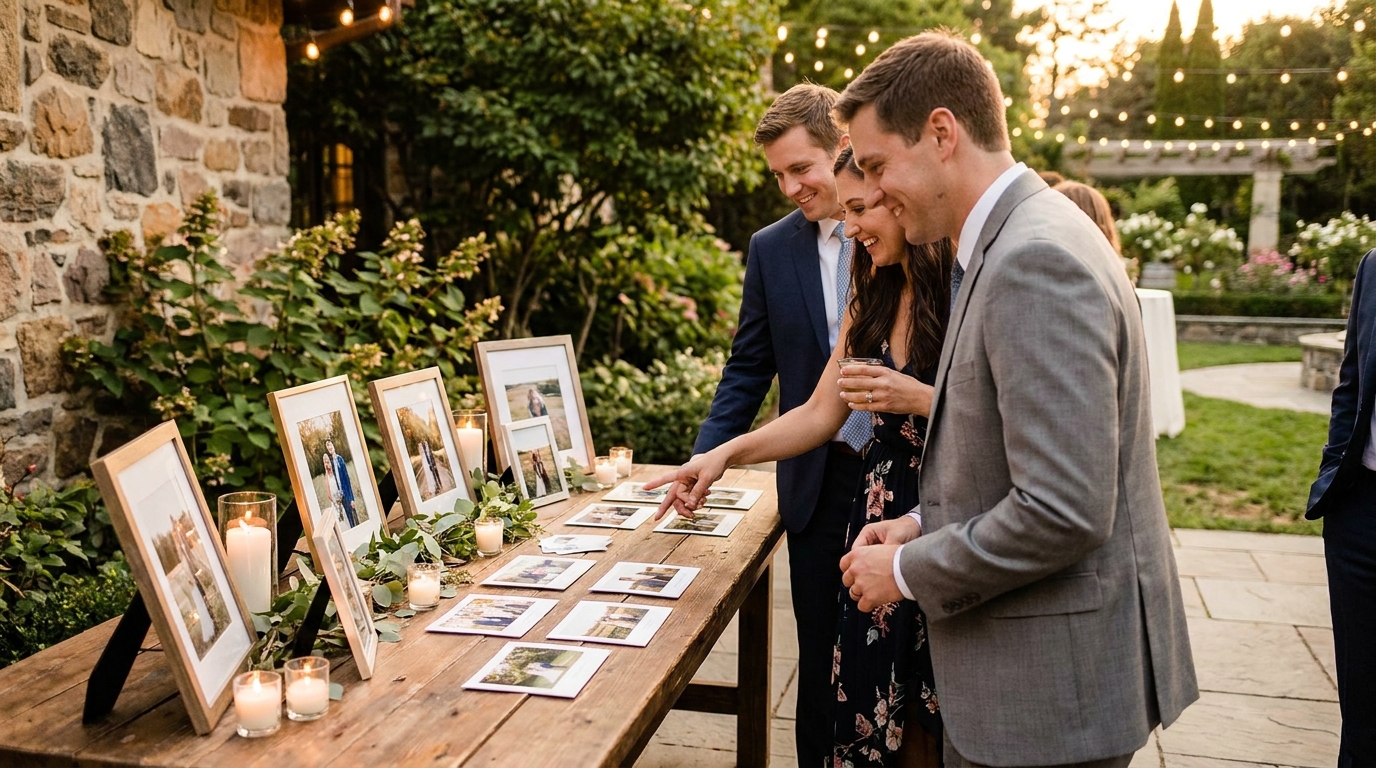
Communication is your first line of defense. When you create your QR code for event photos, include simple guidelines right on the signage. One birthday party host I worked with printed elegant cards that read: "Share your joy! Please upload moments from tonight's celebration only—no filters or screenshots, just real memories." The result was a 90% relevant upload rate.
Decide early who holds the moderation keys. For intimate weddings, the couple or a trusted maid of honor might handle it alone. For multi-day festivals or corporate conferences, assign moderation shifts to team members to ensure 24/7 coverage. Just make sure everyone uses the same standards—nothing confuses guests more than inconsistent approval patterns.
📱 Share Your Event Photos Instantly
Attending an event using Guest Clicks? Just scan the QR code with your phone camera and upload your best moments. No app needed — it works right in your browser!
The Four-Filter Moderation System That Actually Works
When you're staring down a queue of 500 pending uploads, decision fatigue can paralyze you. That's why professional event photographers and planners use a systematic four-filter approach that makes moderation fast, consistent, and less emotionally draining.
Filter 1: Technical Quality
Does the photo actually work? Check for motion blur, extreme underexposure, or accidental shots of shoes and ceilings. These are immediate rejects—no guilt necessary. If you can't tell what's happening in the image, future viewers won't either.
Filter 2: Relevance
Is this from your event? Test uploads, screenshots from other weddings, and duplicates of the same group shot 47 times (we've all seen it) get filtered here. For wedding photo moderation specifically, this is where you catch well-meaning guests uploading their entire camera roll from the past six months.
Filter 3: Appropriateness
Does the content match the tone of your event? A corporate gala has different standards than a casual family reunion. This isn't about censorship—it's about context. That hilarious party photo might be perfect for a birthday but problematic for a professional networking event.
Filter 4: Privacy Concerns
Are there minors without parental consent? Sensitive moments someone might regret later? A wedding coordinator I know caught and removed photos of a surprise proposal that happened in the background of a cocktail hour shot—the couple wasn't ready to go public yet, and she saved them from an awkward situation.
Professional event planners spend an average of 8 minutes moderating per 100 photos when using a systematic approach, compared to 25+ minutes with ad-hoc reviewing.
The key is speed. Spend no more than 3-5 seconds on each photo initially. If it doesn't immediately trigger a rejection, approve it and move on. You can always remove something later if complaints arise, but paralysis by analysis kills the gallery's momentum.
Moderation Tools and Features That Save Hours
Manual moderation doesn't have to mean clicking through photos one by one like it's 2010. Modern guest photo collection apps with moderation tools offer features that turn hours of work into minutes.
Bulk actions are your best friend. When you have 50 group shots from the same table at a corporate dinner, you don't need to evaluate each individually. A quick scroll to confirm they're all appropriate, then bulk-approve. One event planner told me this approach reduced her moderation time by 70% at a recent conference.
Automation handles the obvious stuff. Duplicate detection catches when three guests upload the same group selfie simultaneously. Blur detection flags technically poor images for your review. These automated filters catch about 60% of problematic uploads before you even see them.
Password protection and privacy settings matter more than ever. A family reunion organizer I worked with accidentally made her gallery public, only to realize strangers were viewing photos of her children. Privacy-focused photo sharing platforms allow you to restrict access without making the process cumbersome for legitimate guests.
Platforms like Guest Clicks streamline this workflow with one-click approval and rejection buttons, drag-and-drop bulk actions, and smart filtering that learns from your decisions. The interface matters—when moderation tools are clunky, you'll procrastinate or rush, leading to mistakes.
The sweet spot for moderation is approving photos within 15-30 minutes of upload—fast enough to feel responsive, slow enough to catch problems.
Handling Sensitive Situations and Guest Pushback
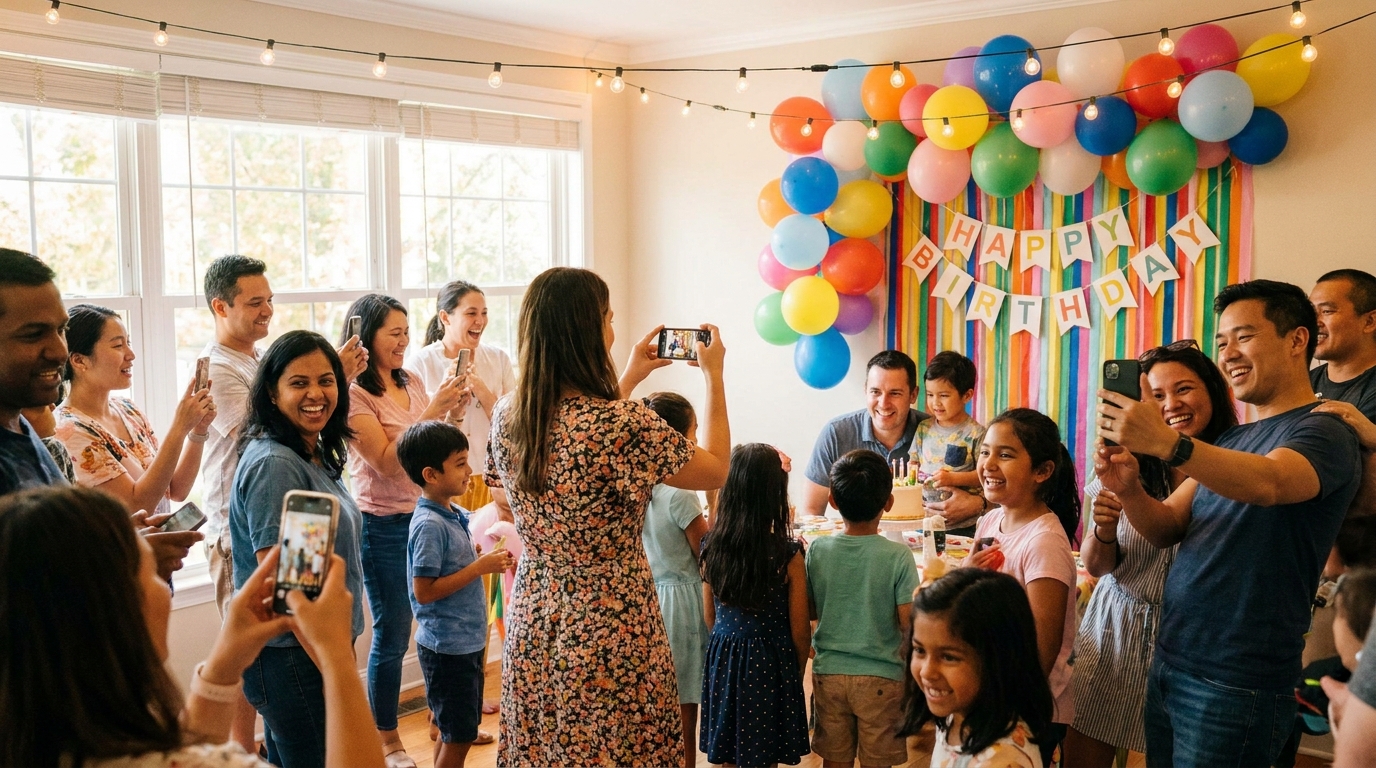
Even with perfect planning, you'll occasionally need to remove a photo that's already gone live—or explain to an enthusiastic guest why their 200 nearly-identical selfies don't belong in the permanent gallery. These conversations require tact.
When removing content, most guests never notice or ask. But if someone reaches out, use this simple script: "We're keeping the gallery focused on [event name] moments, and we're trying to include a variety of perspectives rather than multiple similar shots. Thank you so much for contributing to the night!" For privacy-related removals, be direct but kind: "Someone in this photo requested it be taken down, and we're honoring that request."
The "artistic freedom" conversation comes up at creative events. At one wedding, a guest uploaded an artistic nude photo from a separate photography project, thinking the gallery was a general sharing space. The coordinator removed it with a private message: "We love your artistic work, but we're keeping this gallery focused on Sarah and Mike's wedding day specifically. Would love to see this piece in your portfolio though!"
For chronic over-uploaders—the colleague who takes 20 photos of every flower arrangement—consider setting soft limits in your initial guidelines. "Please share your 3-5 favorite shots" sets expectations without feeling restrictive. If they ignore it, you can remove duplicates without guilt.
Create a written removal policy for corporate events where brand consistency matters. When employees know upfront that competitor logos or confidential whiteboards will be removed, it doesn't feel personal when it happens.
Post-Event Moderation and Gallery Curation
The event ends, but your work isn't done. The 24-hour rule is crucial: review everything within a day while the event is fresh in your memory. You'll catch context you might miss later—like why that seemingly random photo of a door is actually documenting a venue issue that needs follow-up.
Now comes the creative part: curation. Do you keep every acceptable photo, or create a highlight reel? For storage and sharing purposes, consider creating themed sub-galleries. A conference organizer I admire creates separate collections for keynotes, networking sessions, and workshop activities from one master upload pool. This makes the content navigable for different audiences—executives can browse keynote photos while team leads focus on workshop engagement.
The archive vs. delete decision depends on your event type. For weddings, I recommend archiving rather than permanently deleting questionable photos. One couple initially rejected a blurry, dark photo of their first dance, only to revisit it six months later and realize it captured a tender moment they couldn't see in the moment. For corporate events with compliance concerns, however, permanent deletion of inappropriate content creates a cleaner audit trail.
Before sending your gallery link to the world, do a final quality check. Scroll through the first 50 photos that guests will see—these set the tone. Make sure the opening images represent the energy and quality you want to showcase. Best practices for photo sharing suggest leading with your strongest content to encourage deeper browsing.
Remember that moderation isn't just about removal—it's about storytelling. The gallery you curate today becomes the historical record of your event tomorrow. Take pride in shaping that narrative.
Frequently Asked Questions
Should I moderate event photos in real-time or after the event?
Real-time moderation works best for multi-day events or when you want to encourage ongoing participation, as guests see their photos appear quickly. Post-event moderation is ideal for single-day events where you can dedicate focused time afterward. Many organizers use a hybrid approach—light real-time filtering for obvious issues, then thorough review within 24 hours.
How do I tell a guest their photo was removed from the gallery?
Most guests never ask, but if they do, be honest and kind: "We're keeping the gallery focused on [event name] moments, and that photo didn't quite fit our collection." For privacy removals, explain that someone in the photo requested it be taken down. Always thank them for contributing—you want to preserve the relationship.
What percentage of uploaded photos should I expect to reject?
At well-organized events with clear guidelines, expect to reject 5-15% of uploads (mostly duplicates and accidental shots). Without guidelines, rejection rates can hit 30-40%. If you're rejecting more than 20%, revisit your guest communication—you may need clearer expectations upfront.
Can I automate event photo moderation completely?
Automated filters can handle technical issues (blurry photos, duplicates) and flag potentially inappropriate content, but human judgment is essential for context, relevance, and privacy concerns. The best approach combines automation for the obvious cases with quick human review for everything else—platforms like Guest Clicks make this workflow seamless.
Should I moderate differently for weddings vs. corporate events?
Yes. Weddings typically need lighter moderation focused on privacy and special moments, as the tone is celebratory and personal. Corporate events require stricter moderation for brand consistency, competitor content, and professional appropriateness. Family events fall somewhere in between, with emphasis on protecting children's privacy and maintaining family-friendly content.