Best Kululu Alternatives for QR Code Photo Collection 2026
Discover the best Kululu alternatives for seamless QR code photo collection at events. Compare features, pricing, and ease of use to find your ideal solution.
By Guest Clicks Team · · 12 min read
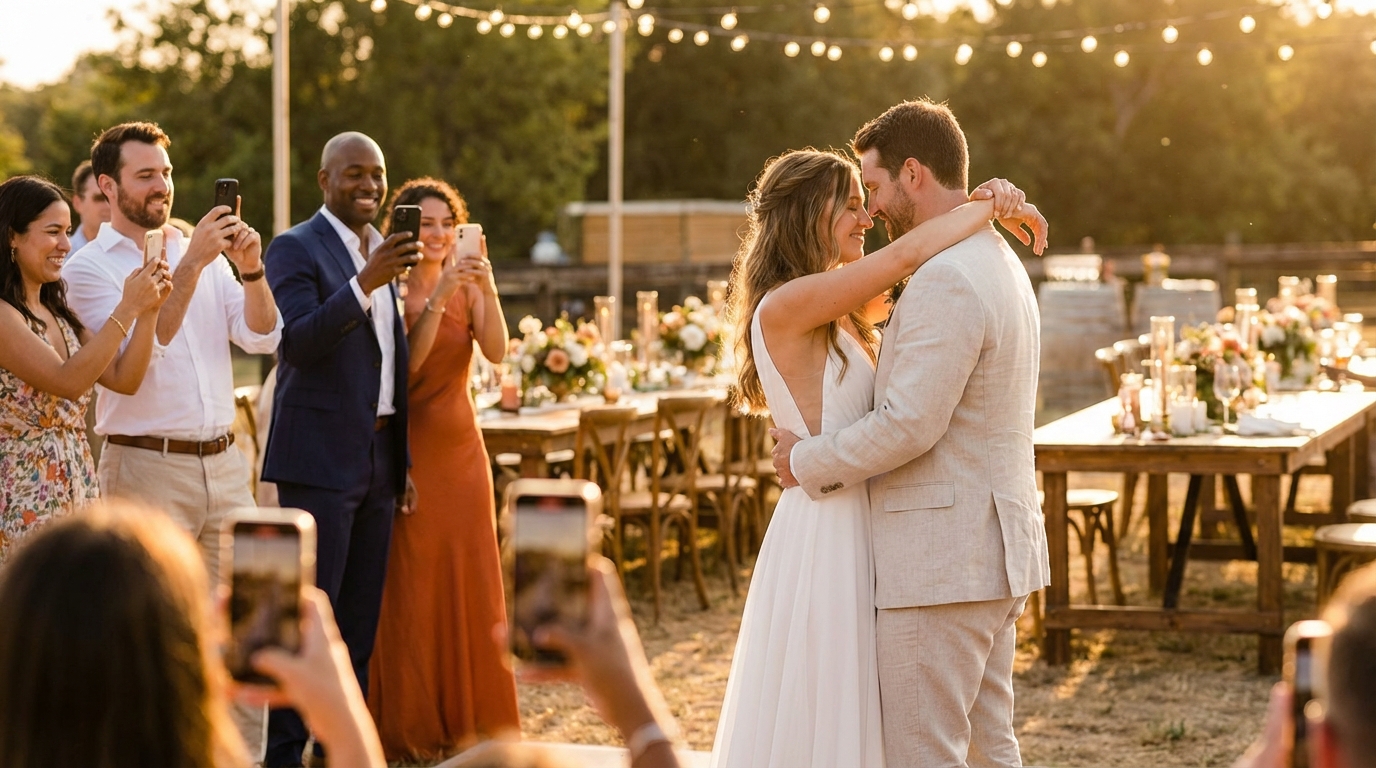
You've probably been there before: the wedding reception ends, the confetti settles, and you realize you've only seen a handful of photos from your guests' perspectives. Despite your best efforts to encourage everyone to share their snaps, most of those candid moments—your grandmother laughing during the toast, your college friends hitting the dance floor, the sunset shots from the patio—remain trapped on phones, never to be seen again. If you've been researching QR code photo sharing solutions, you might have come across Kululu as an option. But as we move through 2026, event organizers are increasingly exploring Kululu alternatives that better match their specific needs for simplicity, affordability, and guest-friendly experiences. Whether you're planning an intimate birthday celebration, a corporate retreat, or the wedding of your dreams, finding the right platform can mean the difference between capturing hundreds of precious memories and missing the moments that matter most.
Why Event Organizers Are Looking Beyond Kululu
The landscape of event photography has shifted dramatically in recent years. We've moved past the era of disposable cameras on tables and Facebook groups where half the guests never bother to post. Today's organizers need immediate, frictionless solutions that work for everyone—from tech-savvy teenagers to grandparents who just learned how to use their smartphone camera.
The biggest frustration with traditional photo-sharing platforms? App fatigue. When you ask guests to download yet another application, create an account, and figure out a new interface in the middle of celebrating, you're creating barriers that most people won't cross. I've heard from countless wedding coordinators who see participation rates hover around 30% when apps are required, simply because guests can't be bothered with the hassle or worry about phone storage.
Events using QR code photo sharing without app requirements see 3-4x higher guest participation rates compared to traditional app-based solutions.
Corporate event planners face similar headaches. When you're managing a conference for 200+ attendees, the last thing you want is IT support tickets because someone can't log into a proprietary system. Modern events demand solutions that work instantly, universally, and without troubleshooting.
This is where QR code technology has emerged as the universal equalizer. By leveraging the native camera apps already on every smartphone, QR codes eliminate the learning curve entirely. Guests scan, upload, and return to celebrating—no downloads, no accounts, no friction. The shift toward browser-based photo collection represents a fundamental change in how we think about event documentation, prioritizing inclusion and ease over complex feature sets that never get used.
What to Look for in a QR Code Photo Sharing Platform
Not all QR code photo sharing platforms are created equal, and the differences can make or break your event experience. When evaluating your options, start with the guest experience: browser-based uploads are non-negotiable in 2026. If a platform still requires app downloads, you're automatically excluding a portion of your guest list.
Next, scrutinize the storage limits carefully. A birthday party host planning for 50 guests might think 100 photos sounds sufficient, but when you consider that enthusiastic guests might upload 10-20 photos each, you'll quickly hit capacity. For larger celebrations like weddings or reunions, unlimited uploads become essential. You don't want to miss the bouquet toss because your gallery hit its limit during cocktail hour.
Privacy and moderation tools deserve equal attention. The best platforms offer password-protected galleries and approval workflows, letting you curate what appears in the shared feed. This prevents inappropriate uploads from embarrassing moments and ensures your gallery reflects the celebration you want to remember.
Download flexibility matters more than you'd think. Some platforms trap your photos, only offering individual downloads or requiring you to request exports. Look for solutions that provide bulk ZIP downloads immediately after your event, giving you full ownership of your memories.
Finally, consider video support. Static photos capture moments, but videos capture the energy—the laughter, the speeches, the dance moves. Premium platforms now include video uploads as standard, preserving the full sensory experience of your celebration.
📸 Collect Every Guest Photo at Your Next Event
Stop chasing guests for photos. With Guest Clicks, you create a QR code, guests scan and upload — it's that simple. No app downloads, no hassle.
Guest Clicks: The Organizer-First Alternative
When event organizers ask me for a recommendation that balances simplicity with capability, I point them toward Guest Clicks. The platform was built specifically around the insight that the best technology is invisible—it just works without drawing attention to itself.
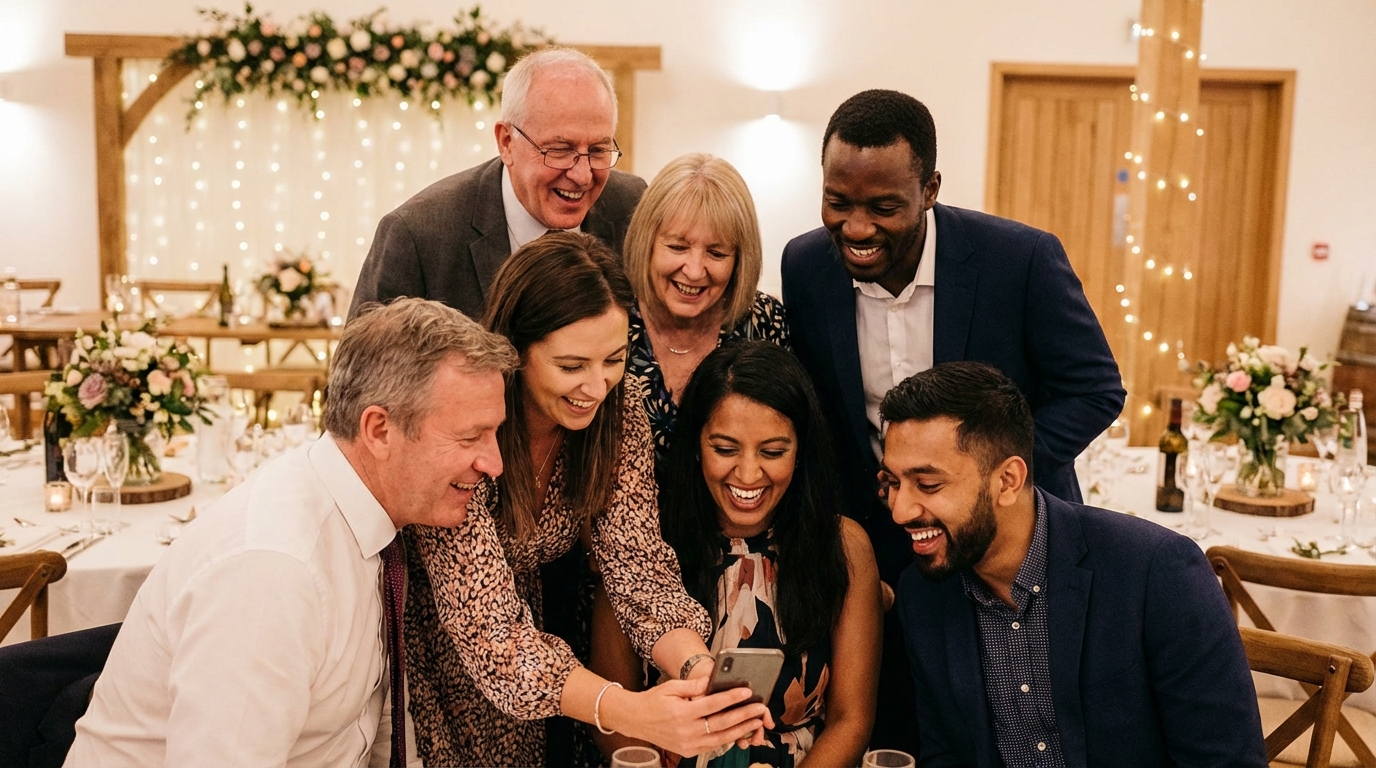
The setup process embodies this philosophy. You create your event, generate a QR code, and place it where guests will see it. When someone scans the code with their phone camera, it opens their browser directly to your upload page. They select their photos, hit upload, and they're done. There's no app store to navigate, no account creation, no permissions to grant beyond standard camera roll access. This browser-first approach removes every potential stumbling block between your guests and their desire to share.
For smaller gatherings, the Free plan offers a generous starting point: 100 photos and 200MB of storage for a single event. It's perfect for intimate dinner parties, baby showers, or family reunions where you want to collect memories without upfront investment.
Where Guest Clicks really shines for larger events is the Premium plan at $49 per year. This unlocks unlimited photos and videos, 10GB of storage, and advanced moderation tools that let you approve uploads before they appear in the gallery. The year-long active status means you can collect photos from multi-day festivals or keep the gallery open long after the event for stragglers who upload weeks later. For HR managers running quarterly company events or couples planning engagement parties, showers, and weddings in sequence, this annual model provides exceptional value.
I've seen couples collect over 800 wedding photos throughout their reception without a single technical complaint, while corporate clients appreciate the professional appearance and reliable performance at scale. The platform works equally beautifully for class reunions, milestone birthdays, and team building retreats.
Comparing Other Popular QR Code Photo Collection Tools
While Guest Clicks offers a compelling package, it's worth understanding the broader landscape of QR code photo sharing to ensure you're making the right choice for your specific circumstances.
Platform A (Branding-Focused Solutions): Some alternatives cater specifically to professional photographers and high-end events where white-label branding is paramount. These platforms allow extensive customization—matching colors, fonts, and logos to your event aesthetic. The trade-off typically comes in pricing structure, with per-event fees ranging from $29-$99 rather than annual subscriptions. If you're planning a once-in-a-lifetime luxury wedding where every detail must be perfect, the branding control might justify the cost. For most organizers, however, this level of customization is unnecessary overhead.
Platform B (Enterprise-Grade Systems): On the opposite end, you'll find platforms built for massive corporate conferences and trade shows. These offer enterprise features like SSO integration, analytics dashboards, and multi-event management tools. However, they often charge $200-$500 per event and require significant setup time. Unless you're managing a 1,000-person conference with dedicated IT staff, these features create more complexity than value.
Platform C (Social-First Apps): Several newer entrants blend photo sharing with social networking features, encouraging guests to comment on and like each other's photos in real-time. While this creates engagement, it also requires guests to create accounts and navigate social features they may not want. These platforms work best for very tech-forward crowds where social interaction is part of the event goal, but can alienate older guests or those concerned about privacy.
When evaluating these alternatives against Guest Clicks, consider the moderation capabilities and download options carefully. Many competitors restrict bulk downloads or charge extra for video support, hidden costs that inflate your actual investment.
How to Choose the Right Platform for Your Event Type
Selecting the ideal photo sharing solution requires matching platform capabilities to your specific event DNA. Here's how different event types prioritize different features:
Weddings: The Unlimited Imperative
Weddings generate more photographic enthusiasm than nearly any other event type. Guests arrive with charged phones and emotional investment, ready to capture everything from the first look to the last dance. When evaluating wedding photo sharing solutions, prioritize unlimited uploads and video support. You'll want year-long access to accommodate engagement parties, bridal showers, the wedding itself, and post-honeymoon photo dumps.
The average wedding generates 400-800 guest photos when using frictionless QR code collection, compared to just 100-150 photos with app-required platforms.
Corporate Events: Professional Reliability
For corporate gatherings, appearance matters as much as functionality. Choose platforms with clean, professional interfaces that won't embarrass you in front of clients or executives. Reliability at scale is crucial—test the platform with a group beforehand to ensure it handles concurrent uploads from hundreds of attendees without crashing. Password protection is essential for protecting sensitive corporate imagery.
Birthday Parties and Family Gatherings: Balancing Features and Budget
For children's birthday parties or casual family reunions, start with free plans and upgrade only if needed. Focus on simplicity over advanced features—if the grandparents can't figure it out instantly, it's too complicated. Look for platforms that offer easy bulk downloads so parents can preserve memories without technical gymnastics.
Festivals and Multi-Day Events: Storage Endurance
Multi-day festivals require robust storage and continuous upload capabilities across several days. You'll need password-protected galleries to manage different attendee groups and moderation tools to handle the volume of content. Consider platforms that allow you to create separate galleries for different days or stages while maintaining a cohesive overall collection.
Setting Up Your QR Code Photo Collection for Success
Even the perfect platform fails without thoughtful implementation. Success lies in the details of how you introduce the technology to your guests.
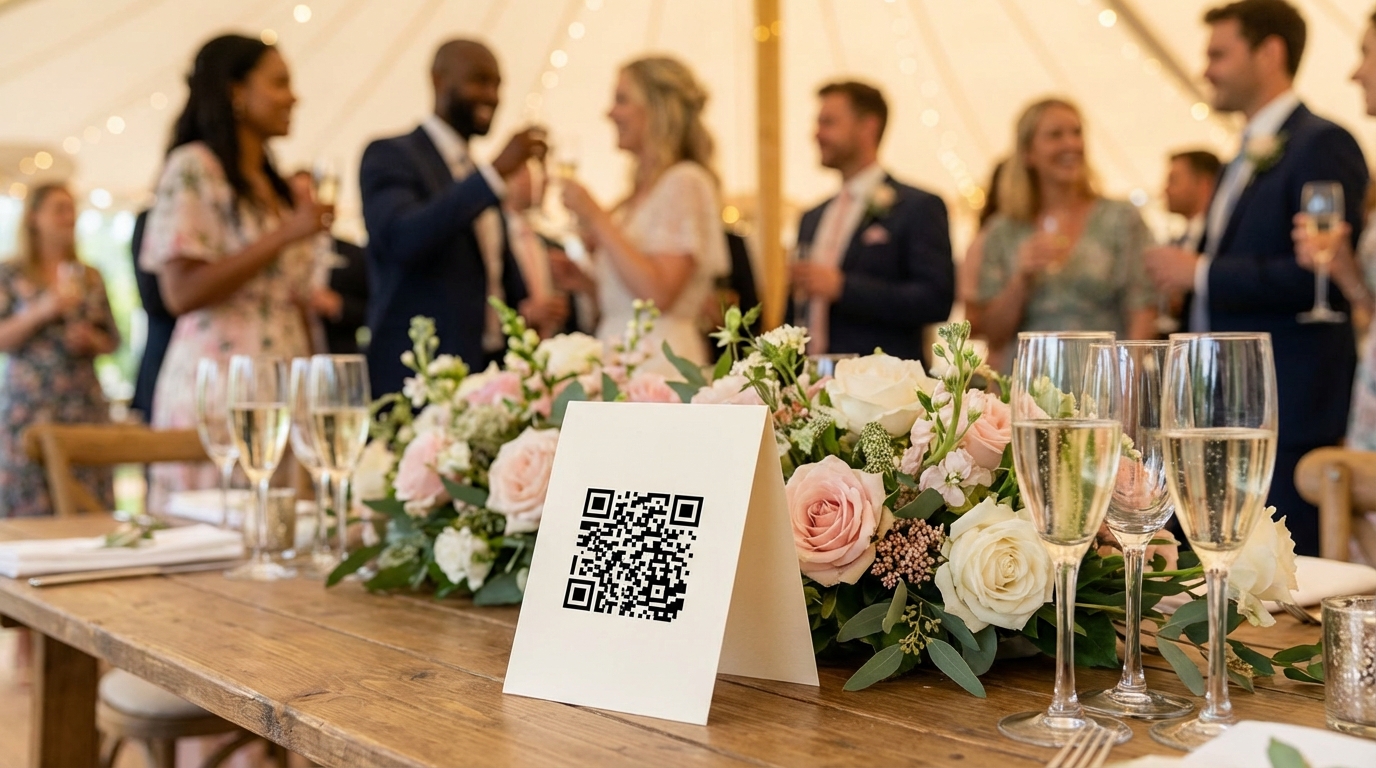
Strategic QR Code Placement: Visibility is everything. Create elegant table tents for dining tables, incorporate QR codes into welcome signage, and include cards in welcome bags or invitations. Position codes at eye level where guests naturally look while waiting—near the bar, by the entrance, and by the photo booth if you have one.
Clear Communication: Don't assume guests understand QR codes. A simple sign reading "Scan to share your photos with the couple!" works wonders. Brief your wedding party or event staff to mention the photo sharing during announcements, explaining that no app download is needed.
87% of event organizers who switch to browser-based QR code photo sharing report that setup and guest onboarding became significantly easier.
Pre-Event Testing: Set up your gallery at least one week before the event and test the QR code with friends and family using different phone models (both iPhone and Android). Check upload speeds on your venue's WiFi versus cellular data. This buffer gives you time to troubleshoot any issues and builds your confidence that everything will work smoothly.
Moderation Strategy: Decide your moderation approach beforehand. For family events, you might allow instant uploads to encourage participation. For corporate events or weddings with open bars, consider approval workflows to prevent any embarrassing moments from going public. Check your gallery periodically during the event to ensure uploads are flowing properly.
Post-Event Workflow: Schedule time within 48 hours of your event to download all photos as a ZIP file. This ensures you have everything backed up regardless of the platform's retention policy. Consider creating a shared drive or album for guests who want access to the full collection, extending the joy of the event beyond the celebration itself.
For additional guidance on preserving your memories, check out these photo sharing best practices or compare professional photo sharing platforms for long-term storage solutions.
Frequently Asked Questions
Do guests need to download an app to share photos via QR code?
No, the best QR code photo sharing platforms work directly in your phone's browser without any app download. Guests simply scan the QR code with their camera app, which opens a webpage where they can instantly upload photos. This removes the biggest barrier to participation and dramatically increases how many guests actually share their photos.
How many photos can guests upload with QR code photo sharing?
This depends on the platform and plan you choose. Free plans typically allow 50-100 photos total, which works well for small gatherings. Premium plans often offer unlimited photo uploads, which is essential for weddings and larger events where you might collect 500-1000+ photos from guests throughout the celebration.
Can I collect both photos and videos with QR code sharing?
Many modern QR code photo sharing platforms support video uploads, though this is often a premium feature. Video support is particularly valuable for capturing toasts, dances, and candid moments that photos alone can't preserve. Check whether video uploads count against your storage limits when comparing platforms.
Is QR code photo sharing secure and private?
Yes, reputable QR code photo sharing platforms offer password protection and privacy controls for your galleries. You can typically set who can view and upload photos, moderate submissions before they appear publicly, and control download permissions. Always choose platforms that give you full control over your event photos.
What happens to my photos after the event ends?
Photo retention policies vary by platform. Some keep photos accessible for 30-90 days, while premium plans often provide year-long or permanent access. The best platforms let you download all photos as a ZIP file immediately after your event, giving you complete control and backup of all collected memories regardless of the platform's retention policy.