Sweet 16 & Quinceañera Photo Sharing: Collect Every Memory
Don't miss a single moment. Collect every guest photo at your Sweet 16 or quinceañera with a simple QR code. No app needed. Set up in 3 minutes.
By Guest Clicks · · 12 min read
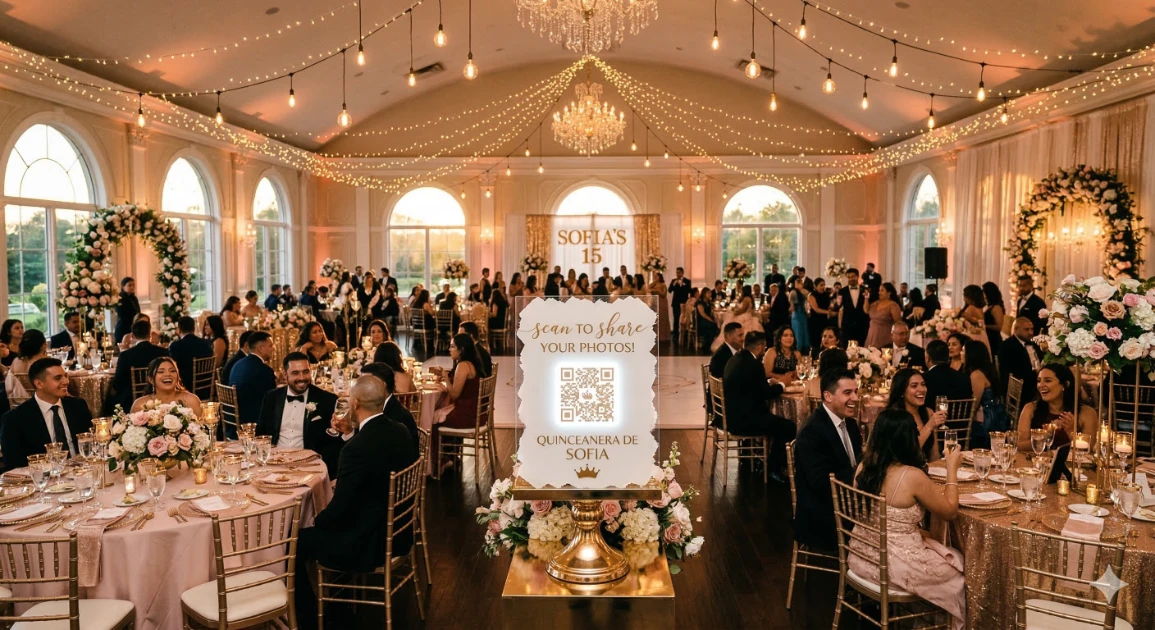
Your quinceañera has a professional photographer locked in for the portrait session — but who's capturing the moment your best friend bursts into tears watching your waltz? Or the look on your abuela's face when you walk through the door in your gown for the very first time?
That's the thing about celebrations this big and this layered: a single photographer, no matter how talented, physically cannot be everywhere at once. Your chambelanes are goofing off in the lobby. Your tías are crying at table seven. Your little cousins are doing the Macarena in the back corner. These are the moments that make a quinceañera or Sweet 16 what it is — and most of them never make it back to you.
This guide shows you exactly how to collect every guest photo into one private, beautiful album — before, during, and after your celebration — using a QR code that anyone can scan without downloading a thing. No app required. Learn why no-app photo sharing matters for events like yours, where guests range from tech-savvy teens to grandparents on older Android phones.
In This Guide
Why Sweet 16s & Quinceañeras Are the Hardest Events to Photograph Fully
Think about what a quinceañera or Sweet 16 actually involves. You're looking at a formal ceremony, a grand entrance, multiple outfit changes, a choreographed waltz, a shoe ceremony, a last-doll presentation, a cake cutting, a DJ set, and an after-party — spread across four to eight hours, across multiple rooms, with anywhere from 100 to 300 guests.
Quinceañeras typically invite between 100 and 300 guests depending on the event size, and there are an estimated 525,000 Latinx girls who turn 15 every year in the U.S. Add in over 1.5 million Sweet 16 celebrations annually, and you have a massive category of events where photo coverage is always incomplete — yet no dedicated solution has existed until now.
Here's what makes these celebrations uniquely difficult to capture:
- Multiple social circles, one room. Your school friends, your family's church community, your parents' coworkers, and your extended family don't naturally mix — and they certainly don't share photos with each other. Everyone's posting to their own Instagram Stories, and you'll never see most of it.
- The birthday girl misses everything. You're the subject of the event, not the observer. While you're on the dance floor, you have no idea what's happening at the back of the room. A grandmother crying. A cousin proposing to his girlfriend at your party. Your little sister stealing the flower arrangement. You'll only find out if someone captures it and gets it to you.
- Your photographer is focused on the formal shots. Professional photographers are there for the key moments: the entrance, the waltz, the family portraits. The candid, in-between, laugh-until-you-cry moments? Those belong to your guests.
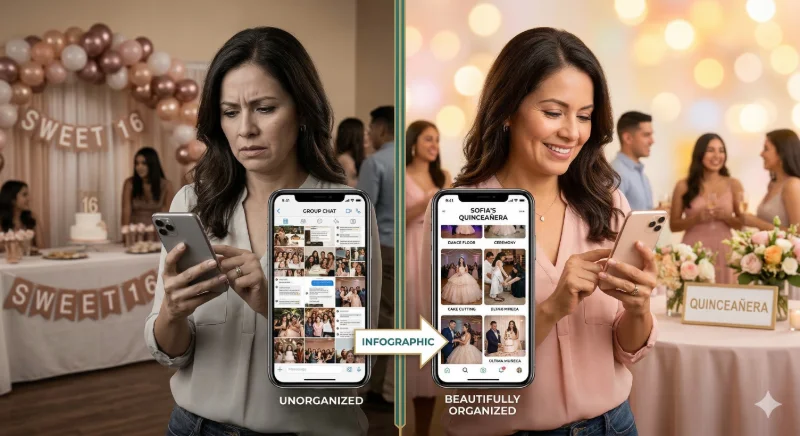
- Generational photo habits vary wildly. Your teen friends share everything instantly. Your tías will text you photos one by one for weeks. Your abuela's photos will live on her phone forever unless someone physically helps her get them off. Everyone has photos — but they're scattered across 200 different devices.
The solution isn't hiring a second photographer. It's giving every single guest — regardless of age, phone type, or tech comfort level — a dead-simple way to contribute their photos to one private album in real time.
How a QR Code Photo Album Works for Your Sweet 16 or Quinceañera
Setting up a shared guest photo album takes about three minutes and requires no technical background. Here's the full process:
Step 1 — Create Your Event
Go to Guest Clicks and create a free event. Give it a name (like "Sofia's Quinceañera 2025" or "Emma's Sweet 16"), add your event date, and choose a birthday theme. No credit card required to get started.
Step 2 — Download Your QR Code
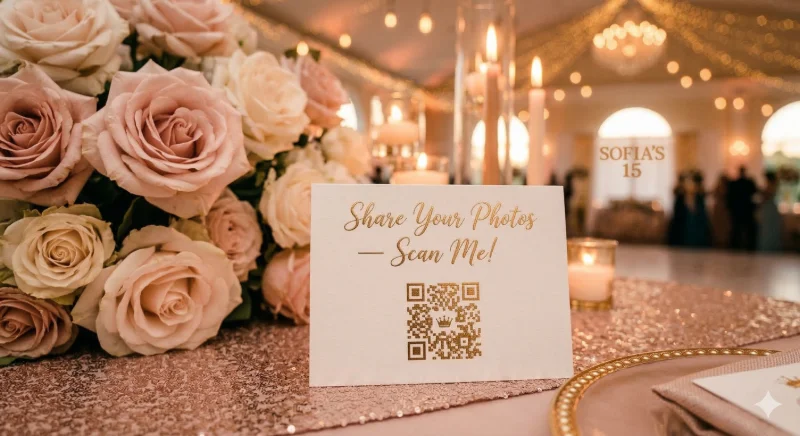
Your event instantly generates a unique QR code. Download it as a high-resolution image file that's ready to print on table cards, signage, or your digital invitation packet.
Step 3 — Place It Where Guests Will See It
Print the QR code on small table tents, a welcome sign at the entrance, or a display near the photo booth area. We'll cover placement strategy in detail in the next section.
Step 4 — Guests Scan & Upload Instantly
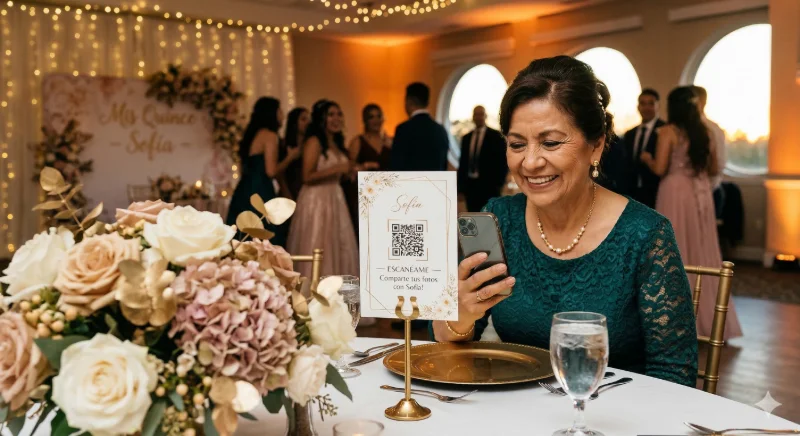
Any guest — at any table, on any phone — opens their camera, points it at the QR code, and taps the notification. They're immediately taken to a mobile-friendly upload page where they can add photos from their camera roll or take new ones. No login. No app download. No friction.
The key differentiator here is universal accessibility. This works for your chambelanes who are on the latest iPhone and for your abuela who hasn't updated her Android since 2019. Explore all of Guest Clicks' event features to see how the platform handles everything from content moderation to gallery organization.
Where to Display Your QR Code at the Event
Visibility is everything. Guests won't scan a code they don't notice, and they won't think to share photos if they're not prompted. Here's where to place your QR code for maximum participation:
- Entrance display. A 5×7 or 8×10 framed sign near the door catches every guest as they arrive — when they're in the best possible mood and most likely to engage. A simple message like "Share your photos tonight — scan me!" works perfectly.
- Table cards. One small table tent per table is the most effective placement. Guests have natural downtime between courses and during the ceremony — that's when they'll pull out their phones. If you're already using a Canva template for table numbers, just add the QR code to the same card design.
- Photo booth or selfie corner. If you have a DIY backdrop or prop station, place a large printed QR code right next to it. Guests who take photos there are already in "sharing mode" — they'll upload immediately.
- After-party area. If the celebration moves to a second space or continues after the formal portion ends, put the code up again. The after-party is often where the most authentic, unguarded moments happen — and those photos are priceless.
- Digital invitation and event page. Include the gallery link (not just the QR code) in any digital communication so remote family members and livestream viewers can contribute photos they took from home.
Getting Everyone to Participate — Even Abuela
The QR code is only as effective as your guests' awareness of it. The biggest reason guest photo collection fails isn't technology — it's that guests forget it exists, or feel awkward about pulling out their phones. Here's how to change that:
Have your DJ or MC make an announcement. Sometime during the first hour of the reception — when energy is high and guests are settled — have your DJ say something like: "Everyone, the photo album for tonight is open! Scan the QR code on your table and add your pictures. Sofia wants to see this party from every angle!" A single public prompt like this can triple photo submissions for the evening.
- Designate a "photo ambassador." Pick one reliable cousin or family friend — not the birthday girl or her mom, who are busy all night — and give them one job: walk the tables during dinner and help guests scan the code. They don't need to be tech-savvy; just enthusiastic.
- Keep the album open after the event. Send a follow-up WhatsApp or group message the next day: "The photo album is still open — add any pictures you took last night!" Guests who forgot to upload in the moment will often do it then. Many of the best photos come in the day after.
- Frame it as a gift to the birthday girl. People respond well to purpose. "Sofia wants to see her day from every perspective — please add your photos" is more motivating than a generic "scan here."
For more detailed strategies on maximizing participation, read our full guide on how to get guests to actually share their photos. And if you're planning for a multigenerational guest list — which every quinceañera or Sweet 16 is — see our tips on family event photo sharing across all ages.
What to Ask Guests to Capture
Most guests need a nudge. They don't know what's worth photographing — especially if they're not sure the birthday girl wants candid shots of Tío Roberto doing the merengue. Give your photo ambassador a quick list, or include prompts on the QR code table card:
- The birthday girl's reaction moments — when she first sees the decorated venue, when she walks in during the grand entrance, when she opens a surprise gift. She'll never see her own face in these moments otherwise.
- Guest candids at the tables — the grandmother crying during the waltz, the cousins laughing over something only they understand, the little kids who fell asleep under the table at 10pm.
- Multiple angles of the choreographed dances. Your photographer will nail the main shot. Guests at different tables can catch angles, expressions, and moments from the audience that the professional shoot can't replicate.
- The getting-ready scene. If family and the damas are with the birthday girl getting ready before the event, those behind-the-scenes moments are often more emotional than anything that happens on the dance floor. This is exactly when to share the gallery link in advance.
- The after-party. Formal guard drops. Heels come off. The real dancing starts. These photos are almost always the favorites when looked back on years later.
A Note on Privacy
Your guest photo album is completely private. It's not indexed by search engines and nothing is shared publicly anywhere. Only people who have your QR code or gallery link can access it. You also control the album entirely — you can review and hide any photos before they appear in the gallery, download everything at the end, and keep the album active as long as you want. This is your celebration and your memories. Explore how Guest Clicks handles birthday photo collections for all the details.
No credit card required. No app download for your guests.
Frequently Asked Questions
Do my guests need to download an app to upload photos to the album?
No. Guests simply open their phone's camera, point it at the QR code, and tap the notification that appears. This opens a mobile-friendly upload page directly in their browser — no app download, no account creation, no password. It works on any smartphone, including older Android devices and basic iPhones.
Can guests from out of town who watched the livestream also add photos?
Yes. In addition to the QR code, your event has a shareable link that you can include in any message — text, WhatsApp, email, or your event group chat. Remote family members who watched via livestream can click the link and upload photos they took from their screen, screenshots, or even throwback family photos they want to add to the album.
What if some guests have older phones — will the QR code still work for them?
Yes. QR code scanning is built into the native camera app on both iOS and Android — no separate QR reader needed. As long as a phone has a working camera and any internet connection (WiFi or cellular), it can scan the code and upload photos. For guests who struggle with QR codes, your gallery link can be shared directly via text message as a simple URL they can tap to open.
How long will the photo album be available after the quinceañera?
Your album stays accessible as long as your account is active, giving you plenty of time to download everything and keep it permanently. We recommend keeping the album open for at least one week after the event so any guests who didn't upload during the party have a chance to contribute. You can download all photos in a single click whenever you're ready.
Your Quinceañera or Sweet 16 Happens Once
The photos your guests take are the ones you'll look at ten years from now that make you feel like you were really there — not posing, not performing, but fully in it. The ones where you weren't looking at the camera. The ones nobody planned.
Don't let them stay on 200 different phones forever. Give your guests one simple place to share them — and wake up the morning after your celebration with every memory already waiting for you.