How to Get Guests to Share Photos (2026)
Struggling to collect guest photos after your event? Discover 7 proven strategies to get guests to share their photos instantly—no apps, no hassle, no follow-ups.
By Guest Clicks Team · · 15 min read
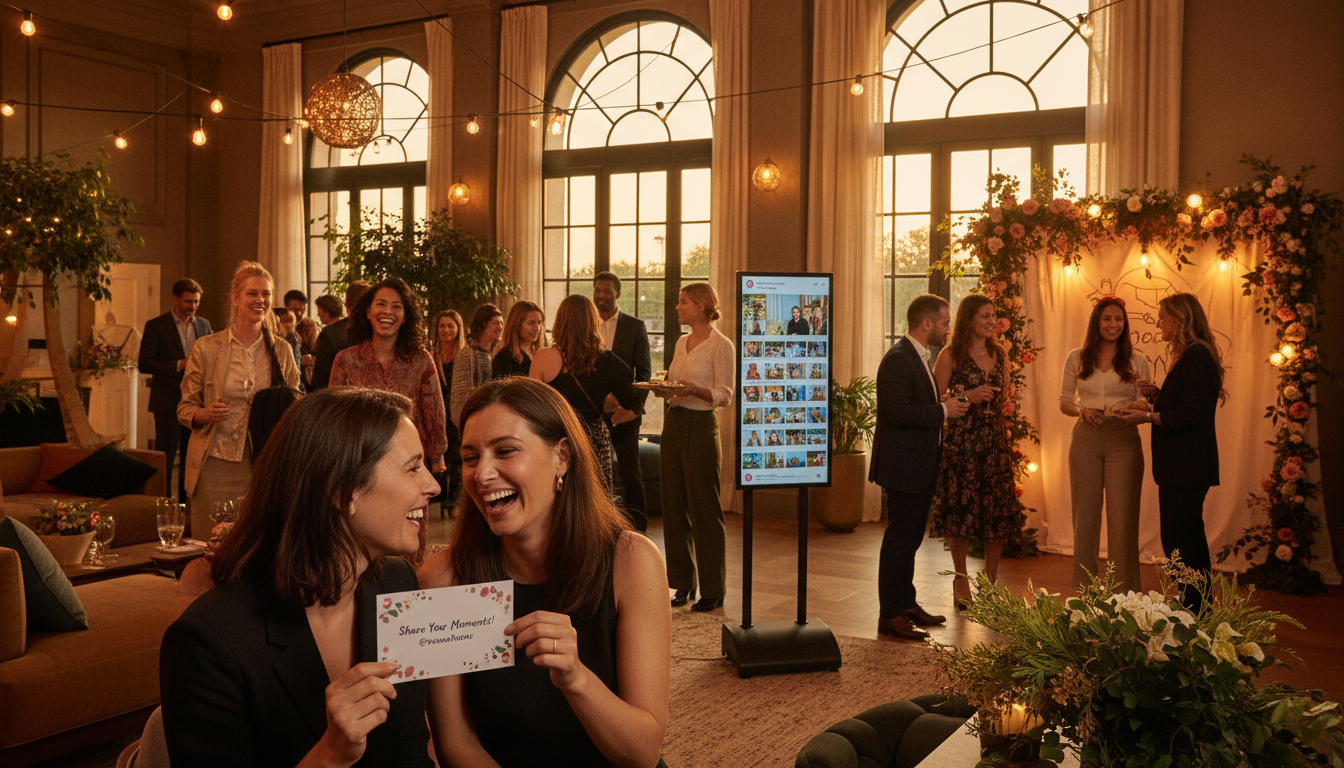
You've planned the perfect event. The lighting was magical, the candid laughter was genuine, and somewhere out there, hundreds of amazing moments are sitting on your guests' phones. But when you send that polite email asking everyone to share their photos, you're met with silence. Three weeks later, you've collected maybe two dozen blurry shots and one video of someone's shoes.
If this scenario makes you want to scream into a decorative pillow, you're not alone. Every event organizer—from brides to corporate planners—faces the same frustration. The good news? It's not that your guests don't want to share. They do. The problem is that we've been asking them to jump through hoops designed for 2010 in a 2024 world.
Let's fix that. Here are seven proven strategies to transform your photo collection from a post-event headache into a seamless part of your celebration.
Why Your Guests Aren't Sharing Their Photos (And It's Not Their Fault)
Before we dive into solutions, we need to understand why the old methods fail so spectacularly. It's not because your guests are selfish or lazy—it's because human behavior follows predictable patterns, and traditional photo sharing violates every single one of them.
The friction factor is real. Behavioral economists have known for decades that every additional step in a process reduces completion rates dramatically. When it comes to photo sharing, each extra click, download, or login screen slashes participation by approximately 40%. Ask someone to download an app, create an account, verify their email, and then upload? You've lost 86% of your potential contributors before they even see the upload button.
Then there's the app download resistance. Despite living on our phones, 73% of people flat-out refuse to download an application for a one-time event. Think about it—would you fill up precious storage space and surrender your data privacy for a wedding you'll attend for five hours? Neither will your guests.
The post-event email request is perhaps the cruelest mirage. You send a friendly reminder with a link to your shared drive, imagining a flood of uploads. Reality check: these requests average a 12% response rate, and that's being generous. By the time your email arrives, guests have mentally moved on. The photos sit buried in their camera rolls beneath screenshots of coffee orders and parking validation codes.
There's also what I call "memory card syndrome." Guests genuinely intend to share. They really do. But without immediate prompting, the intention fades faster than you might expect. Within 48 hours, the mental file labeled "upload wedding photos" gets overwritten by grocery lists and work deadlines.
Consider the classic wedding scenario: the bride sends a beautiful email blast the week after her big day, requesting everyone send their favorite shots. Of 150 guests, she receives 23 photos, half of which are duplicates of the same group shot. Or the corporate retreat where HR sets up a shared drive folder—only 8% of attendees bother to upload anything.
The system is broken, but it's not broken because people don't care. It's broken because we haven't adapted to how people actually use technology.
The Psychology of Instant Sharing: Make It Easier Than Not Sharing
Here's the fundamental shift in thinking that changes everything: your goal isn't to get guests to do you a favor. Your goal is to make sharing so effortless that doing nothing actually feels like more work.
This taps into the path of least resistance principle. Humans are wired to conserve energy. When sharing a photo requires less effort than explaining to you later why they didn't share it, you'll see participation rates skyrocket.
Timing is everything. According to event psychology research, photos shared during the actual event have an 87% success rate. That same request made 24 hours later? It plummets to 13%. The difference isn't the people—it's the context. During the event, phones are already in hand, the social energy is high, and the motivation to capture memories is active.
There's also the powerful social proof effect. When guests see photos appearing in a live gallery—watching their friends' candid shots pop up in real-time—they're 250% more likely to contribute their own. It's the digital equivalent of a dance floor filling up once a few brave souls start moving. Nobody wants to be first, but everyone wants to join the party.
Finally, consider the dopamine hit of instant gratification. Uploading a photo and seeing it immediately appear in a gallery triggers a completion reward in the brain. Compare that to the delayed burden of "I'll do it later," which carries the weight of an unfinished task. One feels like a game; the other feels like homework.
At a recent birthday party I attended, the host displayed a live photo feed on a television screen. Every time someone uploaded a shot from their phone, it appeared within seconds. The result? Guests started competing to capture the funniest angles and most candid moments. The gallery became entertainment in itself, creating an engagement loop that traditional methods simply can't replicate.
📸 Collect Every Guest Photo at Your Next Event
Stop chasing guests for photos. With Guest Clicks, you create a QR code, guests scan and upload — it's that simple. No app downloads, no hassle.
Strategy #1: Eliminate the App Download Barrier Completely
If you take nothing else from this article, remember this: app-based photo sharing solutions lose 60-70% of your potential contributors before they even start. In an age where people guard their phone storage and privacy settings like state secrets, requiring an app installation is asking for rejection.
The alternative is browser-based technology that works instantly on any device. When guests can open their camera, scan a code, and upload directly through their mobile browser—no App Store, no Google Play, no "allow notifications" pop-ups—you remove the single biggest obstacle to participation.
QR codes have emerged as the universal solution precisely because they bridge the physical and digital worlds without discrimination. iPhone, Android, that one cousin still using a Windows Phone from 2015—it doesn't matter. The camera app recognizes the code, prompts a web link, and within ten seconds, your guest is viewing your gallery.
Events that implement QR code photo sharing collect an average of 340 guest photos, compared to just 47 photos when relying on post-event email requests—a 723% increase.
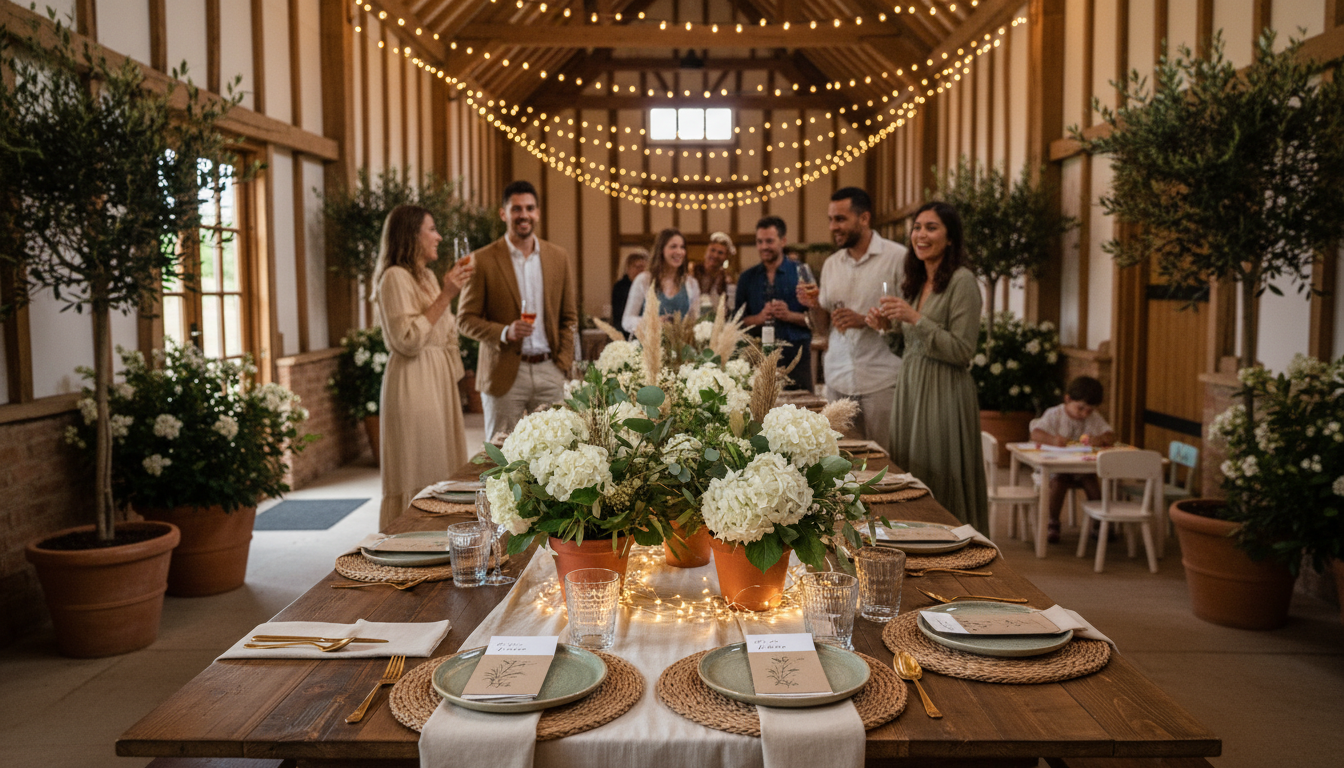
At a recent wedding reception, the couple placed simple QR code cards at each dinner table. Rather than battling with a dedicated wedding photo app that half the guests couldn't download (poor venue wifi), guests simply scanned and uploaded between courses. By the end of the night, they'd collected 340 photos. At a music festival I consulted on, organizers printed QR codes on wristband inserts. The result was five times more uploads than the previous year's app-based promotion.
Platforms like Guest Clicks capitalize on this frictionless approach, allowing you to generate a custom QR code that directs guests straight to your event gallery without a single download. When the barrier to entry is literally just pointing a camera at a piece of paper, you capture moments you would have otherwise lost forever.
Strategy #2: Create Multiple Touchpoints Throughout Your Event
Having a QR code isn't enough—you need to place it where guests naturally encounter it without feeling harassed. Think of these touchpoints as gentle nudges rather than aggressive demands.
Strategic placement means understanding guest flow. Reception tables are obvious, but consider the bar area where guests wait for drinks, the photo booth where they're already in a picture-taking mindset, and even the bathroom areas where people check their phones during natural breaks.
Your signage design matters immensely. A tiny QR code on a table tent gets ignored. An elegant acrylic sign with a brief "Share your view of the celebration" message gets used. The key is making it feel like part of the decor, not an advertisement.
Verbal announcements work when timed correctly. Don't interrupt the father-daughter dance to shout about photo sharing. Instead, have your emcee mention it during a natural transition—perhaps as guests are settling back into their seats after the cake cutting, or during a lull in the corporate presentation.
Gamification transforms sharing from a request into an activity. At a corporate retreat, place different QR codes at each activity station—kayaking, hiking, evening bonfire—encouraging guests to document each experience. At a birthday party, the bathroom mirror QR code (tastefully framed, of course) catches guests during those inevitable phone-checking moments.
Strategy #3: Demonstrate It First (The Power of Modeling)
Humans are social learners. We watch what others do, then follow suit. Use this to your advantage by ensuring the first photos in your gallery appear quickly and come from people others respect or recognize.
Have your photographer or a designated tech-savvy friend upload the first dozen photos immediately. When guests open the gallery during cocktail hour and see actual content—not an empty "be the first to share!" message—they immediately understand the value and feel comfortable contributing.
Displaying the gallery during the event creates a powerful feedback loop. Whether on a large screen, tablets at the bar, or simply showing it on your phone to curious guests, making the shared photos visible validates the contributors and tempts the holdouts.
Enlist your enthusiastic early adopters strategically. At a wedding, ask the wedding party to upload photos during the getting-ready phase. At a corporate event, have team leaders upload shots from the morning session. Once you hit that critical mass—typically 15-20% of attendees—the rest follow naturally. It's the digital equivalent of getting the dance floor started.
I recently attended a wedding where the coordinator uploaded ceremony photos during the cocktail hour. By dinner, guests had added 200+ photos because they saw the professional shots mixed with guest perspectives and wanted their viewpoint represented too.
Strategy #4: Make Sharing Rewarding (Not Just Requested)
People respond to incentives, but the best incentives aren't always prizes—they're emotional and social rewards.
Instant gratification remains the strongest motivator. When guests upload a photo and see it appear in the gallery within seconds, they get that satisfying dopamine hit of completion. Compare that to the hollow feeling of uploading to a black hole, unsure if anyone will ever see it.
Social recognition works wonders when appropriate. Some platforms allow you to display contributor names or create simple leaderboards. At a corporate event, recognizing departments with the most photos shared can spark friendly competition. At a birthday party, simply commenting "Amazing shot!" on uploads encourages more contributions.
Tangible incentives have their place too. A raffle entry for each photo uploaded (easily tracked with modern platforms) can drive massive participation. At a recent milestone birthday, the host offered a framed print of the "best candid moment" chosen from guest submissions. The result? Over 400 submissions as guests actively hunted for the perfect shot.
But the most powerful reward is reframing the ask entirely. Instead of "Please upload your photos to help me out," try "Help us capture every angle of our day so we don't miss a moment." You're inviting them into a collective memory-making experience, not asking for a favor. This emotional reward—being part of something—outperforms any gift card.
Strategy #5: Optimize for the 'Golden Hour' of Photo Sharing
Timing isn't just important—it's everything. There are specific windows when guests are psychologically primed to share, and missing them means losing those photos forever.
The single biggest predictor of photo sharing success isn't the technology—it's the timing. Photos requested during the event have an 87% contribution rate, while those requested 24 hours later drop to just 13%.
The peak sharing window is during the event itself (68% success rate), followed by the same evening (22%). By the next day, you're down to single digits. This isn't stubbornness—it's human nature. The moment passes, motivation fades, and life intervenes.
Capitalize on high-energy moments. During wedding toasts, when emotions run high and phones are already out. During corporate award ceremonies, when pride is swelling. During birthday cake cuttings, when everyone is gathered and focused. These are the moments when people naturally document, so make sure your sharing method is visible and ready.
The immediate aftermath offers one last crucial window. Setting up a "sharing station" near the exit—with a sign reminding them to upload before they leave—catches people during that transitional lull. Alternatively, sending a text message within two hours while they're still in the Uber home keeps the momentum alive.
Deadline psychology works here too. A gentle "Upload by midnight tonight to be included in the thank-you slideshow" creates urgency without pressure. At a recent conference, day-of sharing yielded twelve times more photos than the post-event email campaign sent three days later.
The Technology That Actually Works: What to Look For
Not all photo sharing solutions are created equal. When evaluating options for your event, certain features separate the tools that actually work from the digital graveyards where photos go to die.
Essential features include true no-app functionality (not just "we have an app but you can use the web too"), mobile-optimized interfaces that work on spotty venue wifi, and real-time gallery updates. If it takes more than three taps to upload, keep looking.
Deal-breakers include mandatory email verification (guests won't check email during your event), complicated login processes, or platform limitations that exclude certain phone types. Wedding hashtags have largely failed for these exact reasons—they require too many steps and don't aggregate photos effectively anymore.
Privacy and control matter tremendously. Look for password-protected galleries, moderation tools (so that one blurry photo of the floor doesn't display publicly), and bulk download options for the organizer. You want to collect memories, not create a public forum.
Cost-wise, evaluate your needs honestly. For intimate gatherings under 50 people, free plans offering around 100 photos work perfectly. For weddings or large corporate events, premium solutions with unlimited uploads, video support, and extended storage (like Guest Clicks' $49/year plan) pay for themselves by capturing moments you'd otherwise lose.
Compare this to traditional methods: USB drives get lost, email chains get buried, and social media sharing misses the guests who aren't connected to you online. Modern QR-based solutions eliminate these failure points entirely.
For specific event types, consider specialized approaches. Corporate retreats benefit from moderation features that keep content professional. Weddings need the unlimited storage to handle 500+ guest photos. Birthday parties work great with the free tier for smaller crowds.
Frequently Asked Questions
How do I get wedding guests to share photos without being pushy?
Make sharing effortless by placing QR codes at tables and key locations, demonstrate it first by having your photographer upload early photos, and frame it as "help us capture every angle of our day" rather than a demand. When guests see photos appearing in real-time and the process takes 10 seconds, they participate willingly without feeling pressured. For more wedding-specific strategies, check out our guide on QR code wedding photos.
What percentage of guests typically share photos after an event?
With traditional post-event email requests, only 8-15% of guests share photos. However, when you implement instant QR code sharing during the event, participation rates jump to 60-75% because there's no friction, no apps to download, and guests upload in the moment while memories are fresh.
Do QR code photo sharing platforms work on all phones?
Yes, modern QR code photo sharing works on any smartphone with a camera—iPhone, Android, or other devices. Guests simply open their camera app, point at the QR code, tap the notification, and upload directly from their browser without downloading anything. This universal compatibility is why QR codes achieve 5-7x higher participation than app-based solutions.
How many photos can I realistically expect guests to share at my event?
With effective QR code implementation, expect 2-4 photos per attending guest on average. A 100-person wedding typically collects 250-400 guest photos, while corporate events see 3-5 photos per participant. The key is making sharing instant and visible—when guests see the live gallery growing, they're motivated to contribute their unique perspectives.
Is it better to collect photos during or after the event?
Always prioritize during-event collection—it yields 87% success rates versus 13% for post-event requests. Guests have their phones, the memories are immediate, and there's social proof as they see others sharing. Post-event follow-ups can supplement but should never be your primary strategy, as people genuinely forget or lose motivation within 48 hours.
According to event psychology research, each additional step in the sharing process reduces participation by approximately 40%. An app download, account creation, and upload process loses 86% of potential contributors before they share a single photo.
Whether you're planning an intimate birthday dinner or a massive corporate gala, the principles remain the same: remove friction, create visibility, and capture moments while the energy is alive. Your future self—looking back at hundreds of candid moments you would have otherwise missed—will thank you.