Graduation Party Photo Sharing: Collect Every Shot (2026)
Collect graduation photos from every guest — family, friends, and classmates — with a simple QR code. No app needed. Here's how to set it up in minutes.
By Guest Clicks · · 11 min read
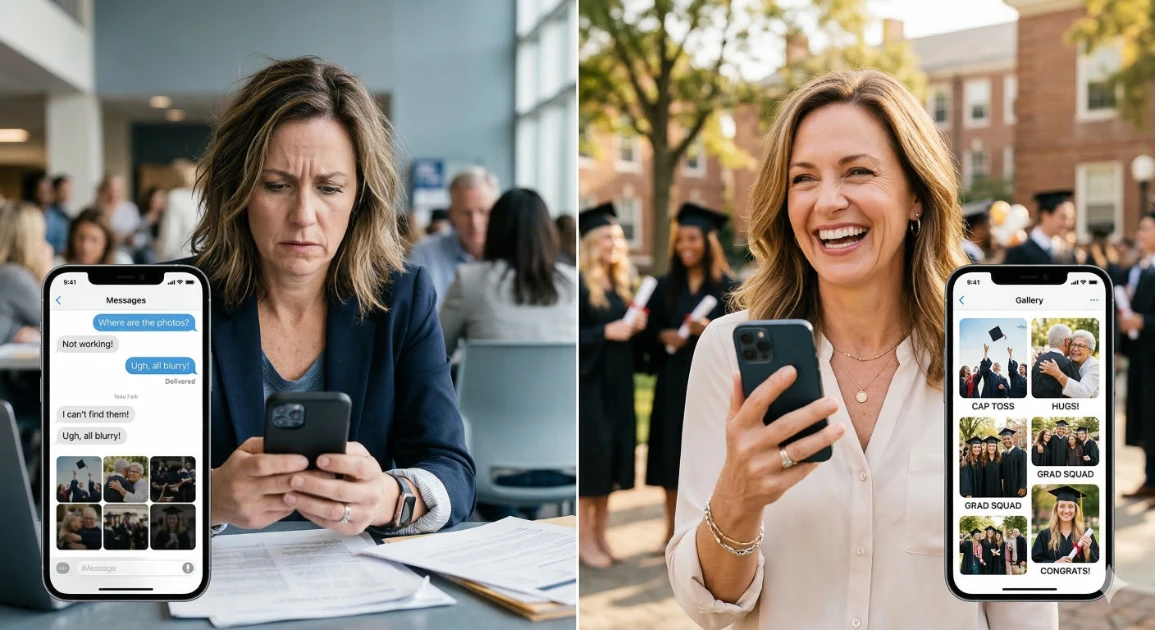
It's the morning after the graduation party. Your grad leans over and asks, "Did anyone get a photo of me with Grandma?" And so begins the group chat archaeology — fourteen different threads, compression-destroyed thumbnails, and half the guests never posted anything at all. Sound familiar?
Here's the thing graduation day is unlike almost any other event: it spans multiple locations, multiple crowds, and multiple emotional moments all in a single day. The ceremony guests are different from the open house guests, who are different from the college friends at the after-party. No single person can photograph all of it — and nobody is going to voluntarily chase down every aunt, classmate, and neighbor for their photos afterward.
This guide shows you exactly how to collect every guest photo in one place, automatically, without asking anyone to download an app. You'll have it set up before the party starts — it takes about three minutes.
In This Guide
Why Graduation Photos Are So Hard to Collect
Graduation day creates a photo collection nightmare that few other events match — and it's not because people don't take pictures. It's because the wrong people take the wrong pictures in the wrong place, with no way to bring it all together afterward.
Consider the crowds. The people at the ceremony are often extended family — grandparents, aunts, cousins who flew in from out of state. The people at the open house two hours later are neighbors and family friends. The after-party with the grad's friends is a completely separate universe. Each group has precious, irreplaceable moments on their phones that the others will never see.
Then there's the group chat problem. Photos shared in a text thread are compressed to near-uselessness within hours, buried under follow-up messages, and invisible to anyone who wasn't in that specific thread. Older relatives — grandparents especially — often have no practical way to share photos on social media or in a shared album, so their photos simply disappear into a phone that may never be backed up.
And the grad? They're too busy living the moment to be their own photographer. By the time the dust settles, weeks of "can you send me that photo?" texts yield maybe a fraction of what was actually captured that day.
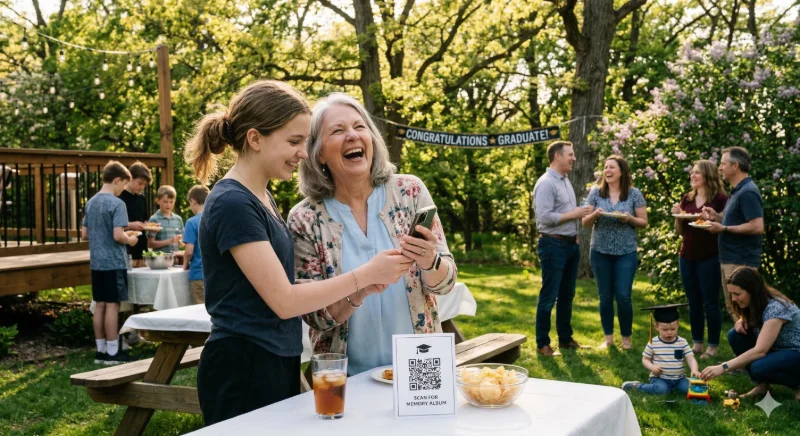
The Simple Fix: A QR Code Photo Album
The solution is simpler than you'd expect: one QR code, displayed at your event, that every guest can scan with their phone's camera to instantly upload their photos to a shared private album. No app download. No account creation. No technical knowledge required.
This approach works because it removes every barrier that normally prevents guests from sharing. Your grandmother doesn't need to know what Instagram is. Your grad's college roommate doesn't need to be in the right group chat. Anyone with a smartphone — and everyone at a graduation party has one — can contribute in seconds.
Setting It Up in 3 Steps
Visit Guest Clicks and create a free event. Name it after your grad — "Emma's Graduation 2026" — and set your event date. Takes under two minutes.
Your event instantly generates a unique QR code. Print it on table tents, include it on your party invitations, or display it on a sign at the venue entrance. The free plan includes everything you need.
As guests scan and upload throughout the day, photos appear in your private gallery in real time. You control what's visible with built-in content moderation — approve or hide photos before they go live.
The platform works on any smartphone browser — iOS, Android, and everything in between. According to Gather Shot's analysis of QR-based photo platforms, the single biggest factor driving guest participation is removing the app download requirement. When guests don't need to install anything, contribution rates rise dramatically — and that's exactly how Guest Clicks works.
Where to Display Your QR Code at the Graduation Party
Having the QR code is step one. Getting guests to actually see and use it is step two. Location is everything.
High-Impact Placement Spots
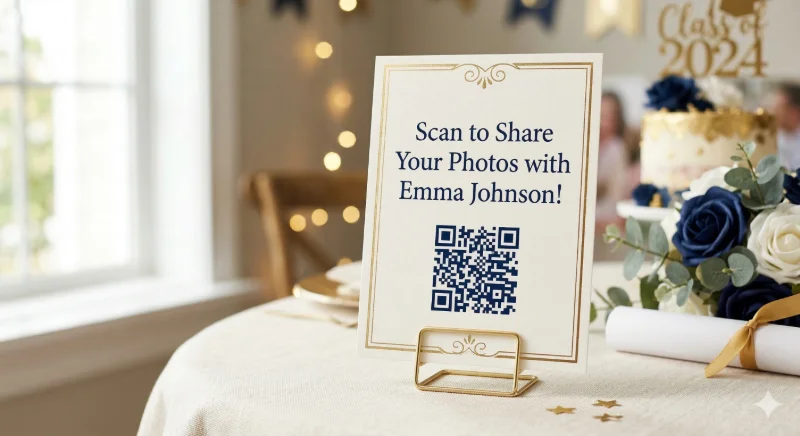
- Table centerpiece cards: Print small table tents with your QR code and place them at every table at the open house. Guests naturally look at table surfaces during downtime — this is your highest-conversion placement.
- Venue entrance sign: A larger printed sign near the entry catches guests as they arrive, when they're most engaged and phone-ready. Include a short prompt: "Scan to add your photos to [Name]'s album!"
- Invitation and event details text: If you're sending a digital or printed invite, include the album link (not just the QR code) so guests can bookmark it ahead of time.
- Watch party or ceremony viewing area: If family is gathering somewhere to watch a live stream of the ceremony, place QR code cards there too — those are some of the most emotional moments and everyone has their phone out.
- Post-party thank-you message: Send the upload link in your follow-up thank-you texts. Phrase it as: "Don't forget to add your photos to Emma's album — we'd love to see them!" This catches the guests who missed the sign or uploaded nothing on the day.
How to Get Every Guest to Actually Upload Photos
The QR code is necessary, but not sufficient on its own. Guests need a prompt — a moment of permission and encouragement — to actually use it. The good news is that a few small tactics make a significant difference in participation.
Signage language that works: Instead of "Share your photos here," try "Scan to add your photos to [Name]'s album!" The personalization — using the grad's name — signals that this is a meaningful request, not a generic tech prompt. Guests are far more likely to act when they feel like they're contributing to someone specific.
Three Tactics That Drive Real Participation
- Designate a "photo captain": Ask one enthusiastic family member — an aunt, an older cousin — to gently remind guests about the QR code during the first 30 minutes. One person with social permission to nudge guests does more than a dozen signs.
- Mention it in the opening toast: If someone is giving a toast or welcome at the open house, have them spend 20 seconds pointing to the QR code. "Before we get started, scan this code and add your photos — we want every angle of today!" This normalizes participation instantly.
- Send a follow-up with the link: Within 48 hours of the party, text or email guests the album upload link with a warm message. Many guests take photos during events but forget to share until they're prompted. This second touch typically adds 20-30% more photos to the gallery.
For a deeper dive on maximizing guest participation, see our guide on how to get guests to actually share their photos — it covers the psychology of participation and a full script for your event emcee.
Ready to Set Up Your Graduation Photo Album?
Create a free event in under two minutes. No app required for your guests — they just scan and upload.
Try Guest Clicks Free →Graduation Photo Ideas — What to Ask Guests to Capture
Once your QR code is live and guests know about it, a little creative direction goes a long way. Most guests default to posed group shots — but the photos that matter most a decade from now are usually the candid ones nobody planned.
Consider prompting guests (via signage or word of mouth) to capture these moments:
- The reaction shot: The moment they heard the grad's name called, or crossed the stage. Ceremony guests in the bleachers often catch angles the professional photographer completely misses.
- Multi-generational portraits: The grad with grandparents, great-aunts, older family members who rarely get in photos. These are often the most treasured — and the most easily forgotten in the shuffle.
- Behind-the-scenes moments: Getting ready in the cap and gown, decorating the cap, the last look at the school building, the car ride home. These feel mundane in the moment but become profound memories.
- The friend group at the after-party: The professional photographer never attended the after-party. This entire chapter of the day exists only in guests' phones — make sure it makes it into the album.
- The unscripted candid: Laughter, tears, surprise hugs, the moment the cake came out. Ask guests to just hit record occasionally — video clips from multiple guests tell a richer story than any slideshow.
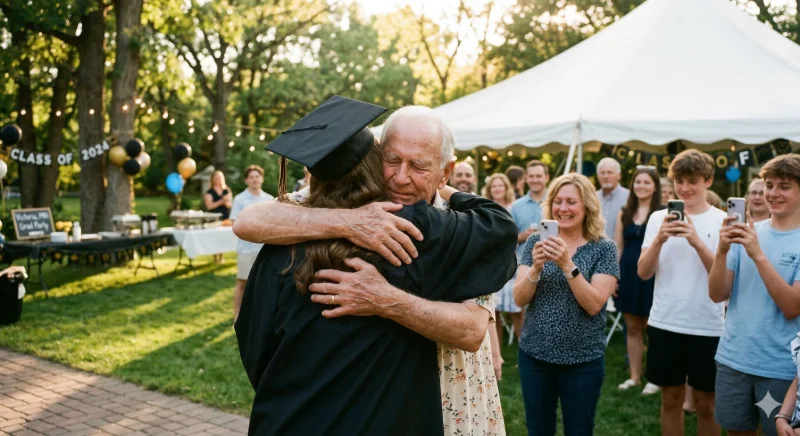
For multi-generational events like this, the tips in our family event photo tips guide are especially relevant — including how to gently encourage older relatives to participate in the upload process without feeling intimidated by the technology.
And if you're still weighing whether to use a dedicated QR photo platform or just rely on a shared album, our breakdown of no-app photo sharing benefits explains why the friction of app downloads and account creation cuts guest participation significantly — and what to do instead.
🎓 Graduation Photo Collection Checklist
- Create your Guest Clicks event (free, 2 minutes)
- Print QR code table cards for every table
- Add the album link to your digital invitation
- Designate a "photo captain" to encourage uploads on the day
- Mention the QR code in the opening toast or welcome
- Send the upload link in post-party thank-you messages
- Download your complete gallery — all original resolution
Frequently Asked Questions
How do I collect photos from graduation party guests without a group chat?
The cleanest approach is a dedicated QR code photo album — guests scan a code with their phone camera and upload directly through their browser, no app or account needed. All photos land in one private gallery you control. It eliminates the group chat problem entirely: no compression, no buried photos, no chasing people down.
Can I share graduation photos with family who couldn't attend the party?
Yes — and this is one of the most valuable use cases. After the event, you can share a view-only link to your gallery with anyone who wasn't there, including relatives who live far away, family members who were ill, or the grad's college friends who couldn't make the hometown party. The album becomes a living record, not just an in-person experience.
What's the easiest way for non-tech-savvy grandparents to share photos?
QR codes are actually ideal for less tech-savvy guests — the camera app on any modern smartphone (iOS or Android) reads QR codes natively without any additional software. Point the camera, tap the link that appears, and you're in the upload page. No account creation, no password, no app store. For grandparents who are camera-comfortable but not app-comfortable, this is genuinely easier than any alternative. See our full guide on no-download event photo sharing for step-by-step instructions you can share with family in advance.
How long does the photo album stay active after the graduation?
With Guest Clicks, your event gallery remains active so guests can continue uploading after the party — useful for late-arriving photos and for guests who didn't get the chance to upload on the day. The free plan covers smaller events, and the premium plan ($49/year) includes unlimited events, extended storage, Google Photos sync, and bulk download for keeping everything organized long-term. Check the current plan details for the latest storage windows.
One Last Thing
Graduation day happens once. The professional photographer captures the ceremony. The caterer captures the setup. But the moments that actually tell the story — the grandparent hugs, the friend group at midnight, the tears in the parking lot — those live on your guests' phones.
A QR code photo album doesn't replace the professional photographer. It captures everything they couldn't. Set it up before the party — it takes three minutes — and you'll spend the next decade grateful you did.
For more on making any large family gathering photogenic and stress-free, our baby shower photo sharing guide and high school reunion photo tips cover the same multi-crowd challenges from different angles — worth a read if you have more milestones coming up this year.