How to Make a Birthday Photo Slideshow from Guests (2026)
Learn how to make a birthday photo slideshow from guests with our step-by-step guide. Collect, organize, and create memorable slideshows everyone will love.
By Guest Clicks Team · · 13 min read
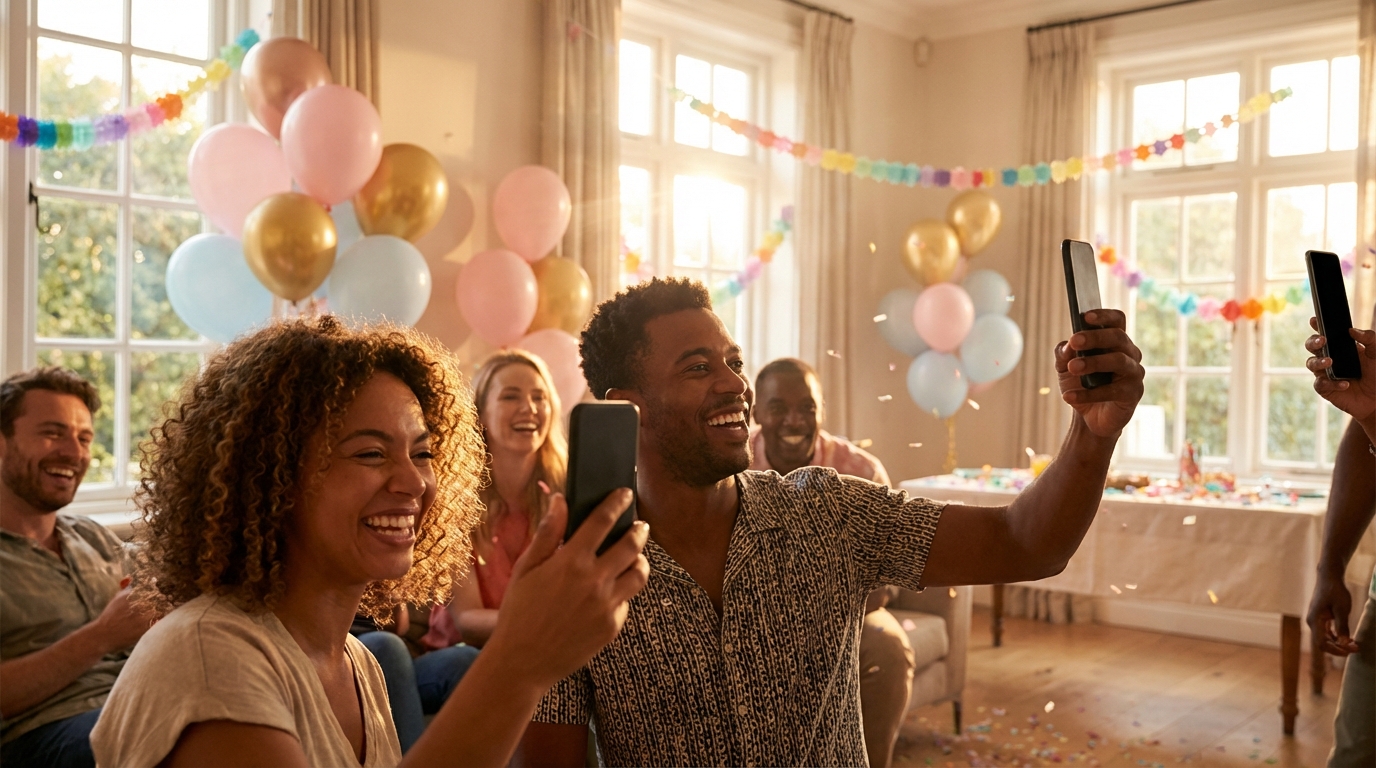
There's something magical about gathering everyone together to watch a birthday photo slideshow. The room goes quiet, then fills with laughter, gasps, and maybe a few happy tears as memories flicker across the screen. But here's the secret that separates good slideshows from unforgettable ones: the best moments rarely come from the professional photographer you hired. They come from the guests—the candid shots of your grandmother dancing with your toddler, your best friend's reaction to the surprise entrance, the messy joy of cake time captured from twelve different phones.
The challenge has always been collecting those photos. For years, we've relied on disposable cameras that never get developed, or begged guests weeks later to scroll back through their camera rolls and text photos one by one. By then, the magic has faded, half the images are forgotten, and creating that slideshow feels like an archaeological dig. In 2026, there's a better way. This guide will walk you through collecting guest photos effortlessly and turning them into a stunning slideshow that captures the true spirit of the celebration.
Why Guest Photos Make the Best Birthday Slideshows
Professional photographers are wonderful for posed family portraits and capturing the decor details you spent months planning. But they can't be everywhere at once. They miss the whispered conversations between old friends reuniting in the corner, the spontaneous dance-off that breaks out between cousins, and the look on the birthday person's face when they think nobody's watching.
Guest photos fill these gaps with authentic, unfiltered moments. When you have twenty people photographing simultaneously, you get twenty different perspectives on the same celebration. This multiplicity creates a richer, more complete story—one that reflects how the event actually felt rather than how it looked in staged shots.
The most memorable birthday slideshows spend 70% of their runtime on candid guest moments and only 30% on posed or formal shots.
Consider the emotional impact: when guests see their own contributions in the final slideshow, they feel genuinely connected to the celebration's legacy. At a recent 50th birthday party I helped organize, the host collected photos from guests throughout the evening. When we played the slideshow during dessert, there wasn't a dry eye in the house—especially when twelve different angles of the surprise moment played in sequence, showing the progression from confusion to shock to pure joy on the birthday man's face.
For children's birthdays, this approach is even more powerful. While the hired photographer is busy staging group shots, parents and relatives are capturing the pure, unguarded joy on kids' faces during games and activities. These are the moments families treasure decades later—not the perfectly posed photos, but the real laughter and chaos of childhood celebration.
The Modern Way to Collect Birthday Photos from Guests
Let's be honest: the old methods of collecting photos were terrible. Disposable cameras were fun in theory, but developing them cost a fortune and half the shots were blurry or accidental pocket pictures. Photo-sharing apps required guests to download software, create accounts, and remember passwords—barriers that meant only your most tech-savvy friends contributed. Email and text threads became chaotic messes of compressed images and duplicate photos.
QR code photo sharing has changed everything. In 2026, this is the standard for savvy event organizers, and for good reason. Guests simply point their phone camera at a QR code, tap the link, and upload photos directly from their browser. No app downloads. No account creation. No learning curve.
The technology works in real-time, meaning you can watch the gallery populate as the party happens. This instant gratification encourages more sharing—guests see their photos appear immediately alongside others, creating a collaborative energy around documentation. Password protection keeps everything private and secure, ensuring your personal moments stay within your intended circle.
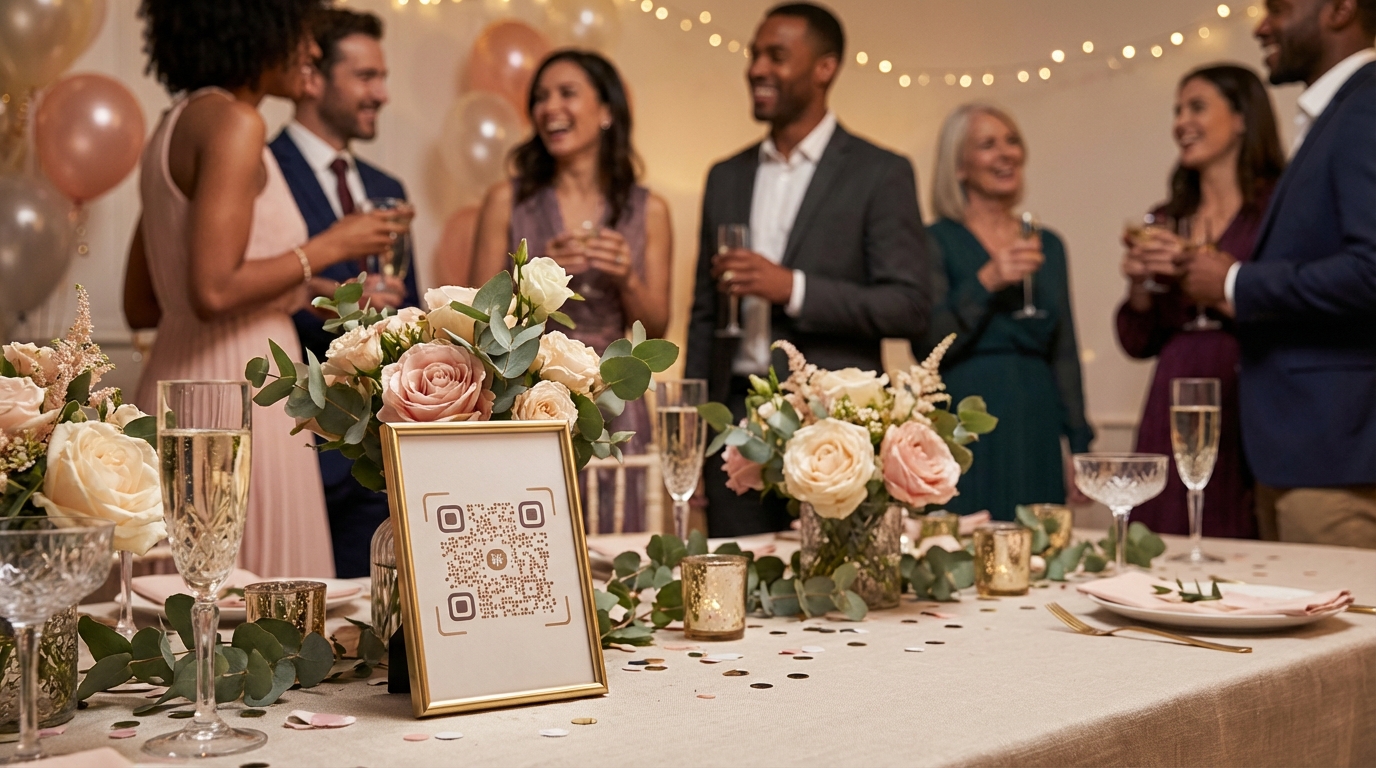
Placement matters. Set up a tasteful QR code display at the entrance so guests start sharing photos immediately upon arrival. At a milestone birthday dinner I recently attended, the host placed elegant QR code table cards among the floral centerpieces. By dessert time, they had collected over 200 photos—capturing everything from the cocktail hour mingling to the candle-blowing moment. For families planning celebrations, check out our birthday party photo tips for busy parents to streamline your planning process.
If you're worried about older relatives or non-tech-savvy guests, don't be. Modern QR code systems are designed for universal accessibility. The process is as simple as scanning a restaurant menu—something even smartphone novices mastered during recent years. For those looking for 21st birthday party photo booth alternatives, QR code sharing offers a more inclusive way to capture memories without the awkward posing.
📸 Collect Every Guest Photo at Your Next Event
Stop chasing guests for photos. With Guest Clicks, you create a QR code, guests scan and upload — it's that simple. No app downloads, no hassle.
Step-by-Step: Creating Your Birthday Photo Slideshow
Once you've collected your treasure trove of guest photos, it's time to transform them into a cohesive story. The key is organization before creation. Trying to build a slideshow while randomly clicking through hundreds of unorganized photos is a recipe for frustration and mediocre results.
Start by sorting your photos into logical groups. Chronological organization works beautifully for milestone birthdays—beginning with childhood photos and progressing through the years to the current celebration, interspersed with party photos that mirror the life stages. Alternatively, organize by emotional beats: "The Arrival," "The Surprise," "Cake Time," "Dancing & Celebration," and "Heartfelt Moments." This thematic approach creates a narrative arc that keeps viewers engaged.
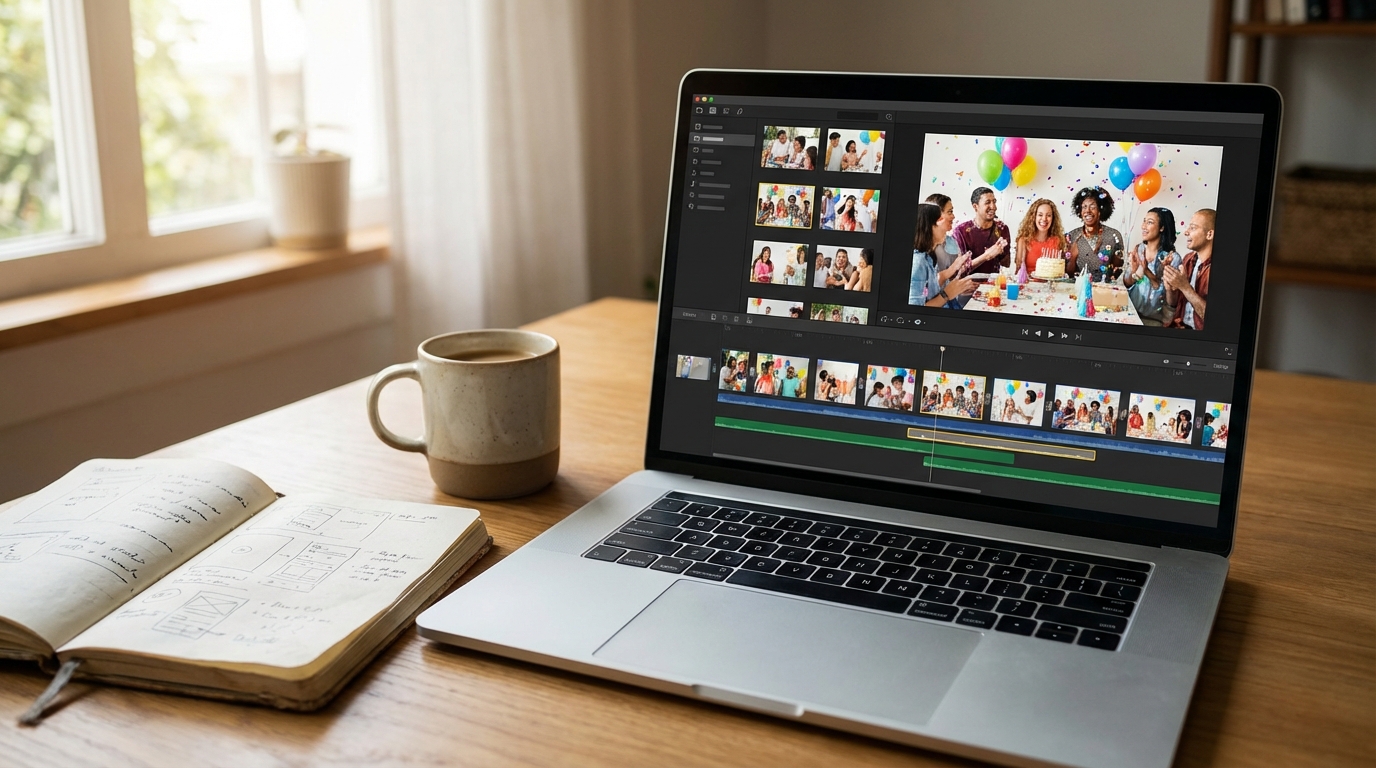
Next, choose your software based on your comfort level and time constraints. If you need something quick for immediate playback at the party's end, built-in phone tools work fine. For a polished keepsake you'll watch for years, invest time in template-based software with custom transitions. Select music that reflects the birthday person's taste—upbeat tracks for celebration sections, slower ballads for sentimental moments. Keep transitions simple; fancy wipes and spins distract from the photos themselves. Aim for 3-5 seconds per image—long enough to register the moment, short enough to maintain energy.
The average birthday party generates 150-300 guest photos when using QR code sharing, compared to just 20-40 when relying on post-event requests.
When exporting, consider your display method. If you're playing the slideshow on a large TV during the party, export in 1080p or 4K resolution. For email sharing, a slightly compressed file ensures it actually reaches inboxes without bouncing. Always save a master copy in the highest quality possible—you can always compress later, but you can't recover quality once it's lost.
Best Free and Premium Slideshow Tools for 2026
The right tool depends on your technical skills, timeline, and desired polish level. Fortunately, 2026 offers excellent options across every price point.
For quick, no-cost solutions, Google Photos and Apple Photos remain the champions of convenience. Google Photos can auto-generate a slideshow with music in about ten minutes—perfect for sharing at the party's end when guests are still present. Apple's Memories feature in the Photos app similarly creates instant slideshows with surprisingly good music synchronization. These work best when you've already organized your photos into albums.
For more control without complexity, Canva and Adobe Express offer template-based creation that feels professional without requiring design expertise. Canva's birthday templates include text overlays, color schemes, and transition styles that you can customize with a few clicks. This works particularly well for corporate team celebrations where you want to match brand colors, or for themed parties where consistency matters.
Dedicated slideshow software like Animoto and Smilebox provide advanced features for those wanting cinematic results. These platforms offer licensed music libraries (crucial if you're sharing publicly), advanced timing controls, and the ability to mix video clips with still photos. For milestone celebrations like 50th birthdays, where the slideshow is a centerpiece of the event, these tools justify their subscription costs.
Slideshows that include guest-contributed photos receive 3x more engagement and shares on social media compared to those with only professional photography.
If you're working with a mix of professional and guest photos, ensure your export settings match your weakest source. There's no benefit to exporting 4K if half your images are phone photos—though modern smartphones capture surprisingly high resolution. For inspiration on capturing those milestone moments, explore our guide to 50th birthday photo ideas to ensure you get the golden shots that anchor your slideshow.
Pro Tips for Stunning Birthday Slideshow Results
After creating hundreds of event slideshows, I've learned that restraint and intention separate amateur results from professional-quality productions. The most common mistake is including every single photo collected. Resist this urge. A curated selection of 80 perfect photos creates more impact than 300 mediocre ones.
Timing is everything. While 3 seconds per photo works for energetic sections, slow down to 5 seconds for group shots where viewers need time to identify faces. Vary your visual rhythm by mixing wide environmental shots (showing the venue and decorations) with intimate close-ups (capturing expressions and details). This visual variety prevents monotony and keeps the viewer's eye engaged.
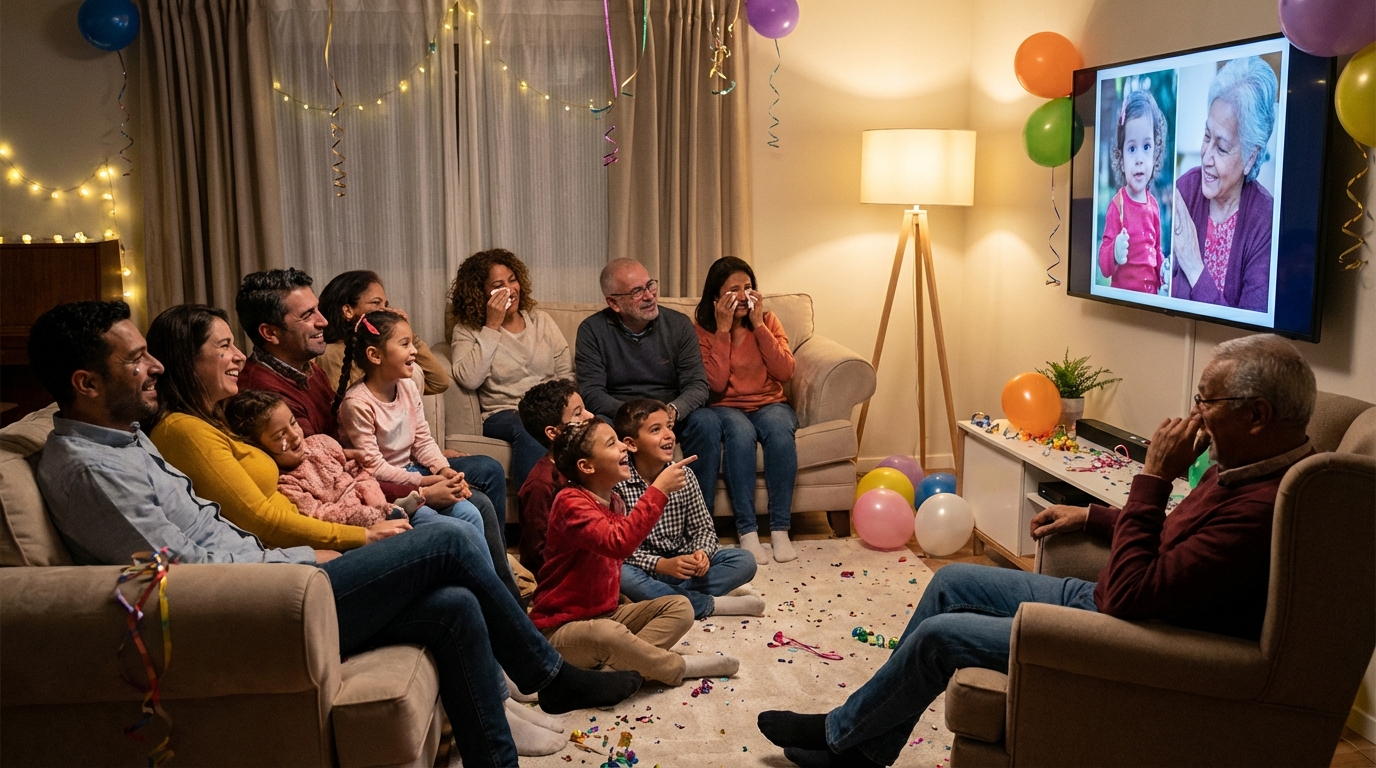
Always test your slideshow on the actual display device before the big reveal. Colors and brightness vary dramatically between your laptop screen and the venue's projector or TV. What looks perfect in your editing software might appear washed out or too dark in the actual space. Run through the entire slideshow once, checking audio levels if you've included music—nothing kills the mood like suddenly blasting music during a quiet emotional moment.
Create two versions: a highlight reel (3-5 minutes) for viewing during the party, and a full version (10-15 minutes) for sharing afterward. The highlight reel works perfectly for the birthday toast moment—capturing attention without overstaying its welcome. The full version serves as the archival record, available for quiet viewing later. When alternating between party photos and childhood throwbacks, establish a rhythm—perhaps three party photos followed by one memory—creating an emotional storytelling pattern that honors both past and present.
For children's parties, check out our kids birthday party photography tips to ensure you're capturing the moments that matter most for your little one's special day.
Sharing Your Birthday Slideshow After the Party
The slideshow shouldn't end when the lights come up. In 2026, sharing your creation extends the celebration and serves as a thank-you to guests who contributed their perspectives. The method matters as much as the content.
For broad sharing, upload to YouTube or Vimeo as an unlisted video. This keeps the slideshow private—accessible only to those with the link—while making it easy to share via email or text without worrying about file size limits. Unlisted means it won't appear in search results or your public channel, maintaining privacy for personal moments.
Create a shared cloud folder containing both the finished slideshow and the original contributed photos. Guests appreciate having access to the individual images they took, especially if they want to print favorites or use them for their own social media. Google Drive and Dropbox both offer sufficient free storage for most birthday events.
Consider creating a shorter social media version (60-90 seconds) optimized for Instagram Reels, TikTok, or Facebook. These platforms favor vertical video and quick cuts. A condensed version often becomes a viral family moment, shared across generations and friend groups. One family I worked with created a 90-second Instagram Reel that traveled through three generations of shares, connecting distant relatives who couldn't attend the party.
Finally, send personalized thank-you messages to photo contributors with the slideshow link. Acknowledging their specific contribution—"I loved the photo you caught of Mom laughing during the toast"—makes guests feel valued and encourages them to participate in future events. This personal touch transforms the slideshow from a simple video into a collaborative community artifact.
For more creative celebration ideas, browse these birthday party ideas from Parents or explore creative birthday party themes from Good Housekeeping to inspire your next event.
Frequently Asked Questions
How many photos should I include in a birthday slideshow?
Aim for 50-100 photos for a 5-10 minute slideshow, displaying each photo for 3-5 seconds. For milestone birthdays, you can extend to 150 photos over 12-15 minutes. Quality matters more than quantity—curate the best moments rather than including every single photo.
What's the easiest way to collect photos from birthday guests?
QR code photo sharing is the easiest method in 2026. Guests simply scan a code with their phone camera and upload photos directly from their browser—no app downloads or account creation required. This captures 5-10x more photos than asking guests to share via text or email after the party.
Can I make a birthday slideshow on my phone?
Yes, both iPhone (using Photos app or iMovie) and Android (using Google Photos or InShot) offer built-in slideshow creation. For more advanced features like custom transitions and text overlays, mobile apps like Canva, Adobe Express, and Animoto work excellently on smartphones.
What music should I use for a birthday photo slideshow?
Choose music that reflects the birthday person's taste and the party's mood. For personal use, any song works, but for social media sharing, use royalty-free music from YouTube Audio Library, Epidemic Sound, or Artlist. Keep songs upbeat for celebration moments and slower for sentimental sections.
How long should a birthday slideshow be?
Create a 3-5 minute highlight version for viewing at the party, and a longer 10-15 minute full version for sharing afterward. Attention spans vary, so having both options ensures everyone can enjoy the slideshow in their preferred format. The highlight reel works perfectly for the birthday toast moment.