How to Display Event Photos in Real Time (2026 Guide)
Learn how to display event photos in real time with QR codes, live galleries, and instant sharing. Get your guests' photos flowing seamlessly—no app needed.
By Guest Clicks Team · · 12 min read
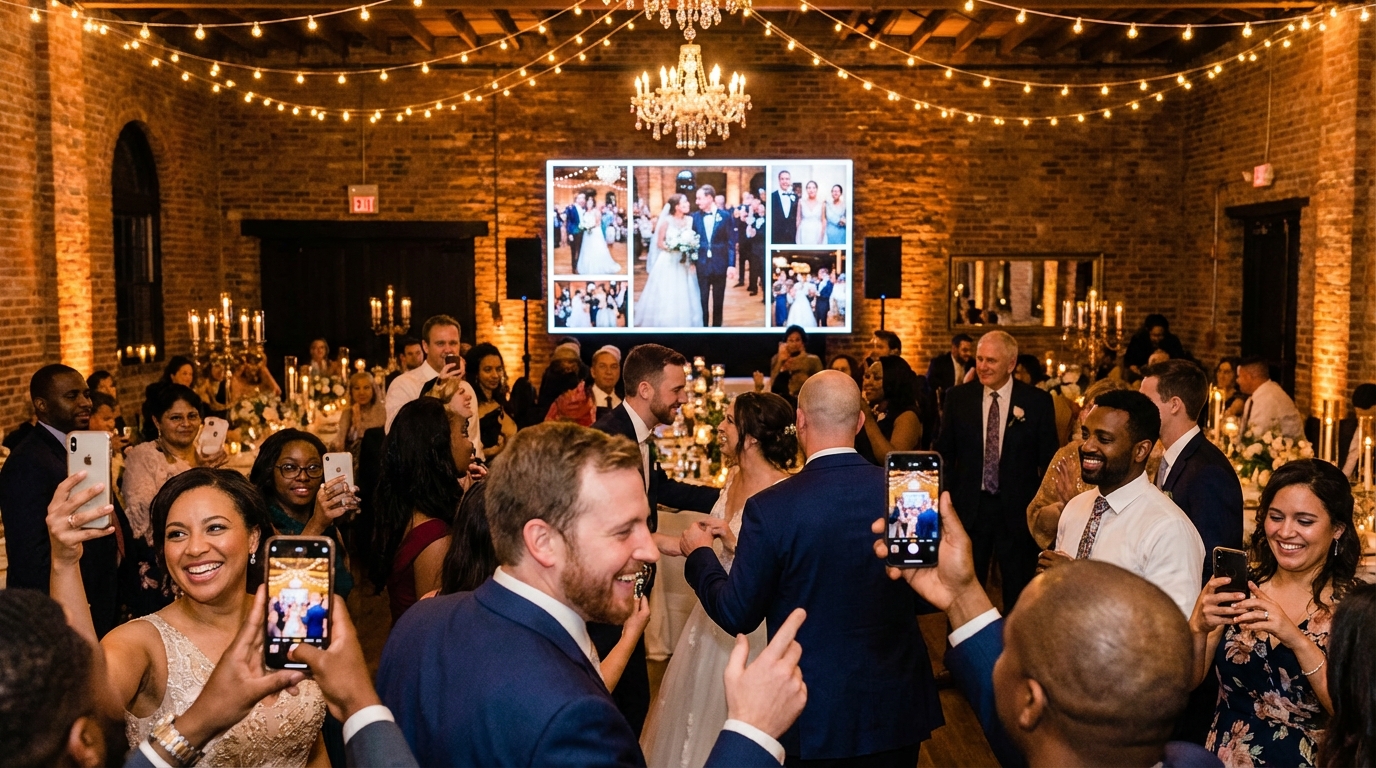
There's a magical moment at events when a guest sees their photo appear on the big screen just seconds after taking it. Their face lights up. They point. They laugh. And suddenly, everyone around them is pulling out their phones to capture their own moments. In 2026, this isn't just a nice-to-have feature—it's become the standard for memorable gatherings, from intimate weddings to massive corporate conferences.
But here's the challenge: how do you actually make real-time photo sharing work without creating a technical nightmare? How do you avoid the dreaded "download our app" conversation that kills the mood? This guide walks you through everything you need to know about displaying event photos in real time, from choosing the right technology to troubleshooting last-minute WiFi hiccups.
Why Real-Time Photo Displays Transform Event Experiences
Real-time photo displays do something remarkable: they turn passive attendees into active storytellers. When guests see their candid moments appear on screens throughout the venue within seconds of capture, they experience immediate gratification that traditional photo sharing simply can't match.
Events using real-time photo displays collect an average of 6.2 photos per guest, compared to just 0.8 photos per guest with post-event email requests—that's a 775% increase in photo collection.
This isn't just about collecting more photos. Live galleries become natural gathering points and conversation starters. At a recent wedding I attended, the photo wall near the bar became the most popular spot in the reception hall—not because of the drinks, but because guests kept returning to see new moments appear. The bride's grandmother spent twenty minutes watching photos from the ceremony she'd missed while getting ready, feeling connected to moments she hadn't witnessed.
The psychology here is powerful. When guests see others contributing photos, they feel motivated to share their own unique perspectives. This creates what event planners call the "documentation snowball effect"—as the gallery grows, so does participation. Studies consistently show that events with real-time photo sharing generate significantly more comprehensive visual records than relying solely on professional photographers or post-event collection methods.
For corporate events, this translates to authentic social proof and engagement metrics that sponsors love. For weddings and family reunions, it means capturing the genuine, unscripted moments that professional photographers often miss. And for festivals or concerts, it creates a collective memory that feels democratic and inclusive rather than curated.
Traditional Methods vs. Modern Real-Time Photo Sharing
Let's be honest about how photo sharing used to work. You'd ask guests to email photos after the event, create a specific Instagram hashtag, or worse—require them to download a dedicated app. The results? Disappointing every single time.
When you rely on email follow-ups, you're competing with inbox fatigue. Guests mean to send photos, but life gets busy. Instagram hashtags seem clever until you realize that 60-70% of your guests either don't use the platform, keep their accounts private, or simply forget to post in the moment. And requiring app downloads? That's the fastest way to kill participation. Most guests will look at the download size, sigh, and decide it's not worth the storage space on their already-full phones.
I recently spoke with a birthday party organizer who tried the Instagram hashtag approach for a 50-person celebration. She got 12 photos. For the same guest list size at her next event, she switched to a browser-based QR code system. The result? 180 photos, capturing everything from the candle-blowing moment to the impromptu living room dance party.
The 'scan and forget' user experience is key: when guests can upload photos in under 15 seconds without creating accounts or downloading apps, participation rates jump from 25% to over 75%.
The modern approach eliminates these friction points entirely. QR code-based systems work through mobile browsers—no downloads, no accounts, no passwords to remember. Guests scan, select their photos, and upload in under 15 seconds. For non-tech-savvy guests, this browser-based approach is a game-changer because it uses technology they already understand.
The data tells a clear story. Corporate events requiring app downloads typically see 20-25% adoption rates. Switch to a QR code system that works in any browser, and that jumps to 70-85%. That's not a marginal improvement—it's the difference between a sparse album and a comprehensive visual story of your event.
📱 Share Your Event Photos Instantly
Attending an event using Guest Clicks? Just scan the QR code with your phone camera and upload your best moments. No app needed — it works right in your browser!

How to Set Up Real-Time Photo Display in Under 10 Minutes
Setting up a real-time photo display sounds technical, but modern platforms have streamlined the process to the point where you can go from zero to live gallery in less time than it takes to frost a cake. Here's exactly how to do it:
Step 1: Choose your platform. Look for services that offer QR code generation and require absolutely no app downloads. Many planners start with free tiers to test the concept—Guest Clicks offers a free plan that supports up to 100 photos, which is perfect for smaller gatherings or testing before a big event.
Step 2: Create your event and customize settings. You'll name your event, set privacy preferences (password protection is essential for private events), and choose your moderation settings. For formal corporate events, enable approval mode. For casual birthday parties, auto-display works beautifully.
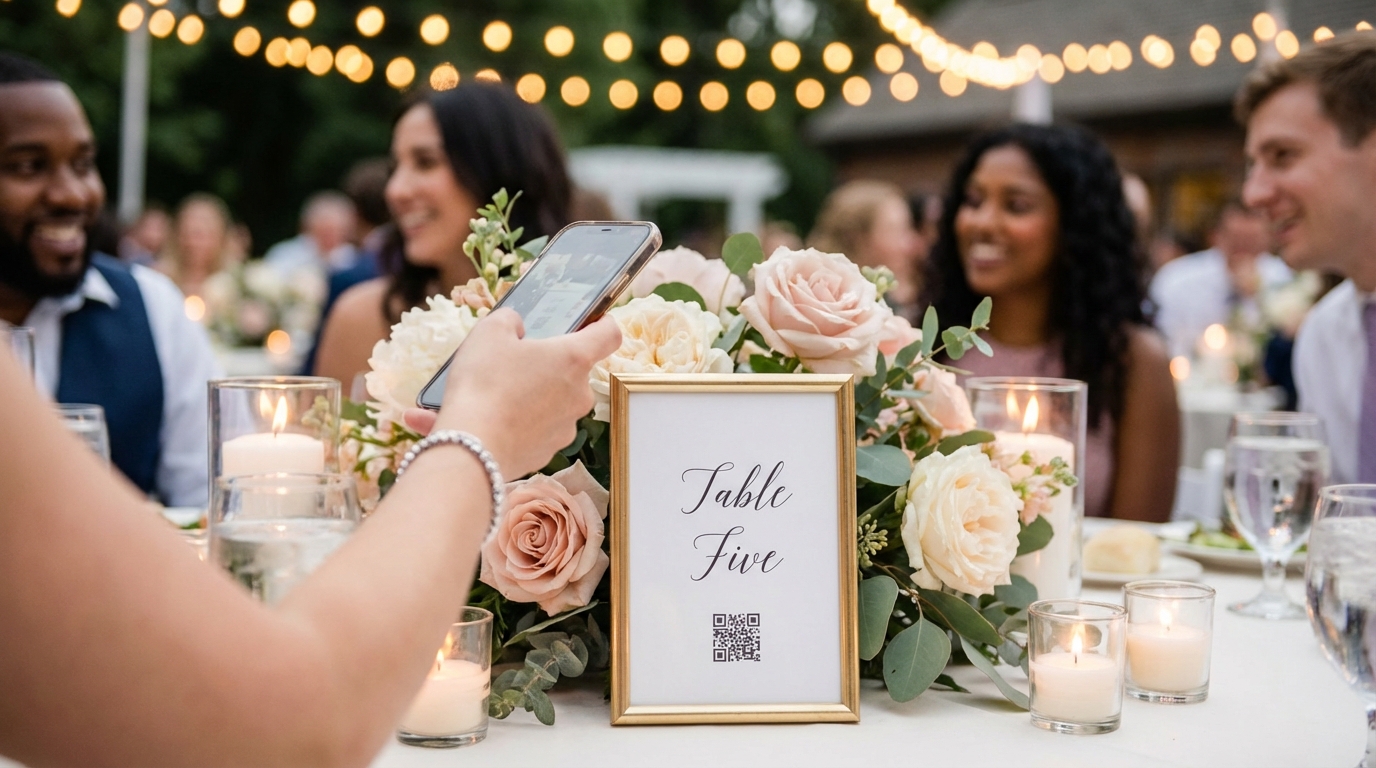
Step 3: Generate and display your QR code. Download the high-resolution QR code and incorporate it into your event materials. Print it on table numbers, create standing signage for the bar area, or project it onto screens during transitions. The key is visibility—guests can't upload what they can't find.
Step 4: Set up your display screen. Open the gallery URL on your chosen device—whether that's a smart TV, tablet, or laptop—and set it to full-screen slideshow mode. Position the screen where guests naturally congregate, and ensure the auto-refresh is enabled so new photos appear without manual intervention.
At a recent outdoor festival, organizers placed QR code posters at each stage entrance. As bands played, attendees uploaded concert photos that appeared on the jumbotron between sets, creating a continuous loop of crowd-sourced content that kept energy high during changeovers.
Best Practices for Displaying Photos on Screens During Events
Having the technology working is only half the battle. Strategic placement and display settings determine whether your photo wall becomes a beloved fixture or an ignored decoration.
Screen placement matters more than screen size. Position displays where guests naturally linger—near the bar, in lounge areas, by the dessert table, or at entranceways. At a corporate gala I helped coordinate, we used three 55-inch screens in different venue zones rather than one massive screen that guests had to trek across the room to see. The result? Each screen became a local gathering point for nearby tables.
Optimize your display settings. Set photo transitions to 5-7 seconds per image—long enough to appreciate the moment but short enough to keep things dynamic. Use smooth fade transitions rather than jarring cuts. And crucially, ensure your gallery auto-refreshes every 30-60 seconds so new uploads appear without someone manually refreshing the browser.
Moderation is non-negotiable for formal events. Even at the most buttoned-up corporate gatherings, alcohol and cameras can create content you'd rather not display on a 10-foot screen. Enable approval queues for professional events, or at minimum, ensure you have quick-remove capability accessible from your phone. One corporate event manager I know keeps the moderation dashboard open on her phone throughout the evening—when an inappropriate photo appears, she can remove it within 30 seconds.
Technical redundancy saves events. Always have a backup mobile hotspot ready, especially for outdoor venues. Ensure your display device has "do not disturb" mode enabled to prevent notification pop-ups during the slideshow. And test your WiFi capacity—if you're expecting 200 guests to potentially upload simultaneously, verify your bandwidth can handle the load.
Encouraging Guests to Upload Photos Throughout Your Event
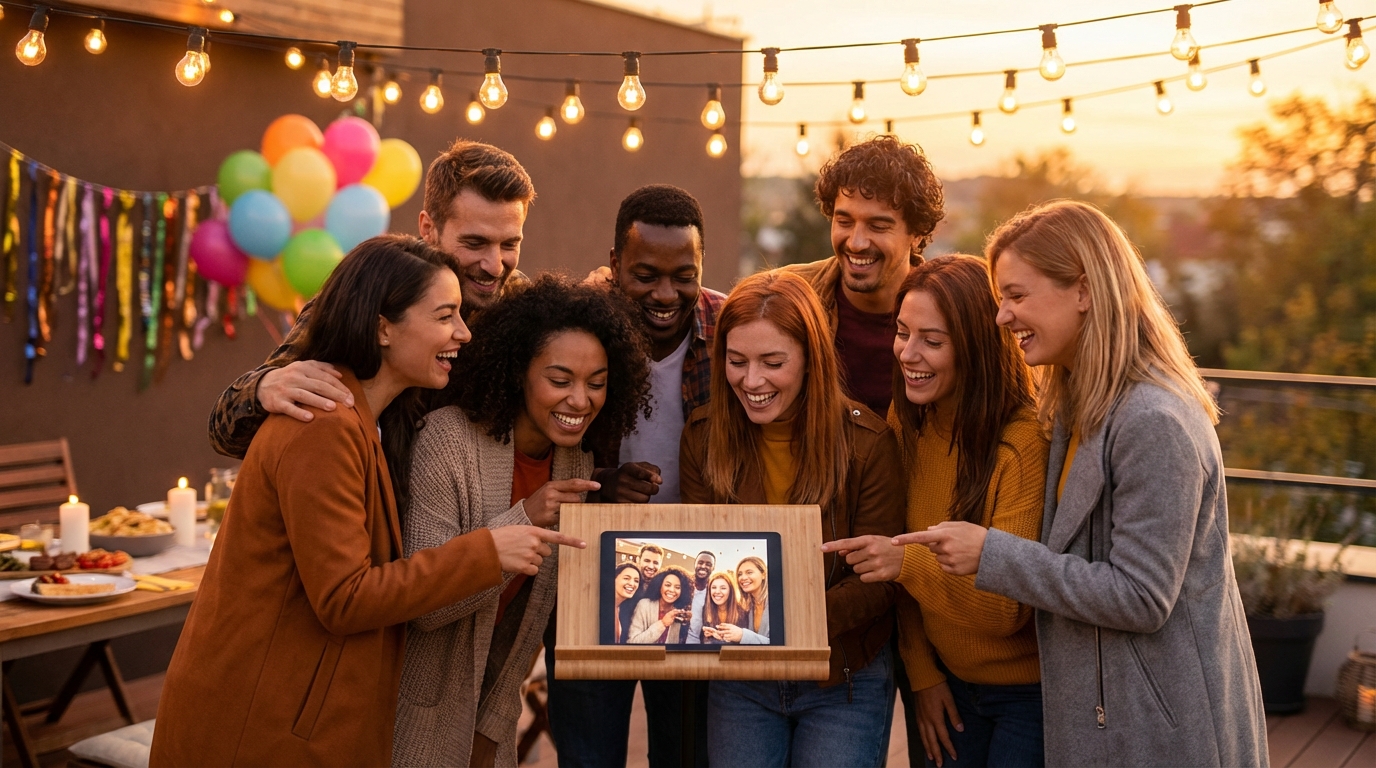
Technology enables photo sharing, but psychology drives participation. Getting guests to actually pull out their phones and upload requires strategic prompting and a bit of gamification.
Multiple touchpoints increase participation exponentially. Don't just put one QR code on a sign by the door and call it done. Print codes on table numbers, place them on bathroom mirrors (people check their phones there anyway), tape them to the bar, and incorporate them into photo booth backdrops. One wedding couple created beautiful acrylic table numbers with integrated QR codes—guests scanned during dinner, and by the time dancing started, the reception hall screens were already showing a rich tapestry of cocktail hour moments.
Verbal prompts work wonders. Have your MC, DJ, or host mention the photo sharing during the welcome speech and periodically throughout the event. The most successful events I've seen involve the DJ announcing milestones: "We just hit 100 photos, everyone! Let's see if we can get to 200 before the cake cutting!" This creates friendly competition and reminds guests who haven't participated yet to join in.
Real-time photo displays create a 'documentation snowball effect'—as guests see others' photos appearing live, they become motivated to contribute their own unique perspectives, leading to more comprehensive event coverage than any single photographer could capture.
Design your QR codes to match your aesthetic. A generic black-and-white QR code works, but one incorporated into your event branding feels intentional. Add text like "Share Your Photos Here!" or "Be Part of Our Story—Scan to Share." At a recent conference, the QR code cards became collectible swag because they matched the event's visual identity so beautifully.
For strategies to boost participation even further, consider creating photo challenges or scavenger hunts that encourage specific types of uploads.
Troubleshooting Common Real-Time Photo Display Issues
Even with perfect planning, technology sometimes throws curveballs. Here's how to handle the most common real-time display hiccups without breaking a sweat.
WiFi connectivity problems are the biggest culprit. Outdoor venues, historic buildings with thick walls, and high-traffic events can all strain wireless networks. The solution? Set up a dedicated mobile hotspot as your primary or backup connection. Many modern platforms, including browser-based systems like Guest Clicks, queue uploads when connectivity is weak and automatically sync when the connection improves. At a recent outdoor wedding with spotty venue WiFi, the couple used a mobile hotspot near the display screen. Guests' photos queued on their phones and uploaded the moment they regained signal.
Photo quality concerns often arise with low-light events. Encourage guests to use landscape orientation when possible—vertical photos display beautifully on phones but can look awkward on widescreen displays. If your platform offers compression settings, test them beforehand. Some compression is necessary for speed, but too much makes photos look pixelated on large screens.
Inappropriate content management requires preparation. Brief your staff or trusted friends on the moderation dashboard before the event starts. Establish clear guidelines—what's acceptable at a casual birthday party might not fly at a formal corporate dinner. Have a protocol for quick removal and, if necessary, a polite way to approach guests who upload problematic content.
Display lag or freezing usually stems from browser issues. Clear your cache before the event, disable unnecessary browser extensions, and ensure your display device has sufficient RAM. If you're using a smart TV's built-in browser, consider switching to a laptop connected via HDMI—dedicated computers typically handle continuous slideshows more reliably than smart TV browsers.
For app-free photo sharing solutions that minimize technical complexity, browser-based platforms remain the most reliable option in 2026.
Frequently Asked Questions
How do guests upload photos to a real-time display without downloading an app?
Modern QR code systems like Guest Clicks work entirely through mobile web browsers. Guests simply scan the QR code with their phone's camera, which opens a browser page where they can select and upload photos directly. No app download, no account creation—just scan and share in seconds.
Can I moderate photos before they appear on the live display?
Yes, most platforms offer moderation settings. You can enable approval mode where you review photos before they go live (ideal for formal corporate events), or use auto-display with quick-remove capability (works well for weddings and casual events). Guest Clicks Premium includes advanced moderation tools that let you manage content in real-time from any device.
What equipment do I need to display event photos in real time?
You need just three things: a device with a browser (laptop, tablet, or smart TV), a stable internet connection, and a screen or projector. Open your event's gallery URL, set it to full-screen slideshow mode, and photos will automatically refresh and display as guests upload them. No special software or expensive equipment required.
How much does it cost to set up real-time photo sharing at an event?
Basic real-time photo sharing can be completely free. Guest Clicks offers a free plan that supports 100 photos and 1 event, perfect for smaller gatherings. For unlimited photos, video support, and advanced features, premium plans start at $49/year—far less than hiring additional photographers or using traditional photo collection services.
Will real-time photo displays work at outdoor venues with limited WiFi?
Yes, with proper planning. Use a dedicated mobile hotspot as your primary or backup connection. Many modern platforms queue uploads when connectivity is weak and automatically sync when connection improves. For best results, position your display screen near your WiFi source and communicate the network name to guests if needed.