Collecting Photos at a Product Launch
Learn proven strategies to collect and organize photos at your product launch event. Get every attendee photo instantly with QR codes—no apps needed.
By Guest Clicks Team · · 12 min read
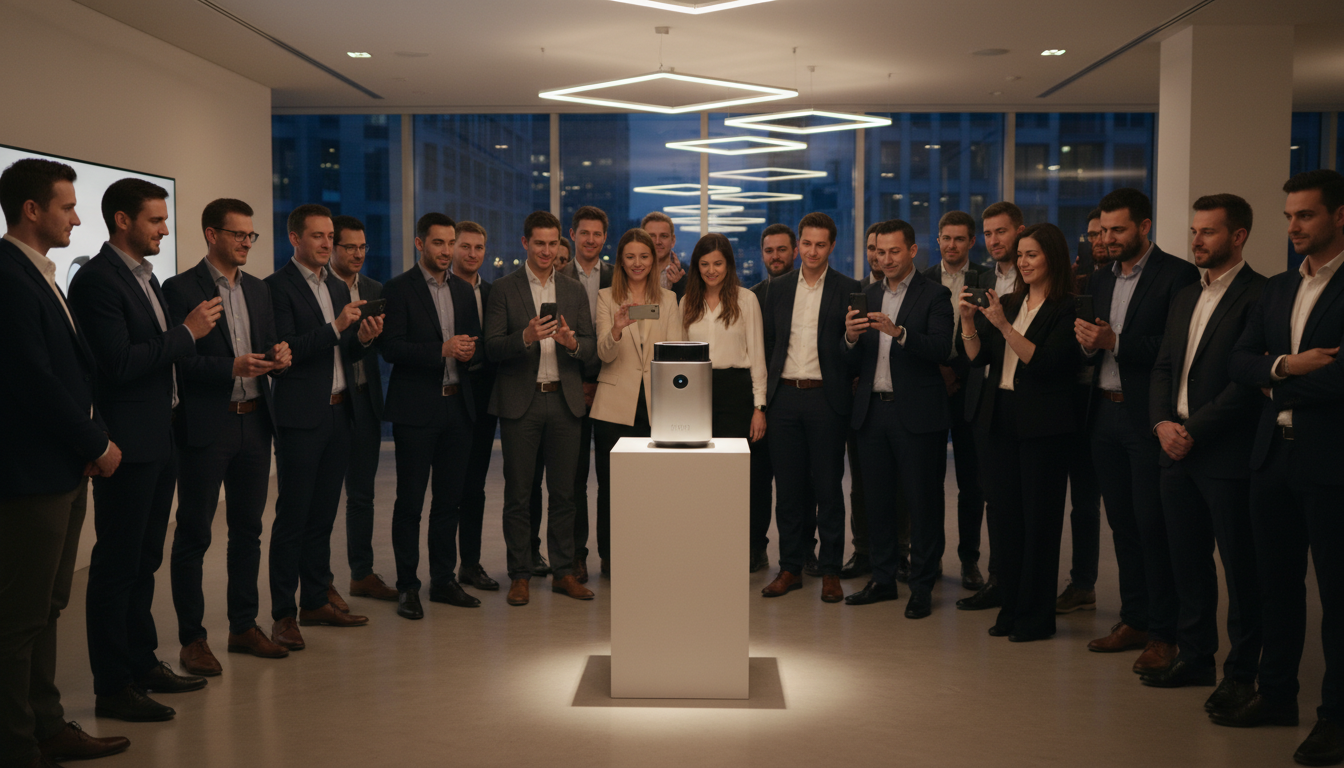
You've spent months perfecting the product, coordinating with vendors, and orchestrating every detail of your launch event. The venue looks stunning, the demo stations are ready, and your team is buzzing with anticipation. But here's what keeps experienced event planners up at night: how do you capture the genuine excitement, the candid reactions, and the authentic moments that happen when attendees first interact with your new product?
Professional photographers can capture the staged shots, but they miss the whispered "wows" during hands-on demos, the spontaneous selfies with the product, and the networking moments that happen in corners. These attendee-generated moments are pure marketing gold—if you can actually collect them. In 2026, the most successful product launches aren't just events; they're content generation engines, and the photos your guests take are the fuel.
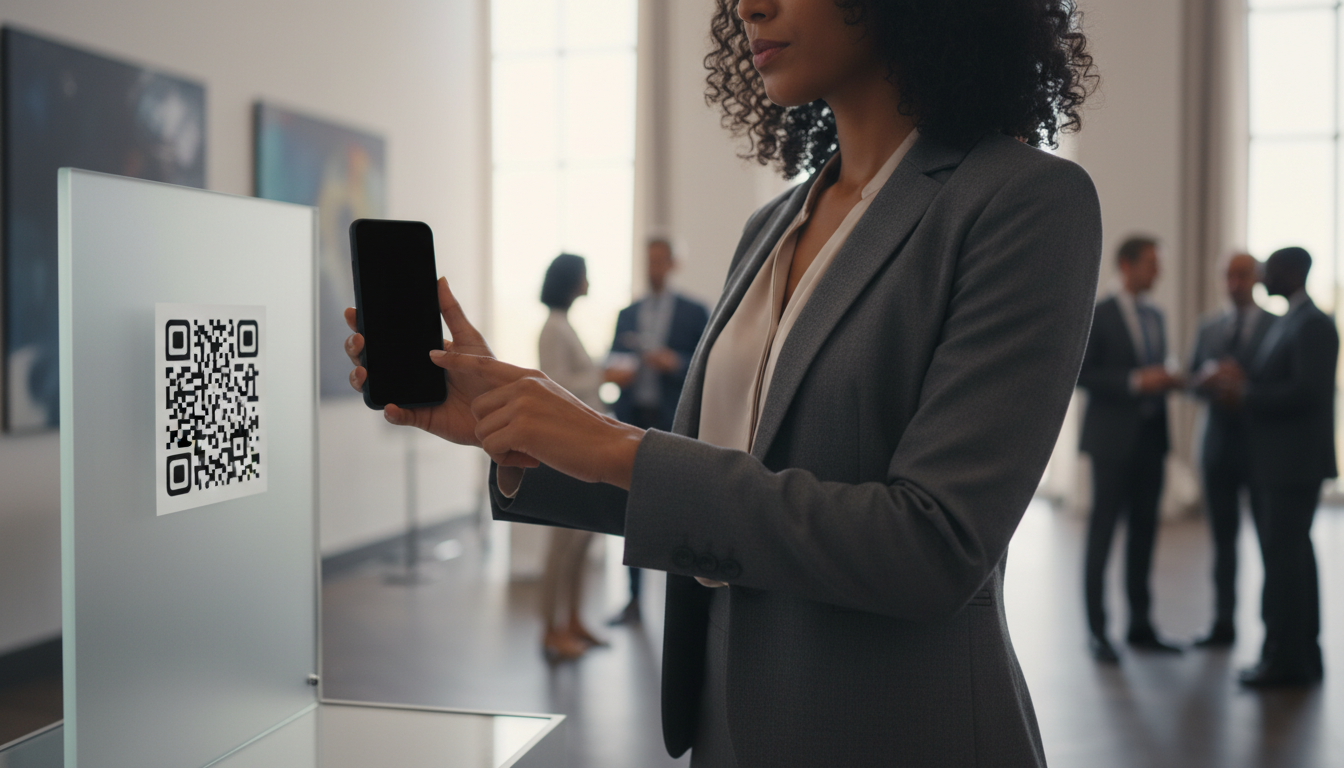
Why Photo Collection Matters at Product Launch Events
When attendees pull out their phones to capture your product, they're not just taking pictures—they're creating authentic user-generated content that no marketing team can fabricate. These candid shots capture genuine reactions, unfiltered enthusiasm, and real-world context that professional photography simply cannot replicate.
The business value extends far beyond the event itself. Those attendee photos become social proof for your marketing campaigns, visual assets for PR materials, documentation for internal stakeholders, and content for future email campaigns. One tech startup discovered that influencer photos posted on Instagram during their product launch generated ten times more engagement than their official brand photography. The raw, authentic nature of attendee snapshots simply resonates more with audiences than polished corporate imagery.
A consumer goods company took this a step further by transforming their launch event photos into a post-launch email campaign that achieved a remarkable 47% open rate—nearly double their industry average. The secret? The emails featured real attendees genuinely enjoying the product, not stock photography.
User-generated content from product launches generates 6.9x higher engagement on social media than brand-created content, making attendee photos your most valuable marketing asset.
However, there's a significant challenge: your audience is diverse. You have media professionals who need quick access to share content, executives who prefer privacy, influencers looking for the perfect shot, and employees capturing internal memories. Each group has different comfort levels with sharing, different technical preferences, and different timelines for when they want to engage. Traditional photo collection methods struggle to serve this mixed audience effectively, which is why you need a strategy that works for everyone from the tech-savvy Gen Z influencer to the C-suite executive who rarely posts on social media.
The Traditional Photo Collection Problem (And Why It Fails)
If you've ever tried collecting photos after an event, you know the pain. You send that follow-up email with the subject line "Share Your Photos from Last Night!" and wait. And wait. Typically, these post-event email requests yield response rates between 5% and 15%, and even then, you're spending weeks chasing down scattered images from various sources.
Event hashtags seem like a modern solution, but they create their own set of problems. First, you're at the mercy of platform algorithms—many attendees won't see your posts, and their photos get buried in feeds. Second, privacy concerns mean many guests take photos but never post them publicly. At one recent product launch, the event hashtag captured only 23 photos from over 200 attendees, even though nearly everyone had their phones out throughout the evening.
Then there's the app-based approach. While event-specific photo apps exist, they require guests to download software, create accounts, and learn new interfaces—all for a one-time event. The friction is too high. Non-tech-savvy guests often get stuck at the download stage, and even younger, tech-comfortable attendees question whether an app is worth the storage space on their phones.
Physical solutions like USB drives or staffed photo stations create bottlenecks. USB drives require manual handling, get lost, and miss the candid moments happening naturally throughout your venue. Photo stations with staff become congestion points, and they capture posed shots rather than authentic reactions.
One event team reported spending twelve hours post-launch just tracking down photos via individual email requests, texting contacts, and scrolling through Instagram trying to find tagged content. That's twelve hours of valuable time that could have been spent on follow-up sales calls or analyzing launch metrics.
The QR Code Solution: Instant, Universal Photo Collection
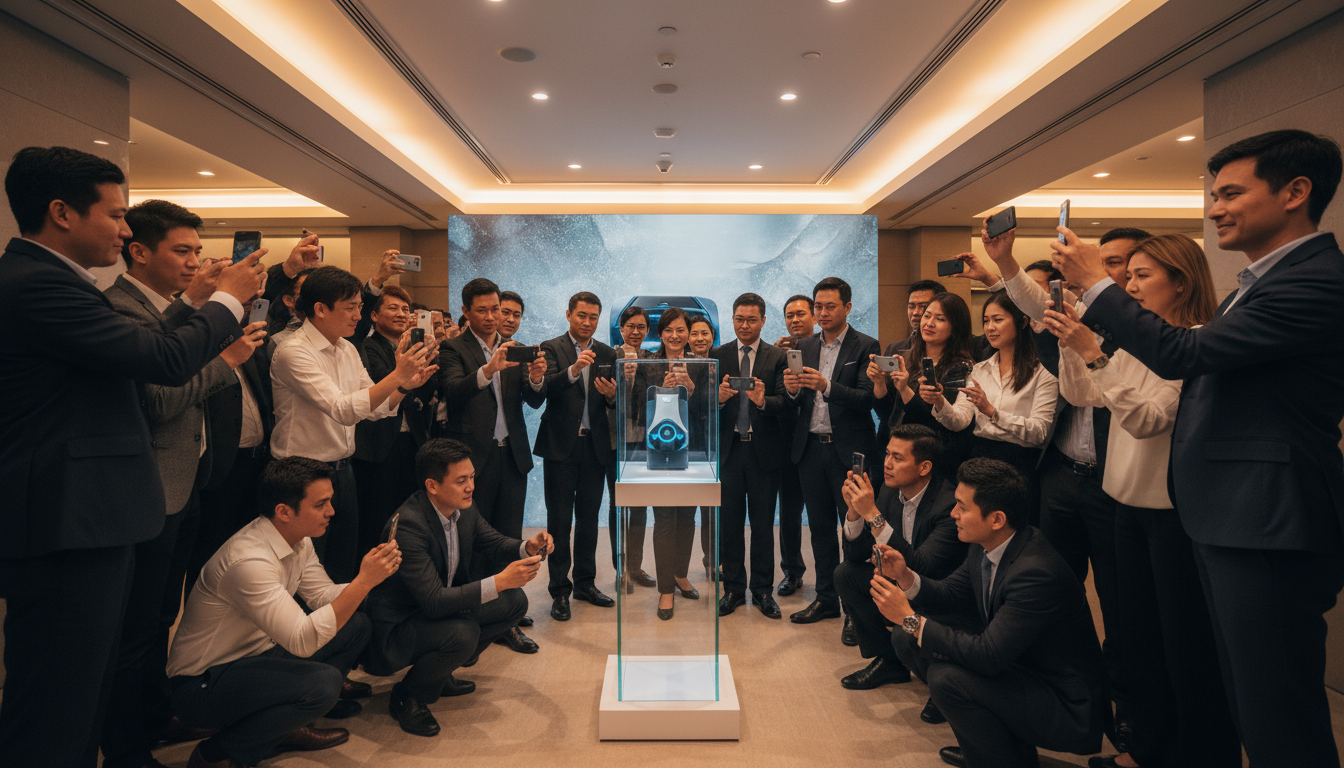
Here's where modern event technology changes the game entirely. QR code-based photo sharing eliminates every friction point that traditional methods create. Attendees simply point their phone camera at a QR code, tap the link that appears, and upload their photos directly through their mobile browser. No app store visits. No account creation. No learning curve.
This universal accessibility means everyone participates using the same simple process, whether they're an Android user, iPhone devotee, or even using a tablet. The technology works in any mobile browser, making it truly inclusive for your diverse attendee base.
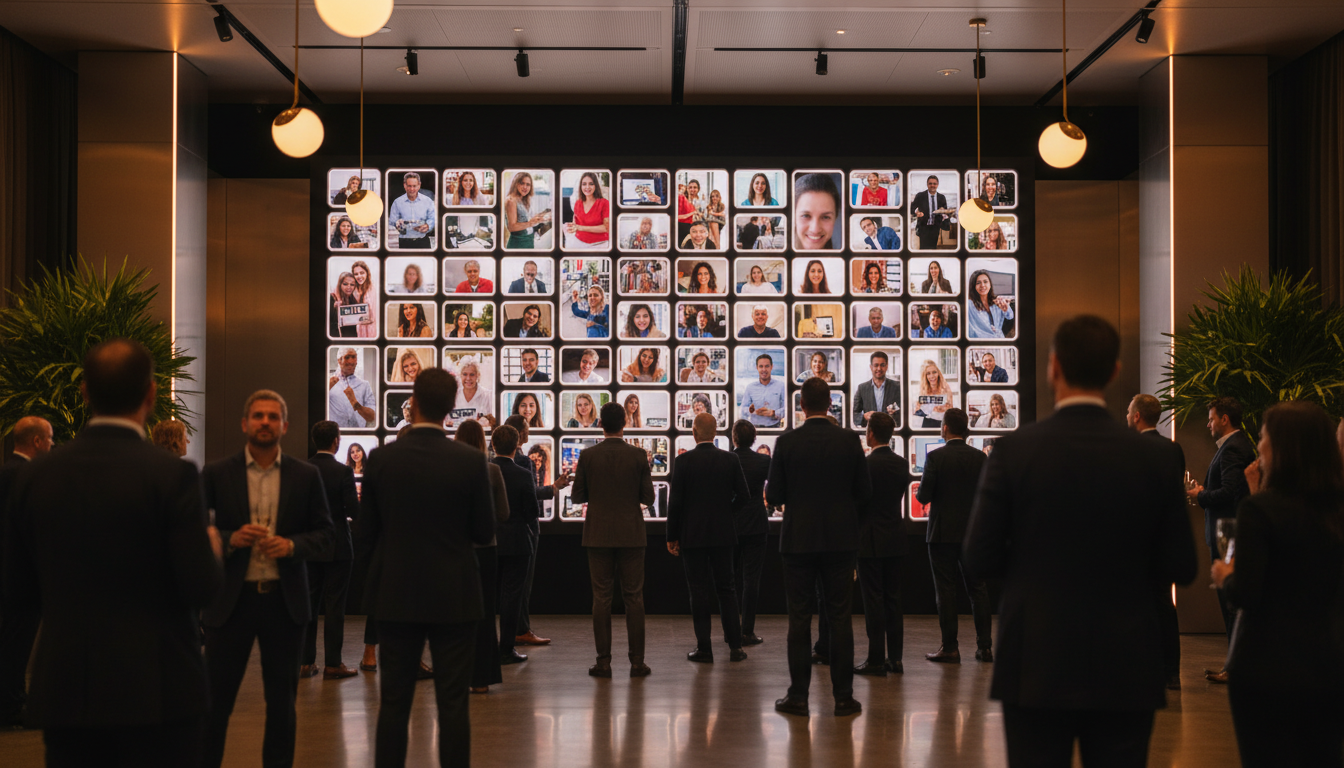
The real magic happens in the engagement loop. When attendees upload photos, they immediately see them appear in a shared gallery, often displayed on screens throughout your venue. This creates instant social proof—guests see others sharing, which encourages them to share too. One product launch event using this approach saw 78% of attendees upload photos via QR code, compared to just 12% who said they would have bothered emailing photos later.
For event organizers, the benefits extend to real-time content curation. You can monitor uploads as they happen, download standout shots immediately for social media posting, and even project the live gallery onto screens to create ambient energy throughout the space. An event team that displayed their live photo gallery on venue screens found that every time new photos appeared, it sparked conversations among attendees and generated a fresh wave of uploads.
Events using QR code photo collection see 3-4x higher attendee participation rates compared to email requests or app-based solutions, according to 2026 event technology studies.
Platforms like Guest Clicks make this process seamless, offering password-protected galleries and moderation tools that maintain brand standards while keeping the experience frictionless for guests.
📸 Collect Every Guest Photo at Your Next Event
Stop chasing guests for photos. With Guest Clicks, you create a QR code, guests scan and upload — it's that simple. No app downloads, no hassle.
Step-by-Step: Setting Up Photo Collection for Your Launch
Implementing QR code photo collection is surprisingly straightforward, but success lies in the details. Here's your implementation roadmap:
Pre-Event Setup (5 Minutes)
Start by creating your event gallery on your chosen platform. With Guest Clicks, this takes about five minutes: name your event, set your password if desired, and customize any branding elements. Generate your QR codes in multiple formats—both digital files for screens and high-resolution versions for print.
Strategic QR Code Placement
Placement is everything. Position QR codes at high-traffic touchpoints: registration tables (capture arrival excitement), product display areas (catch hands-on interaction shots), photo booth zones, networking spaces, and even printed directly on event programs or table tents. One successful launch placed QR codes on small table tents near their product demo area, specifically positioned to catch attendees right after they had their "aha moment" with the new features.
Staff Briefing and Training
Your team needs to be photo collection ambassadors. Brief them on how the system works so they can demonstrate it to hesitant attendees. Train them to watch for photo-worthy moments and gently encourage uploads. At one major product launch, the event team assigned specific staff members to "photo patrol"—roaming the venue, encouraging uploads, and helping guests who seemed unsure about the technology.
Real-Time Moderation Strategy
Set up a moderation system that balances brand safety with speed. You want photos appearing quickly to maintain momentum, but you also need to ensure inappropriate content doesn't hit your live displays. Consider having one team member dedicated to monitoring uploads in real-time, highlighting the best photos on event screens every 15 minutes to maintain energy and encourage participation.
For more comprehensive planning strategies, check out our Corporate Event Photography Guide for additional insights on engaging your attendees.
Maximizing Photo Participation During Your Event
Technology enables photo collection, but psychology drives participation. Here's how to maximize your upload rates:
Verbal Prompts from the Stage
When your CEO or emcee mentions the photo gallery during presentations, participation spikes. One launch event saw their CEO close the keynote with a simple request: "Before you leave today, scan the QR code on your table and share your favorite moment from today." The result? Forty new uploads in just ten minutes.
Create Photo-Worthy Moments
Design your venue with Instagram-worthy setups: branded backdrops with good lighting, interesting product display angles, and interactive zones that naturally encourage photos. When guests encounter a visually compelling setup, they'll want to capture it—and if the QR code is right there, they'll upload it immediately.
One innovative launch created a "product selfie station" featuring their new device on a rotating pedestal with professional lighting and a branded backdrop. Clear QR code signage invited guests to "Capture and Share." This single station generated over 150 photos from 200 attendees.
Strategic Incentivization
People love recognition. Announce that standout photos will be featured in company newsletters, social media channels, or post-event recaps. Consider small prizes for the most creative photo or the best product demonstration shot. This transforms passive attendees into active content creators.
Visibility and Accessibility
Make finding your QR codes effortless. Large format prints at eye level, digital displays in rotation, and inclusion in your event app (if you have one) ensure guests encounter the upload opportunity multiple times throughout the experience. Event planning experts recommend treating photo collection touchpoints with the same importance as catering stations or restroom signage—essential infrastructure, not optional add-ons.
The most successful product launches treat attendee photos as a core content strategy, not an afterthought—planning photo collection with the same rigor as catering or AV setup.
Post-Event: Organizing and Leveraging Your Photo Collection
The event ends, but the value of your photo collection is just beginning. Here's how to maximize your assets:
Download and Archive
Within 24 hours of your event, download your complete gallery. Most platforms offer bulk ZIP downloads for archiving, plus individual high-resolution downloads for specific marketing uses. Organize files by time stamps or categories (product shots, networking, venue) to make future searching easier.
Sorting and Curation
Identify your hero shots—the images that perfectly capture the energy and excitement of your launch. These become your press release headers, social media cover photos, and internal report centerpieces. Look for diversity in your selections: different demographics, various product angles, and a mix of posed and candid moments.
Rights and Permissions
Ensure your event registration includes photo usage rights in the terms and conditions. For high-value marketing use—especially with identifiable individuals in promotional materials—consider following up with specific attendees for explicit permission. This is particularly important when working with influencers or media who might have their own content strategies.
One company identified twelve influencer-quality photos from their gallery and reached out for specific permission to use them in paid social campaigns. The resulting authentic testimonial content outperformed their studio-shot ads by 40%.
Extended Value and Repurposing
Your launch photos have a long lifecycle. Use them for product page galleries, case studies about the launch success, email nurture campaigns for attendees and no-shows, and promotions for your next event. Corporate event planning resources emphasize that photo assets from successful launches become invaluable tools for building FOMO (fear of missing out) for future events.
Create a "launch day highlights" video using 30-40 of the best attendee photos, set to music, and publish it within 24 hours while the energy is still fresh. This rapid turnaround impresses stakeholders and extends the event's social media lifespan significantly.
For more tips on encouraging guest participation, read our guide on how to get guests to actually share their photos in 2026.
Frequently Asked Questions
How do you collect photos from event attendees?
The most effective method is QR code-based photo sharing, where attendees scan a code with their phone camera and upload photos directly to a shared gallery—no app download required. This achieves significantly higher participation than email requests or social media hashtags.
What is the best way to share photos at a corporate event?
A centralized, password-protected online gallery accessible via QR code works best for corporate events. It allows instant uploads and downloads, maintains brand control through moderation, and works seamlessly for all attendee types from executives to media.
How do I get guests to upload photos at my event?
Make QR codes highly visible at multiple locations, have speakers verbally encourage uploads, create photo-worthy moments with branded backdrops, and consider small incentives like featuring photos on event screens or offering prizes for the best shots.
Can you collect photos without requiring an app download?
Yes, QR code photo sharing platforms work entirely through mobile web browsers—attendees scan the code and upload directly without installing any apps. This removes the biggest barrier to participation and works on any smartphone.
How long should I keep a product launch photo gallery active?
Keep the gallery active for at least 48 hours after your event ends. Many attendees take photos during the event but upload them later, and extended access captures post-event reflections and additional content you might otherwise miss.