High School Graduation Photo Collection: Complete Guide
Master high school graduation photo collection with our complete guide. Learn how to gather every student photo, coordinate families, and create lasting memories effortlessly.
By Guest Clicks Team · · 14 min read
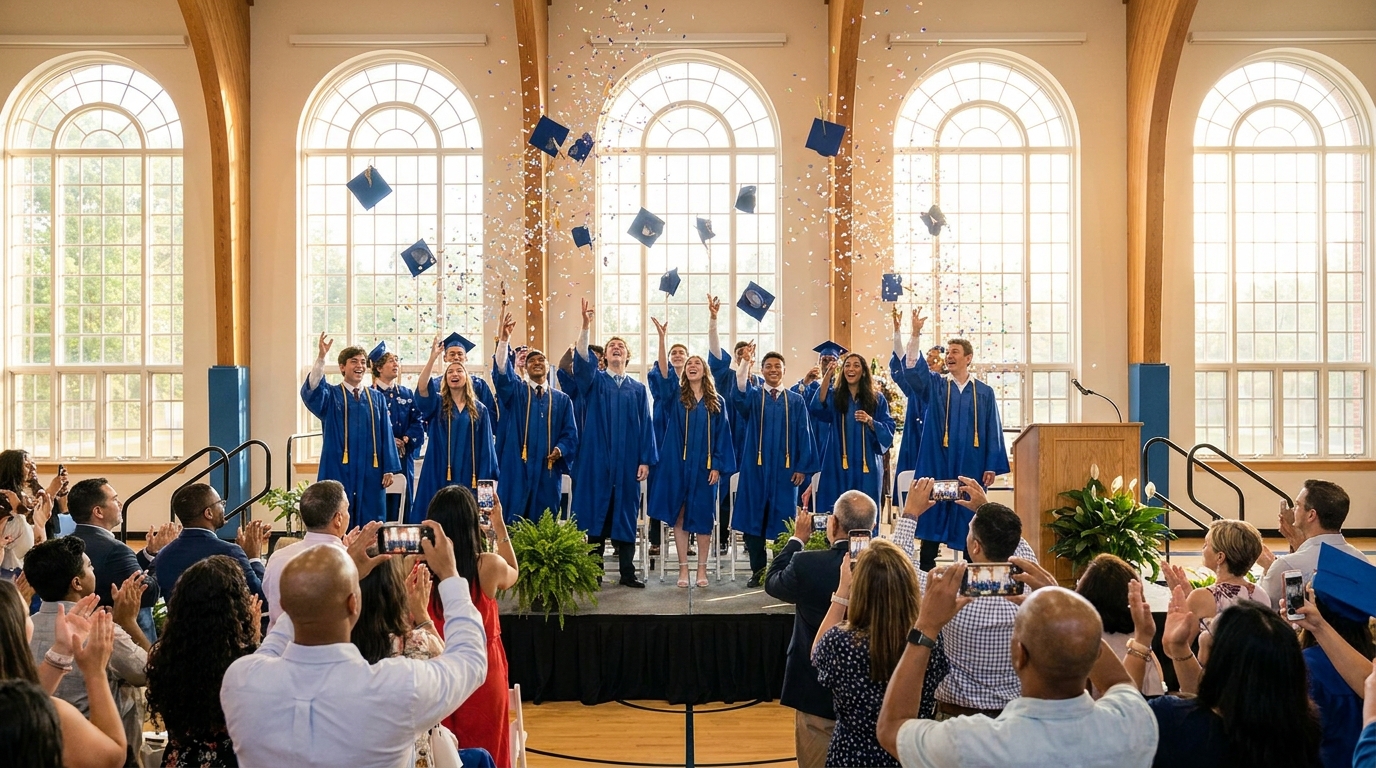
There's that moment during every high school graduation when the principal calls your child's name, they walk across the stage, and you realize you're fumbling with your phone camera instead of actually watching. Meanwhile, grandma is struggling to find her camera app, your teenager's best friend is capturing the perfect angle from the third row, and your spouse is recording video on the wrong setting. By the time the ceremony ends, you've missed the moment yourself, and you know that collecting all those scattered photos from a dozen different family members is going to be a logistical nightmare that stretches well into summer.
I've coordinated enough graduations and family events to know that high school graduation photo collection isn't just about taking pictures—it's about orchestrating a complex coordination challenge across multiple generations, locations, and devices. The good news? With the right strategy and tools, you can capture every tear, laugh, and proud moment without the post-event chaos of chasing down relatives for their camera rolls.
Why High School Graduation Photo Collection Is More Complex Than You Think
Most families approach graduation photography with a simple assumption: everyone will take photos, and somehow we'll gather them afterward. This optimism usually crumbles about three weeks post-ceremony when you realize your sister-in-law's photos are still "stuck" on her phone, your dad accidentally deleted his album, and your graduate's friends have already moved on to summer jobs without sending those candid backstage shots.
The complexity starts with multiple stakeholders operating independently. You've got parents trying to capture the perfect stage walk, grandparents filming from the balcony with varying levels of zoom competence, siblings Snapchatting from the audience, and friends documenting the pre-ceremony chaos in the parking lot. Each person has a different device, different storage capacity, and different comfort level with technology.
The average high school graduation attendee takes 47 photos during the ceremony, but families typically only receive 12-15 of those photos without a coordinated collection system.
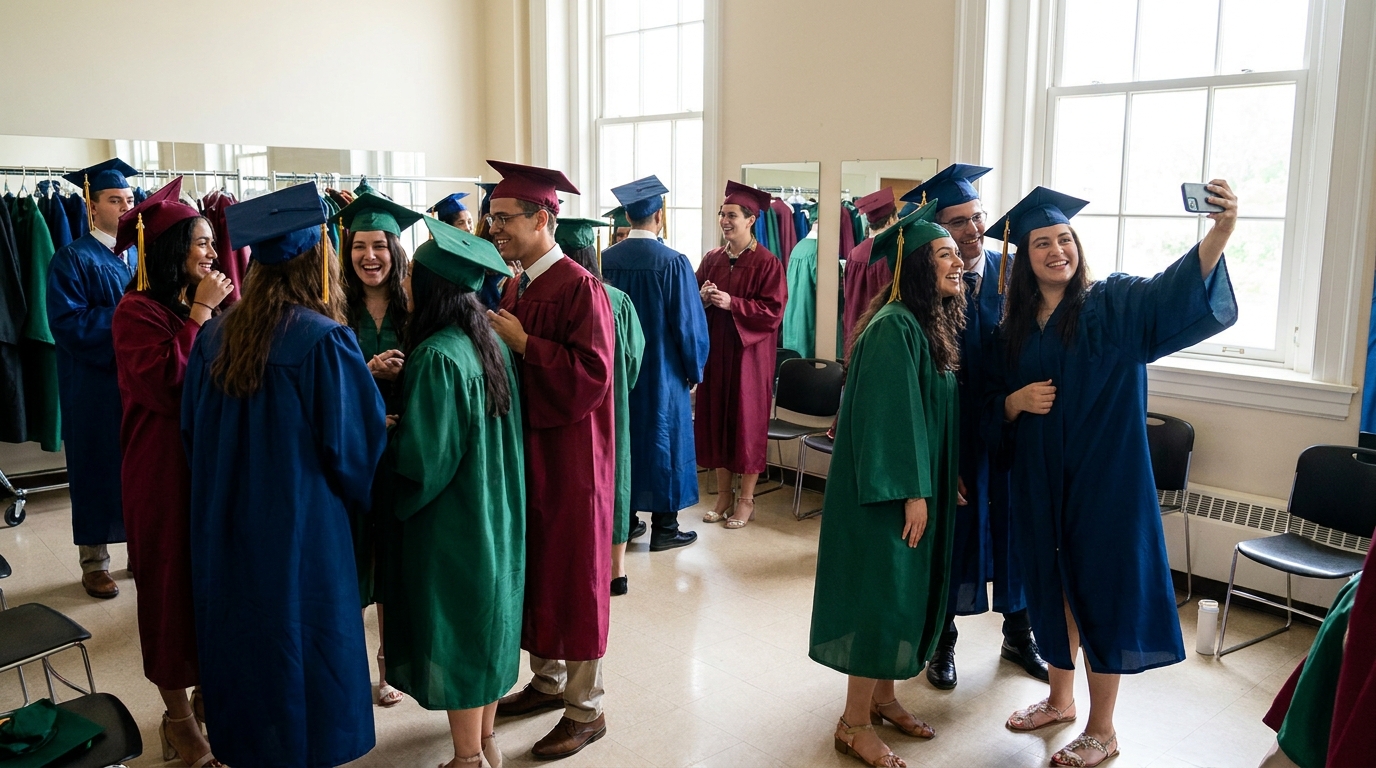
Then there's the timing and location challenge. Graduation isn't a single event—it's a marathon spread across hours or even days. The morning starts with getting-ready photos at home: the nervous buttoning of gowns, the fixing of tassels, the family breakfast. Then there's the pre-ceremony gathering outside the venue, the actual ceremony with its stage moments and audience reactions, and finally the post-ceremony celebrations that might happen at the school, a restaurant, or your backyard. Professional photographers typically capture the ceremony itself, but they miss the grandmother wiping away tears during the speech, the graduate helping their best friend with a crooked cap backstage, and the spontaneous group hugs in the parking lot.
The professional photographer gap is real. While you've likely hired someone to capture formal portraits and stage crossings, they can't be everywhere at once. They miss the candid family reactions, the behind-the-scenes friendships, and the multiple angles that only a crowd of phones can capture. This is where guest photos become invaluable—they fill the gaps with authentic, spontaneous moments that staged shots simply can't replicate.
Finally, there's the platform fragmentation problem. When you ask everyone to "just text me the photos," you're dealing with iPhone to Android compression issues, email attachment limits, and the inevitable "my phone is full" excuses. Without a centralized system, you're playing digital detective for weeks, and some precious moments get lost in the shuffle. For more insights on managing large group photo sharing, check out our guide on High School Reunion Photo Sharing Tips, which covers similar coordination challenges.
The Three-Phase Approach to Complete Graduation Photo Coverage
Treating graduation photography like a project management challenge rather than a passive activity transforms your results. I recommend dividing your collection strategy into three distinct phases, each requiring different tactics and participants.
Phase 1: Pre-Ceremony Moments (The Hidden Gems)
The hours before the ceremony contain some of the most emotionally raw and photographically valuable moments. This includes senior portraits at home, the careful application of makeup or tying of ties, the pinning of corsages, and the loading of cars with excited (and nervous) graduates. These are the moments of anticipation—students checking their phones for last-minute messages, parents fussing over gown lengths, siblings offering surprisingly sweet encouragement.
The pre-ceremony phase also captures family arrivals at the venue. Grandparents finding their seats, younger cousins meeting up, teachers offering final congratulations. These interactions often produce the most treasured photos because they're unscripted and genuine.
Phase 2: The Ceremony (The Professional-Guest Hybrid)
During the actual ceremony, your professional photographer (if you hired one) will handle the formal stage shots and posed family portraits. But your guests fill crucial gaps: the wide-angle view of the entire graduating class, the close-up of your child's face when they spot you in the audience, the grandparent's proud smile during the commencement speech. These photos provide context and emotion that official shots often miss.
Phase 3: Post-Ceremony Celebrations (The Spontaneous Magic)
The moments after "Pomp and Circumstance" ends are pure photographic gold. Graduates finding their families in the crowd, friend groups reuniting after being separated by alphabetical seating, impromptu photo sessions with favorite teachers, and the general chaos of balloon releases and flower exchanges. If you're hosting a graduation party, this phase extends into the evening with cake cutting, gift opening, and relaxed conversations that show genuine joy rather than posed smiles.
📸 Collect Every Guest Photo at Your Next Event
Stop chasing guests for photos. With Guest Clicks, you create a QR code, guests scan and upload — it's that simple. No app downloads, no hassle.
Setting Up Your Graduation Photo Collection System
The key to successful photo collection isn't asking guests to do more—it's removing friction from the process. Start by deciding on your collection method before you send graduation announcements. This allows you to include instructions in your initial communications rather than scrambling to coordinate after the fact.
The biggest mistake I see families make is choosing a solution that requires app downloads. When you ask guests to download a specific photo-sharing app, you immediately lose 40-50% of potential contributors. Grandparents don't want to learn new interfaces, busy parents don't have storage space, and teenagers resist anything that feels like extra work. Browser-based solutions eliminate this barrier entirely.
Guests are 73% more likely to share photos when they don't have to download an app—browser-based solutions see significantly higher participation rates.
QR code technology has made this seamless. With a platform like Guest Clicks, you create an event, generate a unique QR code, and guests simply scan it with their phone camera. They're immediately taken to a mobile-friendly upload page where they can select photos from their camera roll and submit them instantly. No account creation, no app store visits, no password memorization. It works equally well on iPhones, Androids, and even those older phones that uncle still insists on using.
When setting up your system, consider the gallery structure. You want a centralized location where all photos automatically aggregate in real-time. This allows you to monitor uploads during the event and ensures nothing gets lost in individual text threads. Look for platforms that offer moderation tools so you can remove accidental duplicates or blurry shots before sharing the final collection with family.
For graduation parties and larger celebrations, you might want to explore Graduation Party Photo Sharing strategies for 2026 to ensure you're using the latest approaches for multi-location events.
Communicating Your Photo Collection Plan to Families and Guests
Technology only works if people know how to use it. Your communication strategy should start the moment you send graduation announcements or invitations. Include a brief note about photo sharing alongside the ceremony details, dress code, and gift registry information.
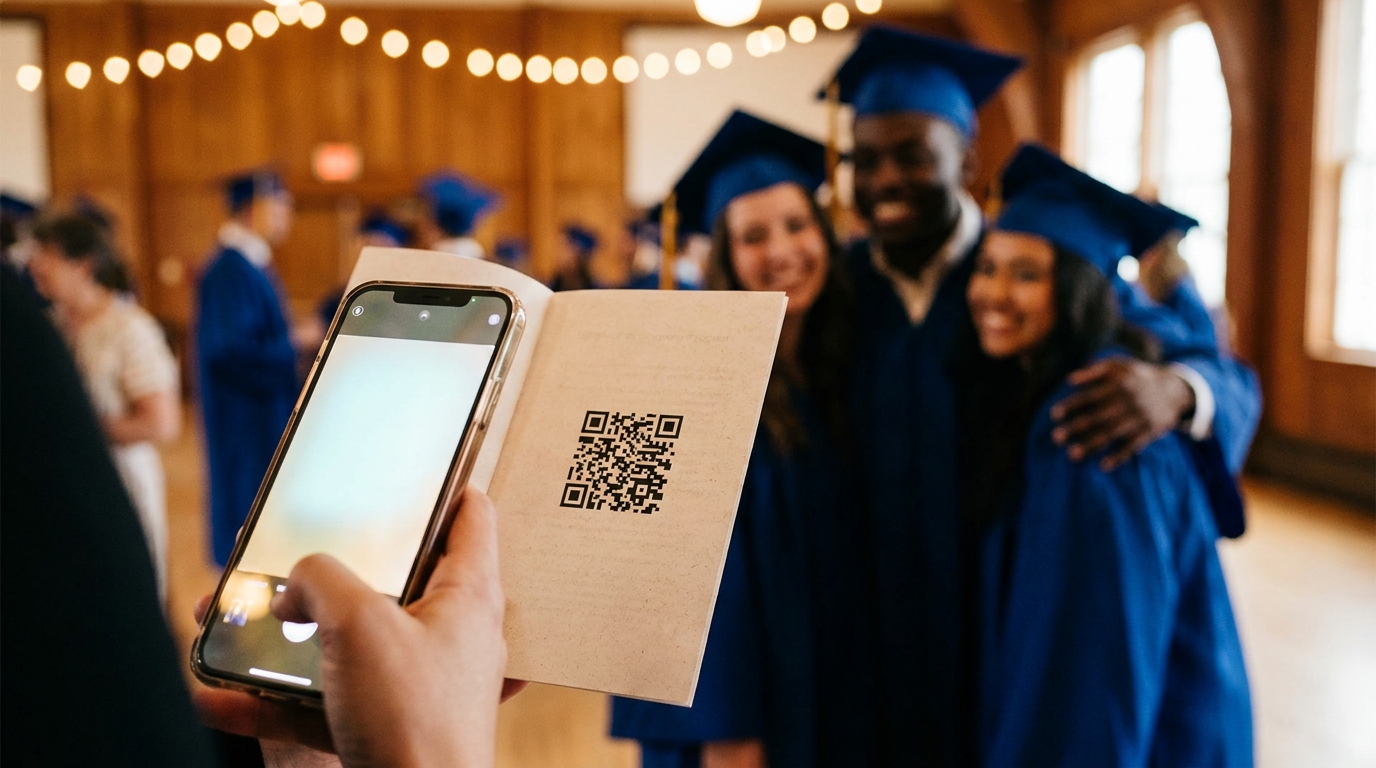
Sample text for your invitation: "Help us capture every moment of [Graduate's Name]'s special day! We'll be using a simple photo sharing system—just scan the QR code on your program to instantly share your photos. No app download required; works on any phone!"
For elderly relatives or less tech-savvy guests, create a simple one-page visual guide. Print this on cardstock with a large QR code and three-step instructions: "1. Open your camera app, 2. Point at this code, 3. Tap the link to upload photos." Place these cards on tables at the reception or hand them to specific family members who might need extra help.
Designate a photo coordinator—this could be a tech-savvy cousin, a close friend, or a sibling who isn't in the graduation class. Their job isn't to take all the photos themselves, but to circulate during the event, help guests who look confused, and gently remind people to upload their shots. This takes the pressure off you as the parent or primary organizer, allowing you to actually enjoy the ceremony.
Send reminder messages the day before the event. A simple text with the QR code or link, plus a brief "excited to see you tomorrow" message, keeps the photo sharing top-of-mind without being pushy. For additional ideas on coordinating large groups, our article on Class Reunion Photo Collection Ideas That Actually Work offers strategies that translate well to graduation crowds.
During the Event: Maximizing Photo Collection Without Being Pushy
The day has arrived. You've got your QR code system ready, your photo coordinator briefed, and your camera battery charged. Now it's about execution without turning the celebration into a photoshoot production.
Strategic QR code placement is your secret weapon. Include the code in printed ceremony programs so guests can scan as they settle into their seats. Set up table tents at the reception with instructions. Post signage at entranceways where guests naturally pause. If the venue has projection capabilities, display the QR code on a screen during transitional moments. The goal is making the code visible without making it obnoxious.
Verbal reminders work best when woven naturally into the event flow. If there's an emcee or principal giving welcome remarks, a simple "We'd love to see your perspective of today's celebration—scan the code in your program to share your photos with the family" takes ten seconds but boosts participation significantly. Avoid interrupting emotional moments or the ceremony itself with tech reminders; instead, use pre-ceremony waiting time or reception transitions.
The most regretted missing photos aren't ceremony shots—they're candid moments before and after, like graduates helping each other get ready and spontaneous family reactions.
Encourage participation through modeling behavior. When your photo coordinator uploads a few shots early in the day, others see the gallery populating and feel inspired to contribute. There's a social proof element—once guests see that others are sharing, they want to add their perspective too.
Monitor uploads in real-time if possible. Watching photos flow in from different angles helps you identify gaps. If you notice no one has uploaded photos from the pre-ceremony gathering yet, you can gently nudge someone who was there. If the reception is midway through and you only have ceremony shots, remind guests to add their celebration photos.
For events with specific moderation needs, consider platforms with built-in tools. Our guide on Guest Photo Collection Apps with Moderation Tools explains how to manage large volumes of uploads without getting overwhelmed.
After the Ceremony: Organizing and Sharing Your Collected Photos
The caps have been tossed, the cake has been eaten, and you've collected hundreds of photos from dozens of guests. Now comes the curation phase—turning that digital pile into meaningful memories.
Start with moderation and cleanup. Even with the best intentions, you'll likely have some accidental uploads: screenshots, blurry shots of the floor, duplicate angles, or photos meant for a different event. Most modern collection platforms allow you to hide or delete these before sharing the final gallery. This isn't about being a perfectionist—it's about creating a collection people actually want to browse through.
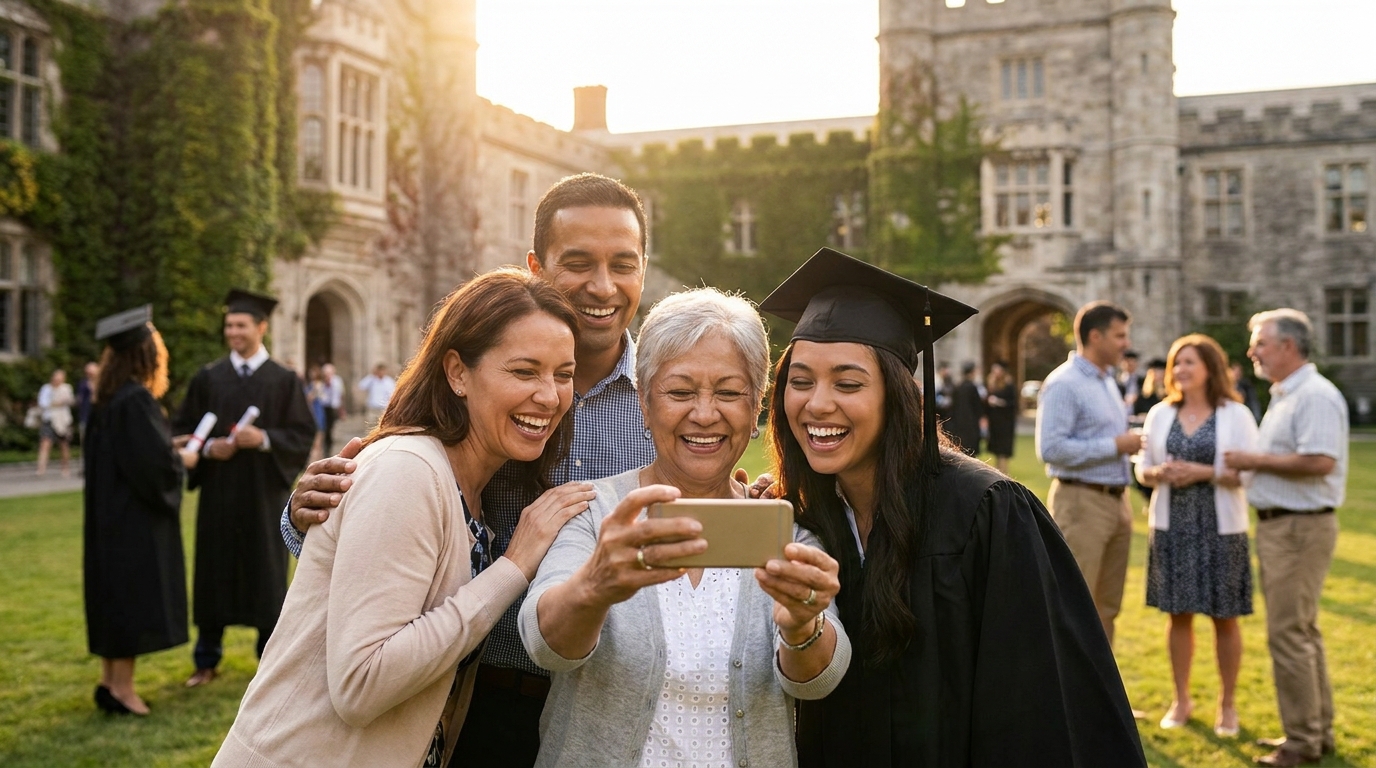
Consider creating multiple viewing experiences for different audiences. Your graduate probably wants access to every single photo, including the 47 shots their best friend took of the same group hug. Grandparents might prefer a curated "best of" album with 50-75 highlights. For thank-you cards and social media, you'll want a tight selection of 20-30 absolute gems. Many platforms allow you to create sub-albums or tagged collections within your main gallery.
Download strategies matter for long-term preservation. Look for platforms that offer bulk ZIP downloads so you can save the entire collection to your personal cloud storage or external hard drive. While keeping the online gallery active is convenient for sharing, having a local backup ensures you never lose these memories if a platform changes its policies or pricing.
Share the wealth. Make sure the graduate has their own download access for dorm room decorations or college farewells. Give grandparents a simple link they can bookmark to revisit photos whenever they miss their newly-minted high school graduate. If teachers or coaches contributed photos, send them a thank-you note with access to shots they might want for their own memories.
For long-term storage planning, remember that digital memories need maintenance just like physical photo albums. Plan to download and back up your collection within a few months of the event, and consider creating a physical photo book from the best shots for milestone anniversaries of the graduation date.
Frequently Asked Questions
How do I collect graduation photos from guests without asking them to download an app?
Use a QR code-based photo sharing platform that works directly in mobile browsers. Guests simply scan the code, select photos from their phone, and upload instantly—no app download or account creation required. This dramatically increases participation since there's zero friction. Platforms like Guest Clicks specialize in this app-free approach, making it ideal for multi-generational graduation crowds.
When should I set up my graduation photo collection system?
Set up your system 2-3 weeks before graduation. This gives you time to include the QR code or link in printed programs, test it with family members, and send reminder communications. Early setup also means you can start collecting pre-ceremony photos from getting-ready moments. Waiting until the day of the event almost guarantees you'll miss early moments and struggle with technical troubleshooting when you should be celebrating.
What's the best way to share the photo collection link with graduation guests?
Use multiple touchpoints: include a QR code in printed ceremony programs, display it on signage at the venue entrance and reception, and send it via text or email to your invitation list. The QR code method works best during the event since guests can scan and upload immediately. For elderly relatives, provide printed cards with large QR codes and simple instructions. The key is redundancy—guests should encounter the sharing method at least three times during the event experience.
How many photos should I expect to collect from a high school graduation?
For a typical graduation with 50-100 attendees, expect 200-500 photos if you have a good collection system in place. This includes ceremony shots from multiple angles, pre-ceremony preparations, and post-ceremony celebrations. Without a system, families usually end up with only 20-30 photos. The difference is dramatic—proper coordination captures 10x more memories than the standard "text me your photos afterwards" approach that rarely materializes.
Should I hire a professional photographer or just collect guest photos?
Do both. Professional photographers capture high-quality ceremony moments and formal portraits, but they miss candid backstage moments, family reactions, and different perspectives throughout the venue. Guest photos fill these gaps and provide authentic, spontaneous memories that professionals can't capture. Think of professional photos as your anchor shots—the ones you'll frame and include in the yearbook—while guest photos provide the complete story of the day from every angle. For more event photography strategies, see our Trade Show Photo Collection Strategies which covers professional-amateur hybrid approaches.
Looking for more graduation planning inspiration? Good Housekeeping's Graduation Party Ideas offers creative themes and celebration tips that pair perfectly with your photo collection strategy.