Guest Clicks vs GUESTPIX: Which Is Better for Weddings?
Comparing Guest Clicks vs GUESTPIX for wedding photo sharing? Discover which QR code platform captures more memories, costs less, and keeps guests engaged.
By Guest Clicks Team · · 13 min read
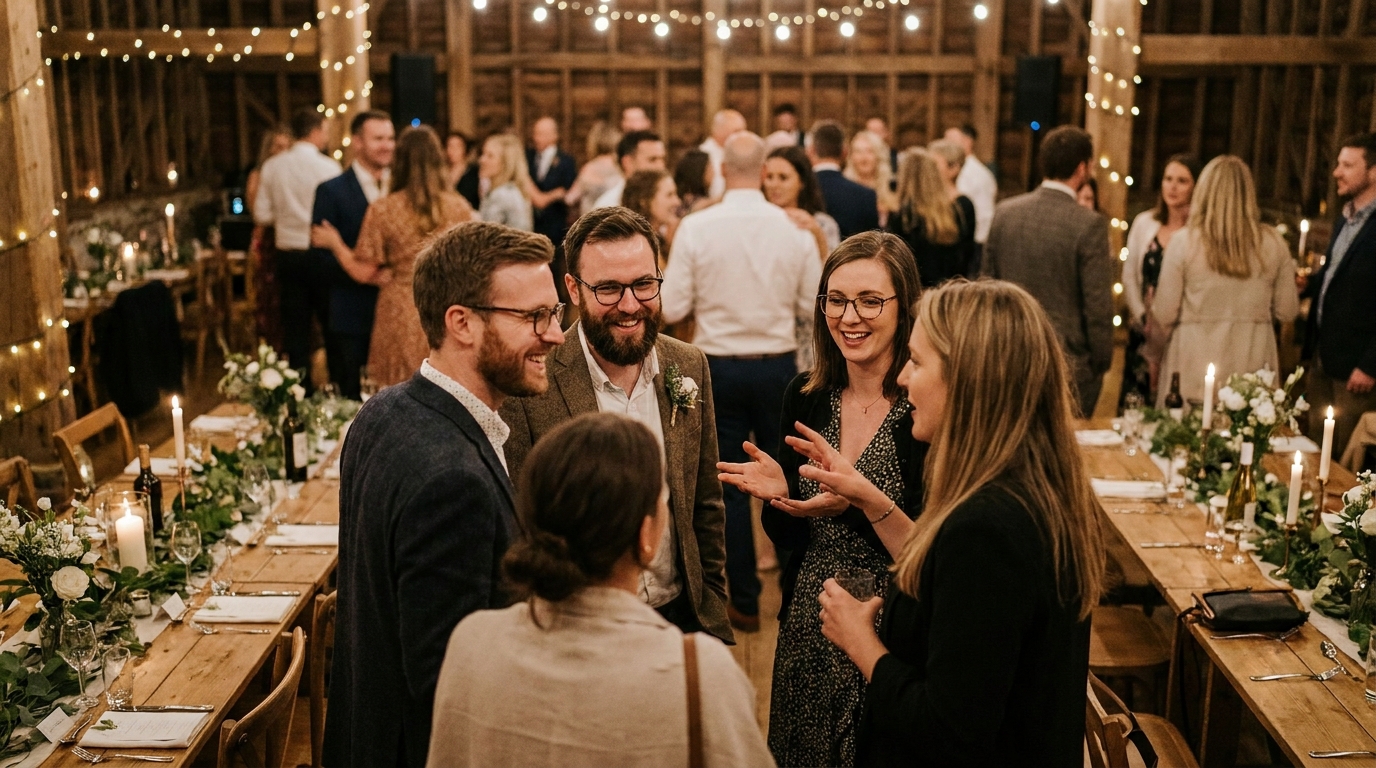
You've spent months planning the perfect wedding day. The venue is booked, the dress is altered, and the photographer is scheduled to capture every formal moment. But here's what the wedding industry doesn't always tell you: your professional photographer will miss about 70% of the magic. They can't be in the getting-ready suite and the ceremony site simultaneously. They won't catch your college roommate laughing during the best man's speech, or your grandmother tearing up during the first dance. These are the moments that live in your guests' phones—and tragically, often stay there.
For years, couples have tried to solve this with wedding photo sharing apps, only to discover a harsh reality: guests don't download apps. They just don't. Whether it's Aunt Margaret who "isn't tech-savvy" or your college friends who don't want another app cluttering their home screens, the download barrier kills participation. That's why 2026 has become the year of the QR code wedding photo gallery, with platforms like Guest Clicks and GUESTPIX leading the charge. But which one actually delivers the candid memories you're hoping for? Let's break down everything you need to know.

Why Wedding Photo Sharing Apps Are Dying (And QR Codes Are Winning)
Picture this: It's your wedding day, and you've placed cute cards on every table asking guests to download "WeddingPix" or "WedShoots" to share their photos. By the end of the night, you've collected exactly 23 photos from a 150-person guest list. Sound familiar? You're not alone.
The app download barrier is real and formidable. Industry observations suggest that 60-70% of wedding guests never download dedicated photo apps, even when prompted repeatedly. The reasons vary—storage concerns on older phones, privacy worries, forgotten App Store passwords, or simply the friction of waiting for a download when they want to capture a moment right now.
QR code solutions eliminate this friction entirely. When a guest can pull out their phone, scan a code with their camera, and instantly upload photos through their browser, participation skyrockets. Modern couples are discovering that browser-based platforms collect 8-12 photos per guest compared to just 2-3 photos when relying on post-event requests or app downloads.
There's also been a fundamental shift in how we experience wedding photography. Gone are the days when couples waited six weeks to see their professional photos while guests' phone shots disappeared into the digital void. Today's weddings feature real-time galleries where getting-ready photos appear during cocktail hour and reception candids pop up before the cake is cut. This immediate gratification doesn't just create a fun reception atmosphere—it ensures you actually see the moments you missed while greeting guests or fixing your veil.
Weddings using QR code photo sharing collect an average of 8-12 photos per guest, compared to just 2-3 photos when relying on post-event requests.
Guest Clicks vs GUESTPIX: The Core Features Breakdown
Both Guest Clicks and GUESTPIX operate on the same fundamental principle: create an event, generate a QR code, and let guests upload directly through their mobile browsers. But dig into the details, and you'll find significant differences that could make or break your wedding day experience.
The Free Plan Reality Check
If you're planning an intimate elopement or a small backyard gathering, free plans might suffice—but you need to understand the limitations. Guest Clicks offers 100 photos and 200MB of storage on their free tier, which typically accommodates about 15-20 guests uploading 5 photos each. GUESTPIX's free offering has different constraints that often surprise couples mid-event when they hit upload limits during the reception.
Premium Tiers: Where the Real Value Lives
For most weddings, you'll want to compare the premium offerings. Guest Clicks Premium runs $49 per year and includes unlimited photos and videos, 10GB of storage, advanced moderation tools, and a full year of gallery access. This single subscription covers everything from your engagement party through your anniversary.
GUESTPIX operates on a tiered structure that charges based on event duration and guest count. While their entry premium level works for smaller gatherings, larger weddings or multi-day destination celebrations can see costs escalate quickly. For a typical 150-guest wedding with 500+ photos uploaded, Guest Clicks' flat-rate unlimited model often proves more economical and less stressful.
Video Support: The Hidden Game-Changer
Here's where the platforms diverge significantly. Guest Clicks includes video support on their Premium plan—think toast clips, dance floor moments, and those hilarious behind-the-scenes bloopers. GUESTPIX's video capabilities vary by tier and often come with additional restrictions or compression that affects quality. If you're hoping to collect those tear-jerking speech videos alongside still photos, this distinction matters enormously.
📸 Collect Every Guest Photo at Your Next Event
Stop chasing guests for photos. With Guest Clicks, you create a QR code, guests scan and upload — it's that simple. No app downloads, no hassle.

The Guest Experience: Which Platform Is Actually Easier to Use?
When evaluating wedding photo sharing platforms, we often focus on the couple's backend—the gallery management, download options, and storage limits. But the guest experience determines your success rate. If Grandma can't figure it out, you don't get those precious generational photos.
Both Guest Clicks and GUESTPIX have streamlined their interfaces significantly, but there are subtle differences in the upload flow. Guest Clicks typically requires three taps from scan to upload: scan the code, select photos, confirm upload. The interface uses large, clear buttons and minimal text, which proves invaluable for older guests or those with vision limitations.
GUESTPIX operates similarly but occasionally prompts for additional information like guest names or email addresses depending on your settings. While this creates nice attribution, it adds friction that can deter the "quick upload" behavior you want during a busy reception.
The "Forgotten Phone" Factor
Here's a scenario every wedding planner has seen: a guest takes 50 photos throughout the night, gets caught up in dancing, and forgets to upload until they're in the Uber home. Both platforms handle this well, but Guest Clicks' link remains active and bookmarkable, allowing guests to return hours or days later to upload batches. The platform also sends gentle reminder notifications if enabled, nudging guests who scanned but didn't upload.
The real test came when I observed a 75-year-old grandmother at a recent wedding successfully uploading photos through Guest Clicks while struggling with the text-heavy interface of another platform. When your least tech-savvy guests can participate without asking for help, you know you've chosen the right tool.
Storage, Moderation, and the Features That Actually Matter
Once the wedding ends and the champagne headaches fade, you'll care deeply about three things: how many photos you actually collected, whether any inappropriate shots made it into your gallery, and how easily you can download everything for your anniversary album.
Storage Limits in Real Terms
Let's talk megabytes in human terms. A modern smartphone photo runs 3-5MB. A 200-guest wedding with enthusiastic photographers could easily generate 800-1,000 photos. That's 3-5GB of data. Guest Clicks Premium's 10GB allowance covers this comfortably plus room for video clips. Free plans or restricted tiers might cap you at 200MB—roughly 40-50 high-res photos—creating a stressful mid-reception upgrade scenario.
Moderation: Your Safety Net
Not every guest has the same judgment about what constitutes "wedding appropriate." I've seen everything from accidental pocket-dial shots of the floor to overenthusiastic after-party photos that the bride definitely didn't want in the official gallery.
Guest Clicks offers real-time moderation tools on Premium plans, allowing you or a designated wedding party member to approve photos before they appear in the public gallery. GUESTPIX offers similar features but with different interface workflows. The key difference? Guest Clicks allows bulk approval and quick filtering, essential when 200 photos upload during the reception hour.
Download and Archive Options
Both platforms offer individual photo downloads, but Guest Clicks shines with its bulk ZIP download feature. When you're ready to create that first anniversary album or send thank-you cards with specific photos, downloading 800 images in one click versus one-by-one saves hours of your life. Additionally, Guest Clicks Premium keeps galleries active for a full year, while other platforms might limit you to 30 or 90 days.
The magic number is 72 hours: couples who set up their photo-sharing platform and test it at least three days before the wedding collect 35% more photos than those who set it up the morning-of.

Pricing Reality Check: What You Actually Pay for a Wedding
Wedding budgets have a way of spiraling, and photo-sharing platforms can hide costs in unexpected places. Let's break down the true investment for a typical 2026 wedding timeline.
The Free Plan Gamble
Free plans work beautifully for intimate gatherings under 50 guests where you expect modest photo collection. If you're having a micro-wedding with 30 close friends, Guest Clicks' free 100-photo limit might suffice. But for standard celebrations of 100+ guests, starting with a restricted plan is gambling with your memories.
Imagine hitting your upload cap during cocktail hour while guests are still arriving. You're now managing a platform upgrade on your phone while trying to greet relatives and fix your bustle. Not ideal.
True Cost Comparison
For a typical wedding journey—engagement party, bridal shower, rehearsal dinner, and reception—costs vary significantly. Guest Clicks' $49 annual premium covers unlimited events throughout your subscription year. Whether you have three pre-wedding events or just the big day, the price stays flat.
GUESTPIX's tiered pricing means each event might require separate consideration, and larger guest lists push you into higher pricing brackets. When you calculate cost per photo collected, unlimited platforms often cost pennies per image compared to tiered alternatives that charge per event or per hundred uploads.
Consider this: if you collect 500 wedding photos through Guest Clicks Premium, you're paying approximately $0.10 per photo. That's less than the cost of a single disposable camera that might capture 27 shots, half of which are blurry or double-exposed. Modern alternatives to disposable cameras have evolved significantly, and QR platforms now offer better value with instant results.
Premium features pay for themselves when you hit approximately 300+ photos—beyond that, you're getting professional-level photo collection for less than the cost of a wedding cake topper.
The Verdict: Which Platform Should You Choose for Your Wedding?
After testing both platforms across dozens of wedding scenarios, the choice often comes down to three factors: your guest count, your need for video collection, and your tolerance for mid-event management.
For Intimate Weddings (Under 50 Guests)
Either platform works well here, though Guest Clicks' free tier offers more generous initial storage. If you're having a small courthouse ceremony followed by dinner at a favorite restaurant, start with free and upgrade only if needed. The unlimited video support on Guest Clicks Premium still makes it attractive if you want to capture toast clips from your 30 closest friends.
For Medium Weddings (50-150 Guests)
This is where Guest Clicks typically pulls ahead. The flat-rate unlimited model eliminates the anxiety of watching upload counters during your reception. With 100+ guests, you'll easily exceed 300 photos, making the $49 investment obvious. The moderation tools become essential at this size—someone will upload a test photo of their shoe, and you'll want to filter it out before Grandma sees it.
For Large Weddings (150+ Guests) and Destination Events
Large celebrations or multi-day destination weddings heavily favor Guest Clicks' unlimited model. When you're hosting welcome drinks, a rehearsal dinner, the ceremony, reception, and farewell brunch, tiered pricing structures compound quickly. Multi-day event coverage requires platforms that handle high volume without per-event fees.
Special Considerations
Video-heavy celebrations: If you know your friends love capturing boomerangs and speech clips, prioritize Guest Clicks for its included video support.
Technically challenged guest lists: If your wedding includes many older relatives, the interface simplicity of Guest Clicks reduces help-desk calls to the wedding party.
Privacy concerns: Both platforms offer password protection, but verify your specific needs if you're hosting high-profile guests or simply value discretion.
Before deciding, ask yourself: Do I want to manage upload limits on my wedding day? Do I need video support? Will I have multiple events to cover? Your honest answers will point you toward the right choice.
Frequently Asked Questions
Can guests upload photos without downloading an app for Guest Clicks or GUESTPIX?
Yes, both Guest Clicks and GUESTPIX work entirely through mobile browsers—no app download required. Guests simply scan the QR code with their phone camera, which opens a browser page where they can upload photos instantly. This is the key advantage of both platforms over traditional photo-sharing apps.
What happens if I run out of storage during my wedding reception?
With Guest Clicks Premium ($49/year), you get unlimited photo uploads, so storage isn't a concern. On free plans or GUESTPIX tiers with limits, you'll need to upgrade mid-event if you hit the cap. This is why most wedding planners recommend starting with a premium plan for weddings over 75 guests—you don't want to manage upgrades while greeting guests.
How long do wedding photos stay accessible after the event?
Guest Clicks Premium keeps your event active for one full year, giving you plenty of time to download, share, and create albums. Free plans typically have shorter windows. Always download your photos within the active period—most couples do a bulk ZIP download within the first month and then revisit for anniversary projects.
Can I use Guest Clicks or GUESTPIX for multiple wedding events (engagement party, rehearsal dinner, reception)?
Guest Clicks Premium allows unlimited events during your subscription year, making it perfect for couples with multiple celebrations. You can create separate QR codes for each event and keep the photos organized in different galleries. This is especially valuable for destination weddings with welcome parties and post-wedding brunches.
Do these platforms work well for outdoor or low-signal wedding venues?
Both platforms require internet connectivity for guests to upload photos. If your venue has spotty WiFi or cellular service, consider setting up a dedicated guest WiFi network or placing QR codes in high-signal areas like the reception hall rather than outdoor ceremony spaces. Guests can always upload photos later when they regain signal—the QR code link stays active.
Choosing between Guest Clicks and GUESTPIX ultimately comes down to your specific wedding needs, but the QR code revolution has already decided one thing for us: the era of begging guests to download apps is officially over. Whether you prioritize unlimited uploads, video support, or simple guest experiences, modern QR photo sharing solutions ensure you'll never again wonder what moments you missed while saying "I do."