Best WedUploader Alternatives with Moderation & Downloads 2026
Looking for WedUploader alternatives? Compare top photo-sharing platforms with moderation tools and easy downloads for weddings and events in 2026.
By Guest Clicks Team · · 11 min read
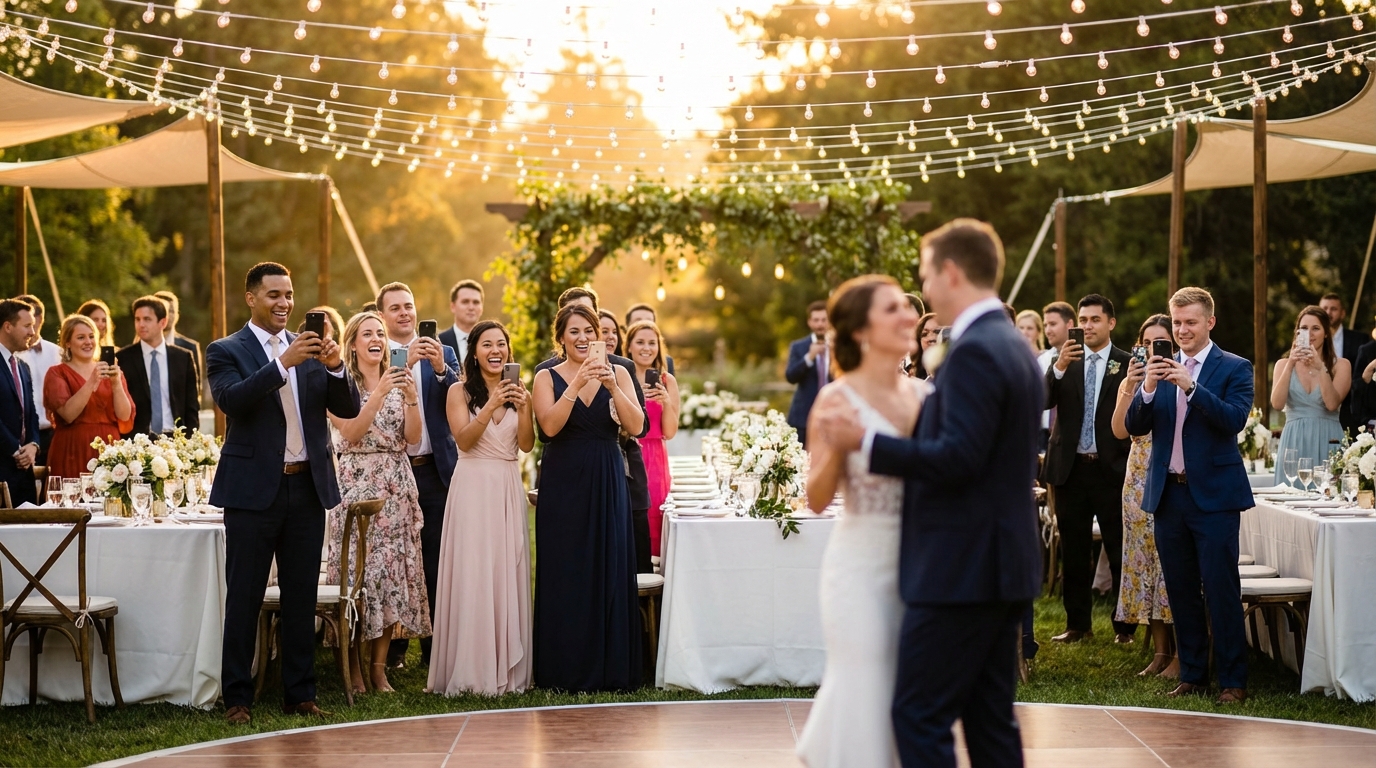
You've planned the perfect event. The lighting was magical, the candid laughter was genuine, and somewhere out there are hundreds of beautiful moments captured by your guests' phones. But here's the frustrating reality: most of those photos will stay buried in camera rolls, shared sporadically via scattered text messages, or lost entirely when guests forget to send them. This is exactly why digital alternatives to disposable cameras became essential tools for modern weddings, corporate gatherings, and celebrations. Yet as we move through 2026, many organizers who started with WedUploader are discovering that their needs have evolved beyond what the platform comfortably offers—especially when it comes to controlling what appears in their galleries and actually getting those photos into their hands.
Why Event Organizers Are Seeking WedUploader Alternatives
WedUploader has served countless events well, providing a simple way for guests to contribute photos without creating accounts. But as events become more photo-heavy and privacy concerns grow, organizers are hitting real limitations that impact their post-event experience.
Consider Sarah, a bride who used a basic photo sharing tool for her 200-person wedding in 2025. She received over 800 photos—an incredible treasure trove—but spent nearly two weeks sorting through duplicates, blurry shots, and several unflattering images of guests that somehow made it into the shared gallery. Without robust moderation tools, she found herself manually deleting photos one by one while trying to preserve the genuine candid moments that made her day special.
Corporate event planners face different but equally frustrating challenges. Marcus, an HR manager organizing a company retreat, needed to download all guest photos for marketing materials and internal newsletters. He discovered that bulk download restrictions meant spending hours saving images individually, or worse, losing access to high-resolution originals entirely. When you're managing brand safety and need to ensure no confidential background details appear in shared photos, these limitations aren't just inconvenient—they're dealbreakers.
Studies show that app-free photo sharing platforms see 3-4x higher guest participation rates compared to app-required solutions—guests simply won't download an app for a one-time event.
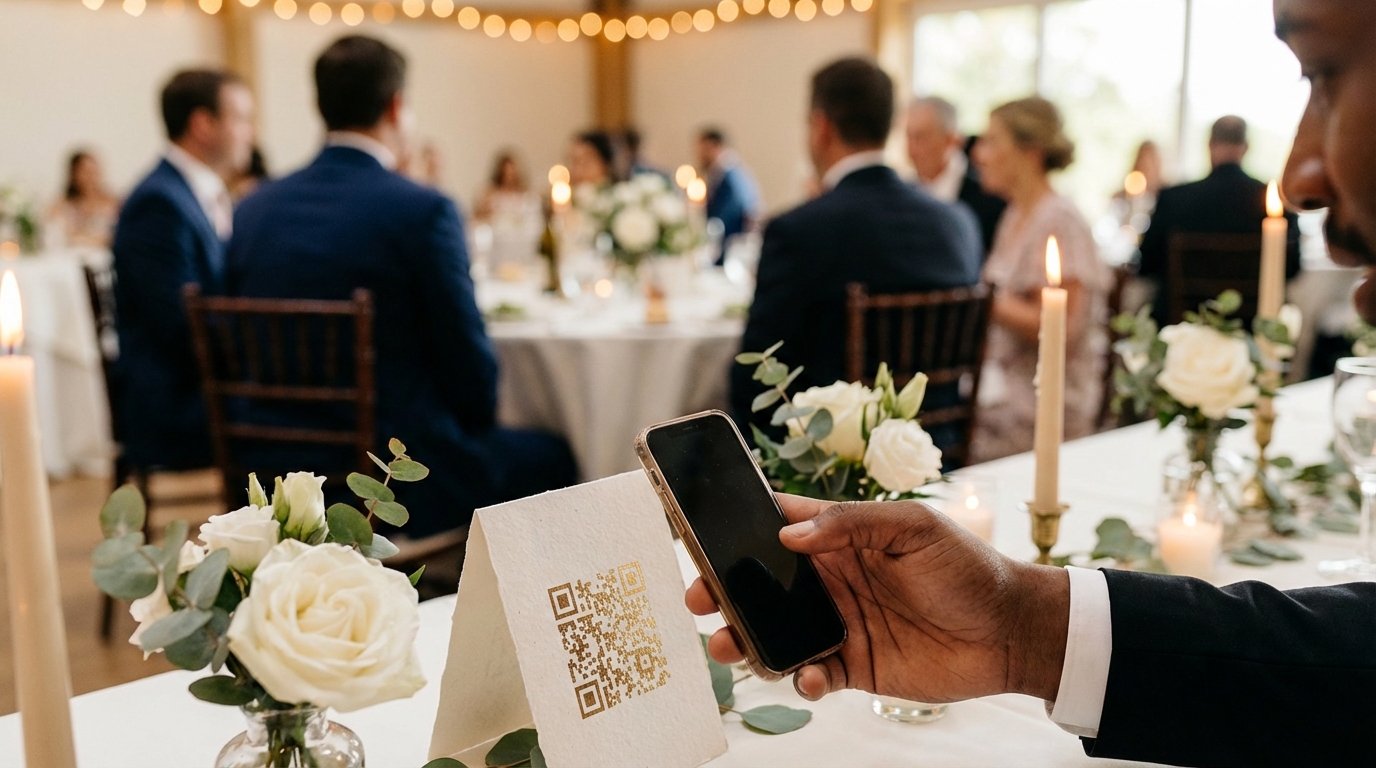
The shift toward browser-based, app-free solutions isn't just about convenience; it's about meeting guests where they are. When Aunt Mary can scan a QR code and immediately upload from her iPhone's browser without downloading unfamiliar software, you capture moments that would otherwise disappear into the digital void.
Essential Features to Look for in Photo Sharing Platforms
When evaluating WedUploader alternatives, two capabilities consistently rise to the top of every organizer's priority list: moderation control and download flexibility. These features transform photo sharing from a chaotic free-for-all into a curated, valuable archive.
Moderation That Matches Your Event's Needs
Not all moderation is created equal. Pre-approval systems let you review photos before they appear publicly—crucial for corporate events where brand safety matters. Post-moderation allows immediate sharing with the option to remove later, better for weddings where you want that instant gratification. Look for platforms offering both approaches, plus auto-filtering capabilities that catch inappropriate content before human eyes see it.
Download Options That Preserve Your Memories
The ability to download photos seems basic, yet many platforms restrict this essential feature. You need individual downloads for quick sharing on social media, but bulk ZIP downloads are non-negotiable for creating wedding albums or archiving corporate events. Original quality preservation matters too—compressed images might look fine on Instagram but disappoint when printed in a coffee table book.
Accessibility and Storage Reality
Storage limits can sneak up on you. That "unlimited" plan might throttle upload speeds after 500 photos, or restrict video support to premium tiers. For a typical 150-person wedding generating 800-1,200 images plus videos, realistic capacity planning prevents mid-reception technical disasters.
📸 Collect Every Guest Photo at Your Next Event
Stop chasing guests for photos. With Guest Clicks, you create a QR code, guests scan and upload — it's that simple. No app downloads, no hassle.

Guest Clicks: QR Code Simplicity with Powerful Moderation
Among the various photo collection apps with moderation tools available in 2026, Guest Clicks stands out for its approach to the guest experience. Rather than asking attendees to navigate to a website and enter event codes, organizers display a simple QR code at tables, on place cards, or on signage. Guests scan, their browser opens instantly, and they upload directly—no app store visits, no storage space concerns, no forgotten passwords.
For organizers, the Premium plan ($49/year) unlocks professional-grade moderation capabilities. The real-time dashboard lets you approve or reject photos as they arrive, perfect for monitoring uploads during cocktail hour or a corporate presentation. This immediate control prevents the awkward situation of inappropriate or unflattering images appearing on display screens or in shared galleries before you can intervene.
The storage situation is refreshingly straightforward: unlimited photos and videos on Premium, with support for files up to 10GB. When the event ends, you aren't stuck viewing compressed thumbnails. Download options include individual high-resolution files for specific moments you want to share immediately, or bulk ZIP downloads containing every image in original quality—ideal for handing off to your wedding album designer or corporate marketing team.
Privacy controls add another layer of sophistication. Password-protected galleries ensure that only invited guests access sensitive corporate event photos or intimate family wedding moments. This is particularly valuable for parents sharing children's birthday party photos with other families while keeping them away from public internet searches.
Other Notable WedUploader Alternatives Worth Considering
While Guest Clicks excels in browser-based simplicity, different events demand different solutions. Here are three legitimate alternatives worth evaluating based on your specific needs:
The Guest (by Cape)
This app-based platform offers impressive AI-powered photo matching, automatically organizing images by moment and identifying the best shots. The moderation tools are solid, with options to hide photos before they go live. However, the app requirement creates friction—expect 40-50% lower participation rates compared to browser-based solutions. Best for tech-savvy crowds at smaller events where photo quality trumps quantity. Pricing runs higher for unlimited storage, typically $99+ per event for premium features.
Capsule
Designed with corporate events in mind, Capsule shines for brand activations and professional gatherings. Their moderation includes keyword filtering and facial recognition privacy controls—essential for companies managing employee photo consent. Downloads are flexible, though the interface requires more setup time than simpler wedding-focused tools. The trade-off is enterprise-grade security that satisfies legal departments. Pricing starts around $79 per event for moderation features.
Eversnap
A veteran in the wedding space, Eversnap offers familiar album-style organization and decent download capabilities. Their moderation is primarily post-event, meaning photos appear immediately with removal options afterward—fine for casual gatherings but risky for high-stakes corporate environments. The free tier handles small events (under 50 guests) adequately, but video support and bulk downloads require premium upgrades starting at $39 per event.
The average wedding generates 800-1,200 guest photos, but without moderation tools, couples spend 6-8 hours manually sorting through duplicates and unflattering shots.
When choosing between these options, consider your technical comfort level and guest demographics. Professional reviews consistently note that platform choice significantly impacts final photo yield—sometimes by hundreds of images.
Moderation Strategies for Different Event Types
Effective moderation isn't one-size-fits-all. Your approach should reflect the event's tone, guest relationships, and privacy requirements.
Weddings: Curating Joy Without Censorship
Weddings walk a delicate line. You want the spontaneous energy of the dance floor and the raw emotion of the ceremony, but you don't need twelve nearly identical photos of the cake cutting or that one relative's unflattering mid-bite expression. Pre-moderation works well during formal portions, while post-moderation suits the reception's chaotic fun. Consider designating a trusted wedding party member as your moderation assistant—they know the family dynamics and can spot potentially sensitive content faster than you can amid the celebration.
Corporate Events: Protecting Brand and Privacy
Corporate gatherings demand stricter controls. Background details in photos might reveal confidential projects, and not every employee wants their image used in marketing materials. Pre-approval moderation is essential here, preferably with clear photo guidelines communicated beforehand. Social media sharing guidelines should be established upfront, with moderation catching violations before they spread.
Family Celebrations: Protecting Little Ones
Birthday parties and family reunions involving children require particular vigilance. Other parents may not want their children's photos shared beyond the immediate group, making password protection and careful moderation non-negotiable. The ability to quickly remove photos where kids' faces are clearly visible (if requested) builds trust among protective parents.
Public Festivals: Volume Management
Large public events face the opposite challenge: sheer volume. When 500+ people upload simultaneously, automatic filtering for inappropriate content becomes necessary before human review. Keyword filtering and AI-based content detection help manage the flood, with human moderators handling edge cases.
Event organizers who establish clear moderation guidelines and communicate them upfront report 70% fewer inappropriate uploads and significantly less post-event photo management stress.
Maximizing Value from Your Photo Sharing Platform
Choosing the right platform is only half the battle. Implementation determines whether you'll actually enjoy your photo collection or dread opening the gallery.
Pre-Event Setup
Test your moderation workflow before guests arrive. Upload a few test photos, practice approving and rejecting them, and confirm download speeds work on your internet connection. If you're using QR codes, print them large enough that older guests can scan them easily—high contrast and at least 3x3 inches minimum.
Communication Is Key
Don't assume guests know how photo sharing works. Brief announcements during the event—"Scan the QR code on your table to share photos instantly!"—dramatically increase participation. For weddings, include instructions in your programs or on table tents. For corporate events, mention it during opening remarks.
The Post-Event Sprint
Download your photos within the first week while the event is fresh in your mind and you're motivated to organize them. Create a simple folder structure—Ceremony, Reception, Candids, Details—and sort as you download. This thirty-minute investment saves hours later when you're creating thank-you cards or annual reports.
Repurposing Your Collection
Beyond simple archiving, organized photo collections become powerful tools. Wedding couples create digital guest books combining photos with messages. HR teams build culture videos from candid corporate event shots. The key is having those bulk download capabilities that let you move photos into creative tools without quality loss.
Frequently Asked Questions
What's the main difference between WedUploader and Guest Clicks?
Guest Clicks uses QR code scanning so guests don't need to download an app—they simply scan and upload from their phone's browser. WedUploader requires guests to visit a website and navigate to your specific event. Guest Clicks also offers more robust moderation tools on its Premium plan, including real-time approval controls and bulk download options.
Can guests download photos from Guest Clicks without creating an account?
Yes, guests can view and download individual photos directly from the gallery without creating an account. Event organizers can also download all photos as a bulk ZIP file, which is especially useful for creating albums or sharing with vendors.
How does photo moderation work for wedding photo sharing?
Photo moderation lets you review and approve photos before they appear in your public gallery. This is crucial for weddings to filter out duplicates, unflattering shots, or inappropriate content. Premium platforms like Guest Clicks offer real-time moderation dashboards where you can quickly approve or reject uploads during your event.
Is there a free alternative to WedUploader with download capabilities?
Guest Clicks offers a free plan that includes up to 100 photos with full download capabilities—both individual and bulk ZIP downloads. This works well for smaller events like intimate dinners or small birthday parties. For larger events, the Premium plan ($49/year) provides unlimited uploads and enhanced moderation tools.
What happens to my photos after my event ends on Guest Clicks?
On the Premium plan, your event gallery remains active for one full year, giving you plenty of time to download, share, and organize your photos. You can download all photos as a ZIP file anytime during this period. The free plan keeps your event active for 30 days, which is sufficient for most small gatherings.