How to Create a QR Code for Event Photos in 2026
Learn how to create a QR code for event photos in minutes. Simple step-by-step guide for weddings, parties, and corporate events. No app required!
By Guest Clicks Team · · 16 min read
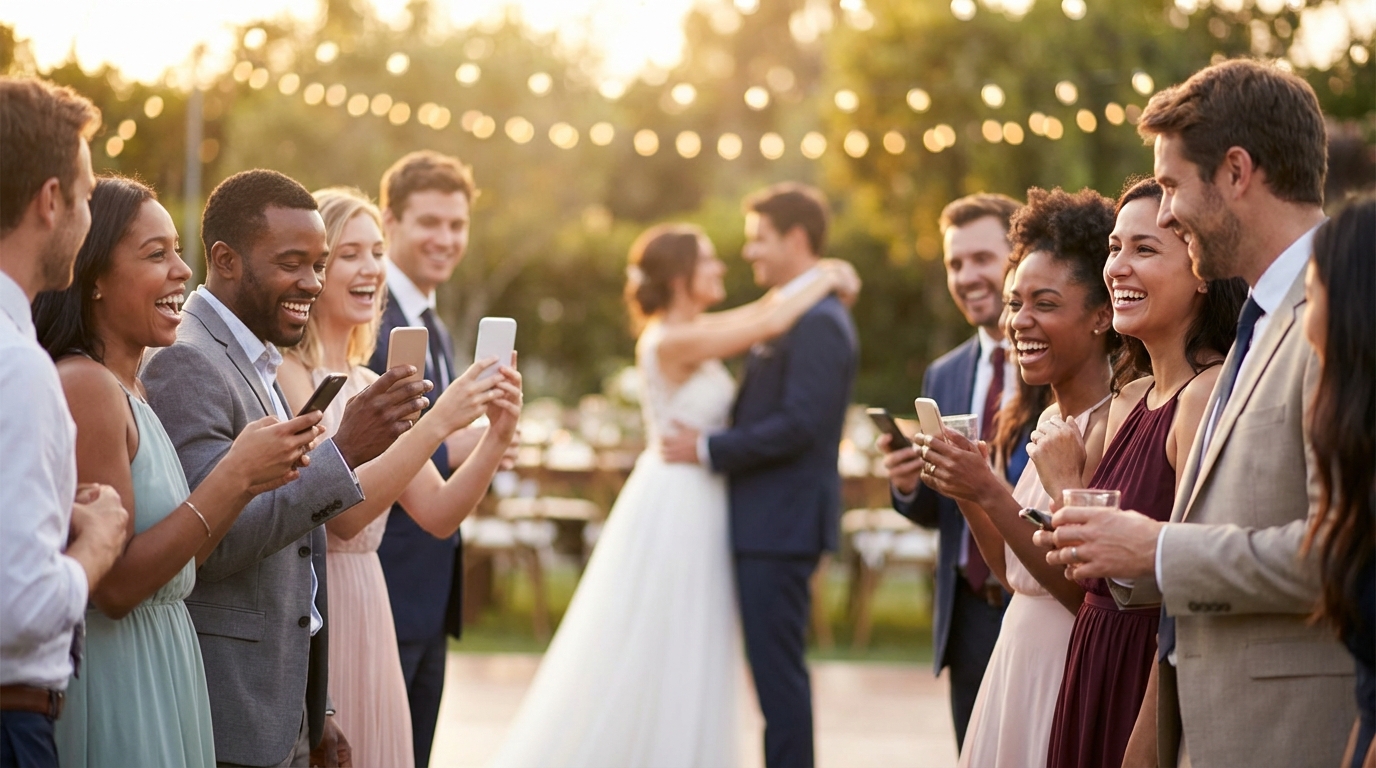
You've spent months planning the perfect event. The venue is stunning, the catering is booked, and the playlist is curated to perfection. But here's what keeps every event organizer up at night: how do you collect all those candid moments happening in the pockets and purses of 50, 100, or 300 guests? The group chat threads get messy, email attachments bounce back, and asking guests to download yet another app feels like herding cats. In 2026, there's a beautifully simple solution that's changing how we capture memories: QR code photo sharing. Whether you're organizing an intimate birthday dinner or a sprawling corporate retreat, learning how to create a QR code for event photos takes less time than ordering coffee—and delivers ten times the memories.
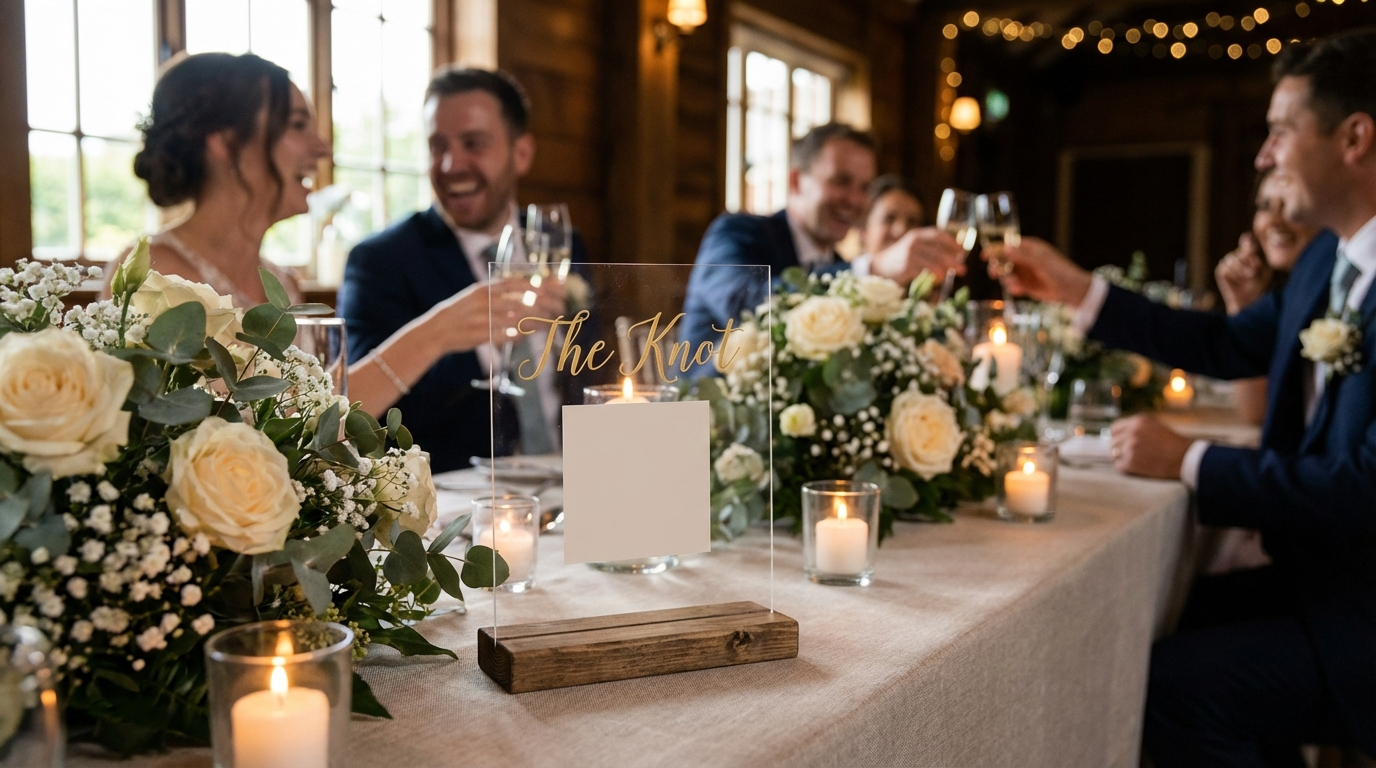
Why QR Codes Are Perfect for Event Photo Sharing
Let's be honest about the current state of event photography. You've probably experienced the post-event scramble: sending frantic texts to wedding guests, creating Dropbox links that expire before half the attendees click them, or watching your carefully curated Facebook album fill with the same three photos from the same three people who always remember to share.
The frustration runs deeper than mere inconvenience. Traditional photo sharing creates invisible barriers that filter out your most valuable content. When you ask guests to download a dedicated app, you're immediately losing 60-70% of potential participants. Work phones with strict IT policies, limited storage space, privacy concerns, or simply the cognitive load of "one more app"—these friction points kill participation before the first toast is made.
QR codes dismantle these barriers entirely. By 2026, smartphone penetration has reached near-universal levels across all age demographics, and QR code familiarity has skyrocketed. That little square of black and white pixels has become as recognizable as a stop sign. When guests scan your event's QR code, their camera roll opens instantly—no app store, no registration forms, no passwords to forget.
The biggest barrier to photo sharing isn't unwillingness—it's friction. When you remove the app download step, guest participation rates jump from 20% to over 70%.
Consider the wedding scenario: you've got 150 guests with smartphones, but only 30 download your chosen photo app. That leaves 120 people capturing moments you'll never see—the flower girl's twirl, your college roommate's reaction during speeches, the impromptu dance circle that formed during cocktail hour. QR codes capture these ephemeral moments because they meet guests exactly where they already are: in their camera app, ready to share.
For corporate events, the benefits multiply. International attendees often hesitate to download unknown applications onto work devices. Security-conscious executives avoid third-party apps that require extensive permissions. QR codes work in any mobile browser, providing a secure, sandboxed experience that IT departments approve and guests actually use.
There's also the undeniable magic of real-time galleries. Unlike delayed photo dumps that happen weeks after the event, QR code platforms show photos appearing live during the celebration. Guests at the bar see moments from the dance floor. Grandparents at home watch the reception unfold as if they were there. This instant gratification creates a feedback loop—when people see others sharing, they share more, creating a rich tapestry of perspectives no single photographer could capture.
What You Need Before Creating Your QR Code
Before you dive into generating that pixelated square, take ten minutes to map out the logistics. A little preparation now prevents headaches later when you're juggling vendor calls and seating chart emergencies.
Start with the basics: your event name, date, and venue. These organizational details help you (and your guests) keep photos sorted, especially if you're managing multiple events or annual gatherings. If you're planning a wedding, consider whether you want separate galleries for the rehearsal dinner and ceremony, or one unified collection.
Privacy settings deserve careful thought. Public galleries work beautifully for community festivals, product launches, or brand activations where you want maximum participation and social proof. However, private events—weddings, family reunions, corporate retreats—benefit from password protection. This ensures that only invited guests access personal moments, and prevents the awkward scenario of ex-partners or random internet strangers browsing your intimate memories.
Estimate your guest count realistically. A small dinner party of twenty friends generates different storage needs than a company-wide celebration of five hundred. Many platforms offer tiered plans based on upload limits, and nothing kills momentum like hitting a photo cap midway through your reception. If you're expecting heavy participation, look for platforms offering unlimited uploads.
Content moderation is another pre-event decision. Auto-approval creates a free-flowing, authentic experience where guests see photos immediately—perfect for energetic parties where you want that instant feedback loop. Manual approval gives you control over what appears in the gallery, filtering out blurry shots, inappropriate content, or photos of guests who specifically requested not to be photographed. For family-friendly events or professional gatherings, moderation tools provide essential quality control.
Finally, consider the technical environment of your venue. Will you have reliable Wi-Fi for uploads, or should you warn guests that photos will sync when they regain signal? Indoor basement venues might need stronger cellular signals than garden parties. These details affect when and how guests participate.

Step-by-Step: Creating Your Event Photo QR Code
Creating a QR code for event photos has evolved from a technical chore to a five-minute task. Here's exactly how to make it happen, whether you're tech-savvy or still figuring out your smartphone's camera settings.
Step 1: Choose Your Platform
Not all QR code generators are created equal. Generic QR creators simply link to URLs—they don't provide galleries, moderation, or storage. You need a dedicated photo-sharing platform that handles the entire workflow. Look for features like unlimited storage (or generous free tiers), video support, bulk download options, and customization that matches your event aesthetic. Platforms like Guest Clicks specialize specifically in this workflow, streamlining the process from QR creation to gallery management.
Step 2: Set Up Your Event
Once you've selected your platform, create your event profile. Enter your event name, date, and any custom URLs you want (many platforms let you create memorable links like guestclicks.com/sarah-and-mike-2026). Select your privacy settings—public, password-protected, or invite-only. Upload a cover photo if desired; this appears when guests first land on your gallery, setting the tone for the sharing experience.
Step 3: Customize Your Settings
Configure upload permissions. Decide whether guests can upload videos (usually a premium feature) or photos only. Set your moderation preferences—auto-approve for maximum participation, or manual review for quality control. Some platforms allow you to customize the upload form, asking guests for their names or captions, which adds context to each image.
Step 4: Generate Your QR Code
Here's where the magic happens. The platform will automatically generate a unique QR code linked to your event gallery. Download this in multiple formats: PNG for digital sharing, SVG for high-quality printing, and PDF for large-format signage. Save these files in a dedicated folder—you'll want easy access when designing table tents and posters.
Step 5: Test Everything
Before printing hundreds of copies, test your QR code obsessively. Scan it with an iPhone, an Android device, and a tablet. Check that it opens directly to the upload page, not a broken link or registration screen. Try uploading a test photo to ensure the gallery displays correctly. Test the password protection if you're using it. This five-minute quality check prevents the nightmare scenario of 200 guests arriving to find a non-functional code.
The entire process—from platform selection to testing—takes under thirty minutes. Many event planners create their QR codes while waiting for their coffee to brew, then spend the real creative energy on designing how to display them beautifully at the venue.
📸 Collect Every Guest Photo at Your Next Event
Stop chasing guests for photos. With Guest Clicks, you create a QR code, guests scan and upload — it's that simple. No app downloads, no hassle.
Displaying Your QR Code at Your Event
You've created the perfect QR code. Now, where do you put it so guests actually use it? Strategic placement transforms your QR code from a decorative afterthought into a memory-collecting powerhouse.
High-Traffic Zones
Position codes where guests naturally pause. Entrance tables work perfectly—guests arrive, check their phones for the seating chart, and spot your elegant QR code sign. Bathroom mirrors, surprisingly, generate massive upload traffic; people check their appearance, notice the code, and upload photos while waiting for friends. Bar areas capture cocktail hour candids, while photo booth stations create a natural synergy between professional and guest photography.
Size Matters
Viewing distance dictates dimensions. Table tents on dining tables should be at least 4x6 inches—readable from seated height without guests leaning awkwardly across the salmon. Entryway posters need to scale up to 11x17 inches or larger, readable from ten feet away as guests flow through the door. Test your printed sizes by walking past them at various distances; if you can't scan from three steps away, go bigger.
Clear Instructions
Assume some guests haven't scanned a QR code since 2020. Include simple, friendly text: "Scan to share your photos!" or "Help us capture every angle—upload your pics here." For multi-generational family events, consider adding brief visual instructions showing the phone camera icon.
Creative Integration
Your QR code can enhance, not disrupt, your aesthetic. Acrylic signs with frosted backgrounds blend into modern wedding décor. Printed napkins or coasters at cocktail tables make scanning feel like a natural part of the drinking experience. For tech-forward corporate events, project the QR code onto walls near presentation screens, cycling through different sizes to catch wandering eyes. Some couples integrate codes into their wedding favors—small cards tucked into seed packets or attached to mini champagne bottles.
The Backup Plan
Technology fails. Phones die. Older devices struggle with QR recognition. Always include the direct URL to your gallery in readable text beneath every QR code. Choose a platform that offers short, memorable URLs (like guestclicks.com/our-wedding) rather than impossible-to-type alphanumeric strings. This accessibility ensures that when the QR code won't scan in dim reception lighting, guests can still participate by manually entering the address.
For real-time photo displays, consider placing screens near the QR code signs. When guests see photos appearing live—projected onto walls or displayed on TVs—they understand immediately what the code does, triggering a wave of competitive sharing.
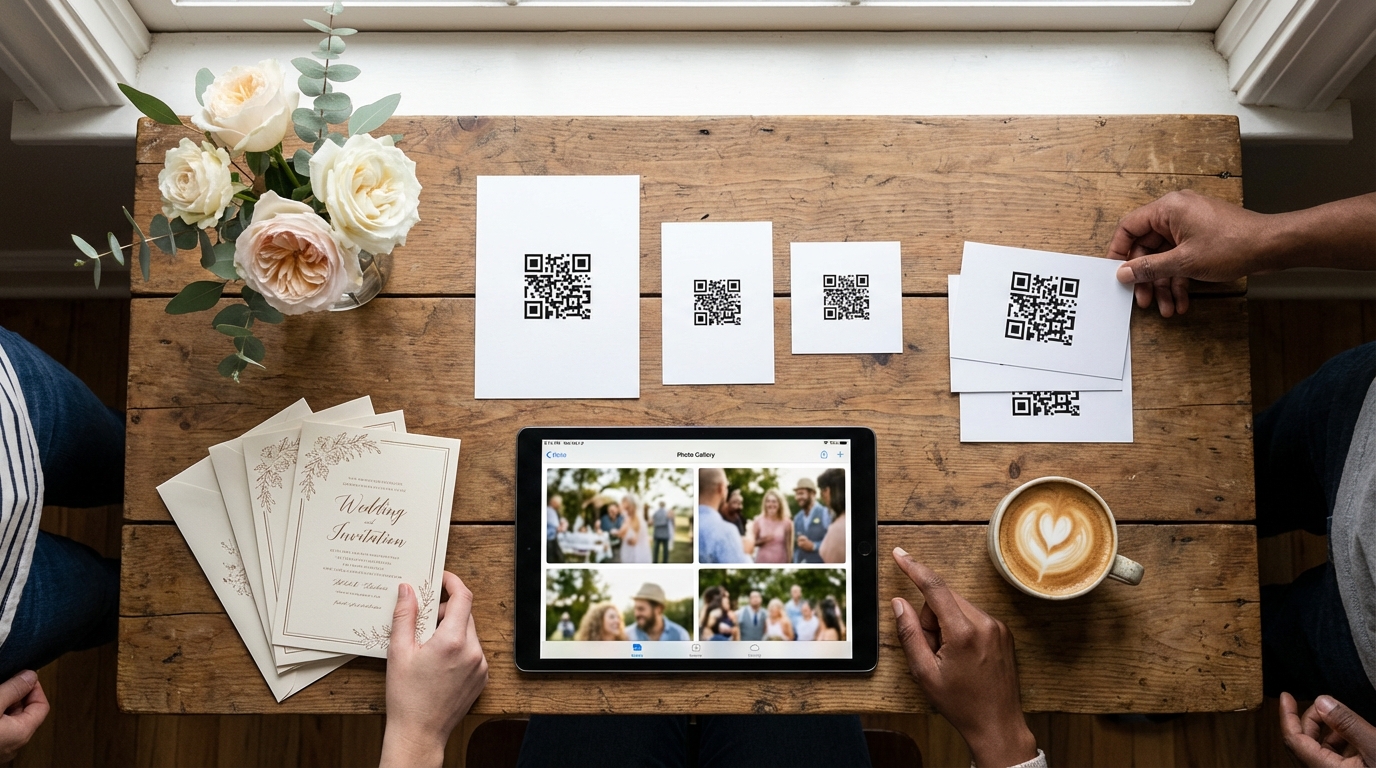
Managing Photos During and After Your Event
The event is live, guests are scanning, and photos are flowing in. Now comes the curation phase—ensuring your gallery tells the story you want to remember.
Real-Time Monitoring
During the event, check your gallery periodically. Most platforms offer mobile-friendly dashboards you can access from your phone while mingling. Watch for upload trends—are guests capturing the ceremony but missing the reception? A gentle announcement ("Don't forget to upload your dinner table photos!") nudges participation without feeling pushy. Some wedding couples check the gallery during cocktail hour, laughing at the getting-ready photos already uploaded by their bridal party.
Moderation in Action
If you've enabled manual moderation, stay vigilant during the first hour. Filter out accidental uploads (screenshots, blurry finger photos) and inappropriate content before guests see it. For corporate events, maintain professional standards by reviewing photos for sensitive information or unapproved branding. Platforms like Guest Clicks offer advanced moderation tools that let you approve batches quickly, keeping the gallery flowing without becoming a full-time job.
Encouraging Participation
Photo sharing snowballs socially. When guests see others uploading, they follow suit. Kickstart this by asking your wedding party or team leaders to upload a few photos early in the event. Their participation models the behavior and populates the gallery with initial content that encourages shy guests to contribute.
Post-Event Curation
Once the last guest departs, your work continues—but happily. Download all photos in bulk (most platforms offer ZIP file exports) to create your master backup. Create themed albums within the gallery: "Ceremony," "Reception," "Candid Moments." Share the final gallery link via email to all attendees, catching those who forgot to upload during the event but want to browse afterward.
Events using QR code photo sharing collect an average of 3-5 times more guest photos than those relying on traditional app-based methods, according to 2026 event technology surveys.
Long-Term Storage
Understand your platform's storage timeline. Free tiers might expire photos after 90 days; premium plans often extend to one year or lifetime access. Regardless of platform promises, download your complete photo archive within a week post-event. Hard drives fail, companies pivot, and your memories deserve multiple backup locations.
For wedding photo collection specifically, consider creating a thank-you message that includes the gallery link. Guests who contributed photos feel appreciated, and those who missed the QR codes get a second chance to view (and upload) memories.
Common Mistakes to Avoid When Using QR Codes for Photos
Even the simplest technology has pitfalls. Learn from these common errors so your event photo collection goes off without a hitch.
The Microscopic QR Code
Nothing kills participation like a code too small to scan. If guests need to squint, lean in, or ask strangers to hold their phone steady, you've lost them. Minimum size for reliable scanning is 2x2 inches for close-up table placement; anything smaller risks frustration. Similarly, placing codes in dimly lit corners or behind glass that creates glare renders them useless.
Skipping the Test Phase
That moment of panic when the bride scans the code and gets a 404 error? Avoid it by testing across multiple devices and operating systems. Android and iPhone handle QR codes differently, and older Samsung models sometimes require specific camera settings. Test in the actual venue lighting—fluorescent conference rooms behave differently than sunny garden parties.
Unclear Purpose
Guests have QR code fatigue. They've scanned codes for menus, Wi-Fi passwords, payment apps, and registration forms. If your signage doesn't explicitly state "Scan to Upload Photos," guests will assume it's for something else entirely. Be direct, be obvious, and repeat the message often.
Hidden Fees and Upload Limits
The worst surprise hits at hour three of your reception: "Upload limit reached. Upgrade to continue." Research storage caps before committing to a platform. Free tiers often cap at 100 photos—fine for dinner parties, disastrous for weddings. Compare premium options that offer unlimited uploads and video support so you're not frantically deleting photos to make room for the cake cutting.
Neglecting Moderation Setup
Uncensored galleries can surprise you. That hilarious photo your college friend uploaded might not be appropriate for your grandmother's viewing. Set up moderation filters before the event starts, and designate a trusted friend or coordinator to monitor uploads if you're busy getting married or presenting awards.
Single Point of Failure
One QR code at the entrance, and nowhere else? Late arrivals miss it. Guests who put their phones away during the ceremony never see it. Distribute codes throughout the venue, and always provide the backup URL for manual entry.
QR codes have become so ubiquitous that 89% of smartphone users in 2026 have scanned one in the past month, making them more familiar than many social media platforms.
By avoiding these pitfalls, you ensure that how to create a QR code for event photos becomes the easiest part of your planning checklist, not a source of day-of stress.
Frequently Asked Questions
Do guests need to download an app to upload photos via QR code?
No, modern QR code photo-sharing platforms work directly in the mobile browser. Guests simply scan the code, and their camera roll opens immediately for photo selection—no app download, no account creation, no friction. This browser-based approach is what makes QR solutions superior to traditional photo-sharing apps that require storage space and registration.
How much does it cost to create a QR code for event photos?
Many platforms offer free tiers for smaller events (typically 50-100 photos). For unlimited photos and video support, premium plans usually range from $29-$99 per event or year. Guest Clicks, for example, offers a free plan and a $49/year premium option with unlimited uploads. Always verify whether "unlimited" truly means unlimited or if there are fair-use caps hidden in the terms.
Can I control which photos appear in my event gallery?
Yes, quality platforms include moderation features. You can choose to manually approve each photo before it goes live, or use auto-approval with the ability to remove photos afterward. This is especially important for corporate events or family-friendly gatherings where you want to maintain professional standards or avoid embarrassing moments reaching the wrong eyes.
What if some guests have older phones that don't scan QR codes well?
Always include a backup option: print the direct URL to your gallery on signage alongside the QR code. Guests with older devices can manually type the short link. Most modern platforms provide a simple, memorable URL for this purpose. Additionally, ensure your signage includes simple instructions for accessing the phone's camera app, as some older models require specific settings to enable QR scanning.
How long will my event photos be stored after the event?
Storage duration varies by platform. Free tiers might offer 30-90 days, while premium plans typically provide 1-year or lifetime access. Always check storage terms before your event and download a backup ZIP file of all photos shortly after the event concludes. Even with "lifetime" storage promises, maintaining your own archive protects against company policy changes or technical issues.
Can I use QR code photo sharing for corporate events with sensitive information?
Absolutely, with proper precautions. Choose platforms offering password protection and private galleries. Enable moderation to review photos before they go live, ensuring no confidential documents or sensitive moments appear in the shared gallery. For team building events or product launches, QR codes actually enhance security by keeping photos within a controlled environment rather than scattered across personal social media accounts.