Digital or Physical Event Photos? How to Choose and Combine Them
Compare browser galleries, film cameras, and instant prints. Plan costs, guest access, privacy, and backups, or combine digital and physical photos.
By Guest Clicks Team · · Updated · 5 min read
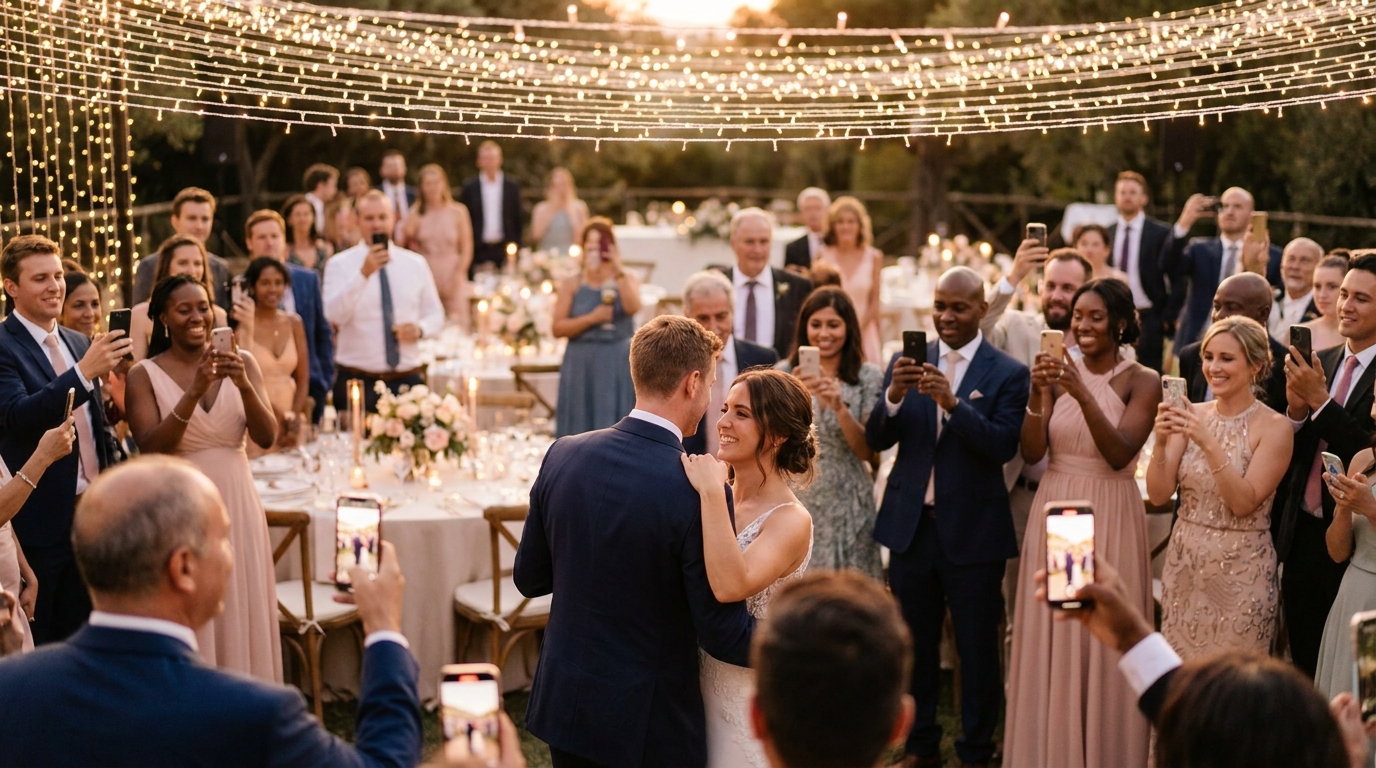
Use digital sharing when your priority is collecting and distributing files. Choose instant prints or film cameras when the physical object is part of the experience. You can combine them: collect phone photos in a shared gallery and use a small print station or a few cameras for a separate guest-book activity.
The right choice depends on what you want to have after the event. An album of files, a box of handwritten prints, and film photographs each require a different plan for collection, cost, and storage.
Compare the work each method requires
| Question | Digital collection | Physical photos |
|---|---|---|
| How do guests contribute? | Open a link or app and upload selected files. | Take a film or instant photo, or leave a print. |
| What does the organizer collect? | Uploads, plus any photos sent separately. | Cameras, film, prints, and guest-book pages. |
| What needs a connection? | Uploads generally need internet access; guests can keep originals and upload later. | Taking a film or instant photo does not need venue Wi-Fi. |
| How are photos shared afterward? | Through gallery access or downloaded files. | By giving away prints or making scans and additional copies. |
| What should be backed up? | The downloaded collection. | Scans of important prints, with originals stored separately. |
Budget for the complete process
For digital sharing, check storage capacity, event duration, video support, download access, and any recurring fee. A plan described as unlimited may still have a storage or file-size limit. Read the actual limits before inviting guests.
For film, price the cameras, developing, scans, prints, delivery, and any minimum order. For instant photographs, include film packs and any guest-book supplies. Use current quotes from the lab or retailer you intend to use rather than assuming a fixed cost per usable picture.
The disposable camera calculator lets you compare your own estimates. Its inputs are planning assumptions, not a quote or a promise about the number of usable photographs.
Match the method to the venue and the guests
A digital link is convenient when guests already have phones with them, but test reception and the full upload process. Keep the written address next to the QR code and provide a fallback for anyone who cannot open it. An app may be suitable when attendees already use it; otherwise, check the installation and sign-in steps before committing.
Film and instant cameras make a deliberate activity. Put clear instructions beside them and check the manufacturer's guidance for flash, distance, and handling. A camera that works well outside may be less forgiving in a dim reception room. Give someone responsibility for collecting equipment before the venue is cleared.
Do not choose a method based only on guests' ages. Familiarity, device access, accessibility needs, and willingness to contribute vary within every group. Ask a few guests to try your proposed setup.
Use a hybrid setup without confusing people
Give each method a clear role. For example, a wedding might use a browser gallery for phone photos and an instant camera beside the guest book. That is a planning example, not a measured customer case study.
- Name one digital destination for phone uploads.
- Explain whether guests should keep an instant print or place it in the book.
- Separate upload signs from camera instructions so each action is clear.
- Assign an organizer to collect physical items and review digital uploads.
- Afterward, scan selected prints and store them with your downloaded files if you want a combined archive.
Think about privacy before distribution
Tell guests who will be able to see their uploads. Use approval controls when you need to review contributions before they appear. At a work event, follow the organization's photography and publicity rules; contributing to an internal album is different from agreeing to an advertising campaign.
A physical print can also contain a private moment. Ask before posting scans publicly, and avoid assuming that a photo's presence in a shared collection settles permission to reuse it.
Make a plan for the week after the event
Collect remaining cameras, arrange processing, review pending uploads, and send a follow-up link to contributors. Download the digital gallery before its access period ends and open a sample of the saved files. Keep a second copy on a separate drive or storage service.
Guest Clicks offers browser uploads through an event link or QR code. Its free plan includes up to 100 photos and 200MB; Premium provides 10GB and one year of event access for $49. See current pricing before choosing a plan. Physical cameras and lab processing are separate purchases.
Common questions
Can I print photos collected digitally?
Yes, provided you have the file and permission to use it. Check its resolution and the print service's requirements for the size you want.
Are disposable cameras better than phone photos?
They produce a different experience and look. Lighting, handling, equipment, and processing affect the result; neither method guarantees a usable picture.
What is the simplest setup?
Start with one tested upload destination. Add a physical-photo activity only when someone can manage its supplies and collect the results.
Continue with the disposable cameras versus QR sharing comparison or the wedding guest photo guide.