Outdoor Festival Photo Management: Complete 2026 Guide
Master outdoor festival photo management with proven strategies for collecting, organizing, and sharing thousands of guest photos seamlessly. No app required.
By Guest Clicks Team · · 11 min read
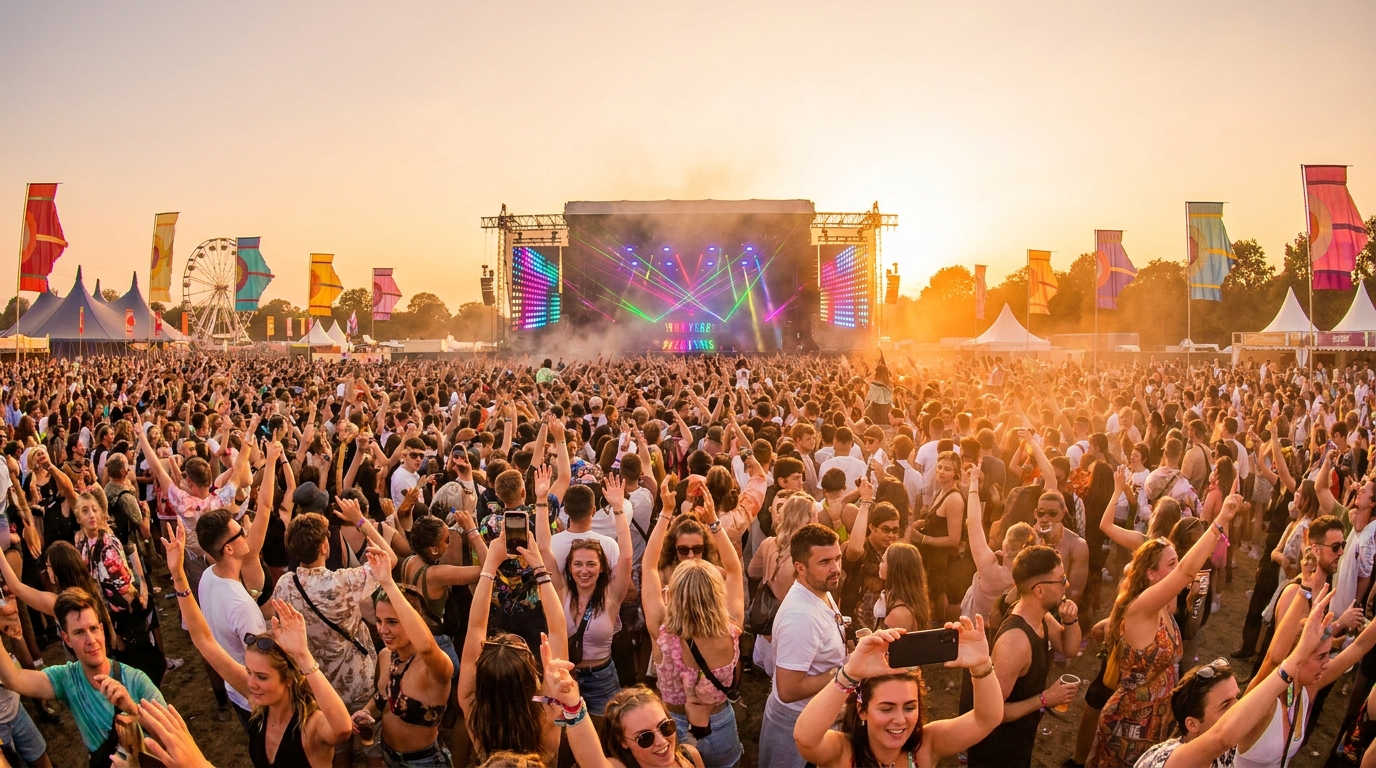
There's nothing quite like the energy of an outdoor festival—the music floating across open fields, the smell of food trucks mixing with fresh air, and thousands of people creating memories they'll want to revisit for years. But if you're organizing one of these events in 2026, you already know that capturing those memories presents unique challenges. Unlike intimate gatherings where you can simply text photos afterward, outdoor festivals require sophisticated photo management strategies that account for scale, connectivity issues, and the diverse tech habits of thousands of attendees. Whether you're planning a three-day music festival, a food and wine celebration, or a community arts gathering, the way you collect and organize photos can make the difference between a scattered handful of images and a comprehensive visual archive that captures the magic of your event.
Why Outdoor Festival Photo Management Requires a Different Approach
When you're managing photos for an outdoor festival, you're not just dealing with a larger guest list—you're navigating an entirely different operational landscape. The scale alone transforms everything about your strategy. While a backyard party might generate fifty photos from enthusiastic friends, a three-day music festival with 5,000 attendees across multiple stages creates an entirely different magnitude of content to organize and archive.
Environmental factors add layers of complexity you don't encounter in controlled indoor venues. Weather conditions affect not just the photography itself but also the devices being used to capture moments. Spotty cell service in remote festival locations can derail upload strategies that rely on constant connectivity. Lighting conditions shift dramatically from afternoon performances to evening headliners, creating diverse image quality that needs to be managed.
Then there's the multi-day complexity. Unlike single-day events where you can collect everything in one batch, festivals unfold across multiple days, stages, and performance areas. Attendees might capture incredible moments at the main stage on Friday evening, then switch to intimate acoustic sets on Saturday afternoon. Without proper organization from the start, these chronological and spatial distinctions get lost in a massive, unnavigable photo dump.
You also face the reality of diverse photographer skill levels. Your collection will include professional event photography alongside casual snapshots from attendees who might be capturing their first festival experience. This range creates moderation challenges—you want to include authentic moments without letting blurry, inappropriate, or duplicate images overwhelm the gallery. For insights on managing community participation, check out our Community Festival Photo Sharing Tips for 2026 Events.
Multi-day festivals benefit enormously from organizing photos by day or stage rather than dumping everything into one massive gallery. This organization helps attendees find specific moments and makes the entire collection more useful for everyone.
The Fatal Flaw of App-Based Festival Photo Sharing
Let's talk about what hasn't worked for festival organizers, because learning from these pitfalls can save you significant headaches. The biggest mistake? Assuming attendees will download a dedicated event app just to share photos. In practice, this creates immediate and often insurmountable friction.
Think about the festival experience from an attendee's perspective. Their phone storage is already strained from recording video clips of performances, navigating maps, and messaging friends to coordinate meetups. The last thing they want is another app consuming precious space for a one-time use. International attendees at destination festivals face additional barriers—their data plans might be limited or expensive, making app downloads something they actively avoid.
From an organizer standpoint, app-based systems create pre-event stress that browser-based solutions eliminate entirely. You don't have to worry about app store approval processes, platform compatibility issues between iOS and Android, or update cycles that might break functionality right before your event. When you're managing vendor coordination, permits, and weather contingencies, the last thing you need is technical troubleshooting for a photo sharing platform.
Browser-based solutions remove these barriers entirely. When attendees can simply scan a QR code and upload directly through their mobile browser, you eliminate the single biggest obstacle to participation. No downloads, no storage concerns, no compatibility issues—just instant photo sharing that works on any device. This approach proves particularly valuable for corporate retreat photo management and large-scale festivals alike, where simplicity drives adoption.
Browser-based photo sharing eliminates the single biggest barrier to participation at outdoor festivals: asking attendees to download yet another app they'll never use again. The simpler the process, the more photos you'll collect.
📱 Share Your Event Photos Instantly
Attending an event using Guest Clicks? Just scan the QR code with your phone camera and upload your best moments. No app needed — it works right in your browser!
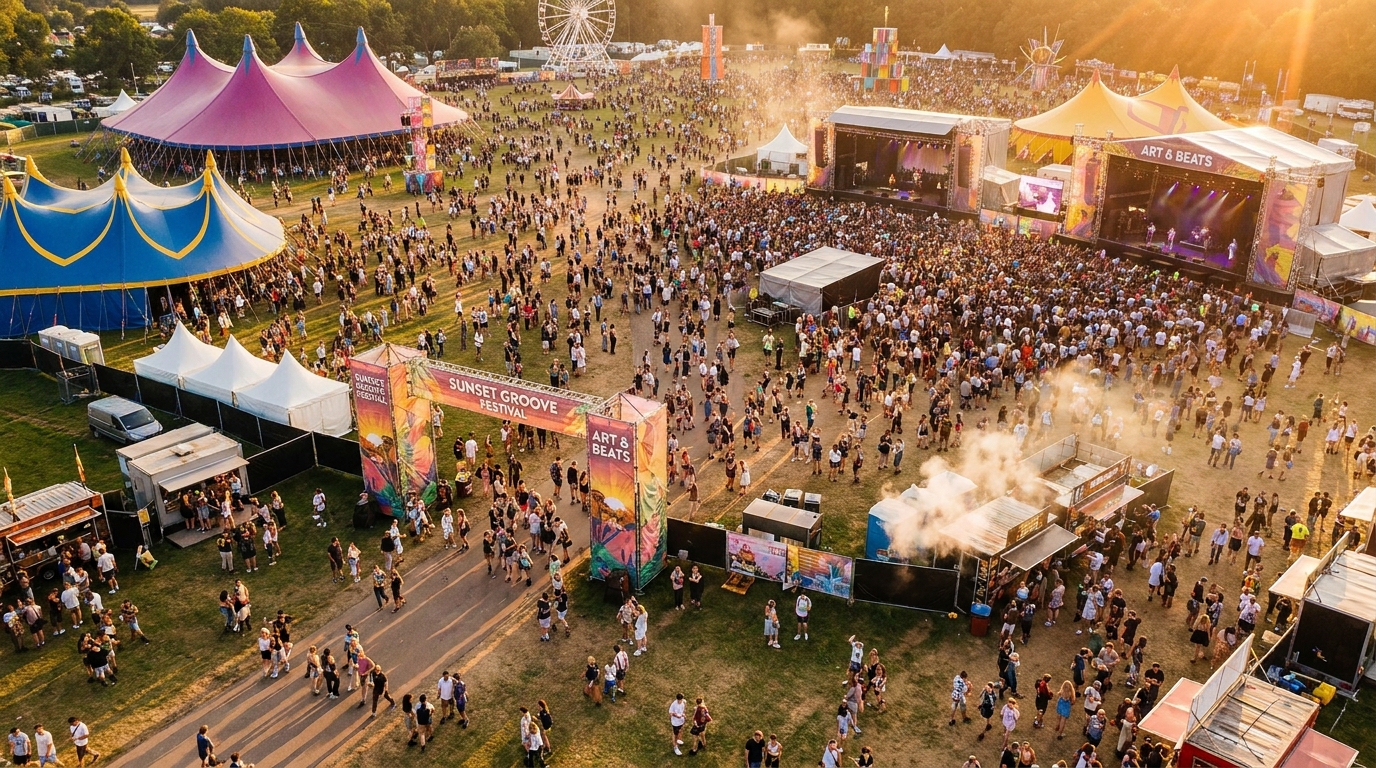
Setting Up Your Festival Photo Collection Infrastructure
Success starts with strategic placement. Your QR codes should appear where attendees naturally gather and feel inspired to share moments. Entry points work well because excitement is high and phones are already in hand. Stage areas, particularly near photo-worthy backdrops or art installations, capture attendees when they're already in a sharing mindset. Food areas present another opportunity—attendees often want to share culinary experiences while they're eating, making quick, friction-free upload options essential.
Signage design requires careful thought. You want visibility without visual clutter that detracts from your festival aesthetic. Consider incorporating QR codes into existing design elements—wristbands, festival maps, stage schedules, or even temporary tattoos. When the QR code becomes part of the festival swag rather than an additional sign, attendees reference it throughout the event naturally.
Creating multiple collection points prevents bottlenecks and increases participation rates. If you only have one upload station or QR code location, you create congestion and missed opportunities. Spread them throughout the venue, particularly near charging stations (where attendees naturally pause) and high-traffic pathways.
Pre-event communication amplifies your success. Include photo sharing instructions in welcome emails, social media posts, and on-site announcements. When attendees know the system exists before they arrive, they're more likely to participate early and often. For additional strategies on preparing attendees, explore our Team Building Event Photo Collection: Complete Guide, which offers transferable principles for large groups.
Managing Photo Uploads During Multi-Day Festival Events
Once your festival is underway, the volume of uploads requires real-time management strategies. Designate team members to monitor uploads during peak hours—typically headliner performances, evening sessions, and immediately following popular acts. This moderation ensures inappropriate content gets filtered quickly while genuine moments get approved for the gallery promptly.
Organization by day, stage, or performance helps attendees navigate thousands of potential images. Create separate event galleries for each festival day or major performance area. This structure prevents the overwhelming feeling of scrolling through an endless photo dump and helps people find specific moments they want to revisit or share.
Connectivity challenges in outdoor venues require practical workarounds. Place your primary QR codes and upload signage in areas with the strongest cell service, typically near venue entrances, infrastructure buildings, or Wi-Fi hotspots if available. Encourage attendees to upload during less congested times rather than only during peak performances when networks are overloaded. Some festivals even benefit from having staff with mobile hotspots positioned at popular photo spots to assist with uploads.
The goal is encouraging participation without creating obligations that feel like work. Photo sharing should enhance the festival experience, not become another task on attendees' to-do lists. When the process feels seamless and rewarding, you'll see higher engagement rates throughout the event.
Post-Festival Photo Organization and Distribution
The festival might end, but your photo management work continues—and this phase offers tremendous value. Bulk download capabilities allow you to create comprehensive archives of the entire event. Downloading all photos as a ZIP file enables you to create highlight reels for social media, promotional materials for next year's event, or archival records for sponsors and stakeholders.
Keeping galleries active for several months post-event serves multiple purposes. Many attendees don't think to download photos immediately; they're recovering from the experience, traveling home, or simply busy. Extended access allows them to revisit memories when nostalgia hits and share with friends who couldn't attend. This continued availability increases satisfaction and builds anticipation for future events.
The photos you collect become marketing gold for next year's festival. User-generated content showing real attendees enjoying themselves carries more authenticity than professional promotional shots alone. With proper permission and moderation, these images can populate your social media, website, and promotional materials throughout the year.
Privacy considerations remain important even after the event ends. Password protection options allow you to control access based on your festival's needs. Public festivals often benefit from open galleries that attendees can share widely, while private or corporate events might require restricted access. For guidance on balancing accessibility with privacy, review our recommendations on Guest Photo Collection Apps With Moderation Tools (2026).
Maximizing Attendee Participation in Festival Photo Sharing
Getting attendees to actually use your photo collection system requires more than just placing QR codes around the venue. Clear, simple instructions that work for all age groups and tech comfort levels are essential. Avoid jargon or complicated steps—if a grandparent can't figure it out in ten seconds, you'll lose a segment of your audience.
Incentivizing participation through contests, featured photo displays, or giveaways creates excitement around sharing. Consider displaying a live photo feed on screens near main stages so attendees see their photos appear in real-time. This visibility creates a snowball effect—when people see others participating, they're significantly more likely to contribute their own images.
The most successful festival photo collections come from making the upload process visible and social rather than hidden. When attendees see their photos appearing on screens or know others are participating, they're significantly more likely to contribute their own images.
Training staff and volunteers to encourage and assist with photo uploads extends your reach. Brief volunteers at information booths on how to help attendees scan QR codes and troubleshoot basic upload issues. When friendly faces actively invite participation rather than hoping people notice signs, participation rates jump dramatically.
For weddings and similar celebrations that share DNA with festival planning (multiple locations, diverse guest lists, high emotion), our Best QR Photo Sharing App for Weddings 2026 | Complete Guide offers additional insights on maximizing guest engagement that translate well to festival environments.
Remember that different festival types require different approaches. A food festival might emphasize quick uploads between tastings, while a music festival might focus on capturing performance highlights. Tailor your strategy to your specific audience and event type for maximum impact.
Frequently Asked Questions
How do you collect photos from festival attendees without requiring an app?
QR code-based systems allow attendees to scan a code with their phone's camera and upload photos directly through their browser without downloading anything. This eliminates the friction of app downloads while working on any smartphone.
What's the best way to organize photos from a multi-day outdoor festival?
Create separate event galleries for each day or major stage area, allowing attendees to navigate to specific performances or time periods. This organization makes large photo collections manageable and helps people find the moments they care about most.
How do you handle poor cell service at outdoor festival venues?
Place QR codes and photo upload signage in areas with the strongest connectivity, typically near venue entrances or infrastructure buildings. Encourage attendees to upload photos during less congested times rather than only during peak performances when networks are overloaded.
Should festival photo galleries be password protected?
Password protection is recommended for private festivals or corporate events, but public festivals often benefit from open galleries that allow attendees to share links widely. The choice depends on your festival's privacy needs and marketing goals.
How long should you keep festival photo galleries active after the event?
Keep galleries active for at least 3-6 months post-event to allow attendees time to revisit memories and share with friends. Many attendees don't think to download photos immediately, and extended access increases satisfaction and engagement for future events.